ESP32 simulator in your browser
Argynix Lab runs ESP32 projects in your browser: Arduino sketches on every ESP32 board, and ESP-IDF projects with app_main() and FreeRTOS on the ESP32 DevKits. Wire sensors, displays and NeoPixels on the bench and press Run.
Wi-Fi works: a sketch joins the Lab's network and gets an address, a sketch that serves a web page shows it on the phone at the foot of the bench, and the ArgynixCloud library sends readings to ARGYNIX Cloud and takes commands back.
The ESP32 boards run on the Lab's virtual board, labelled Lab virtual on screen. To check against the chip itself, an ESP32 sketch can also run its real firmware in Espressif's QEMU on the build service, with its serial output in the console and its output pins lighting the bench's LEDs.
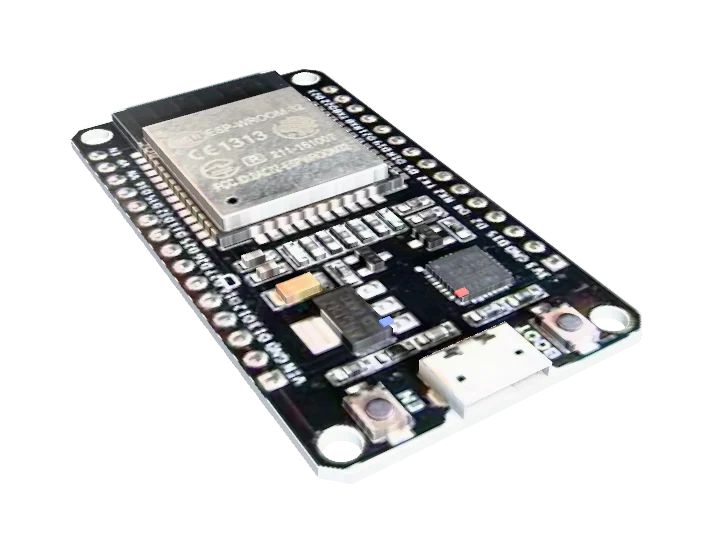
Boards (19)
Each says whether it runs the exact chip or the Lab's virtual board.
ESP32 DevKit V1
ESP32 · 240 MHz
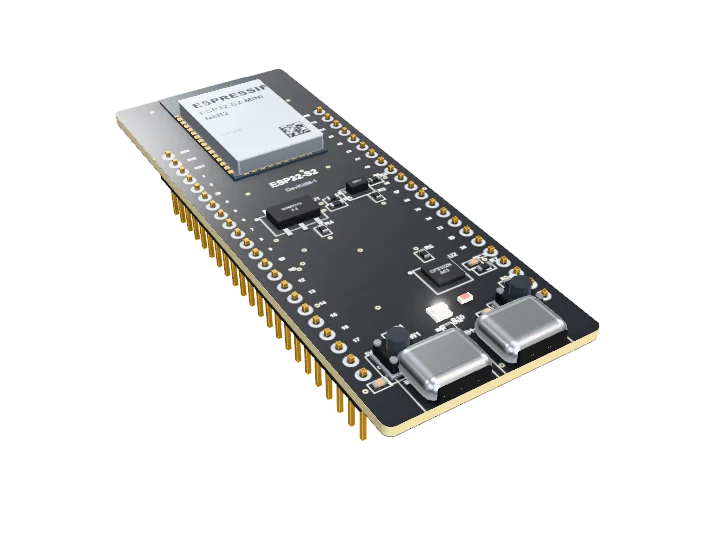
ESP32-S2 DevKitM-1
ESP32-S2 · 240 MHz
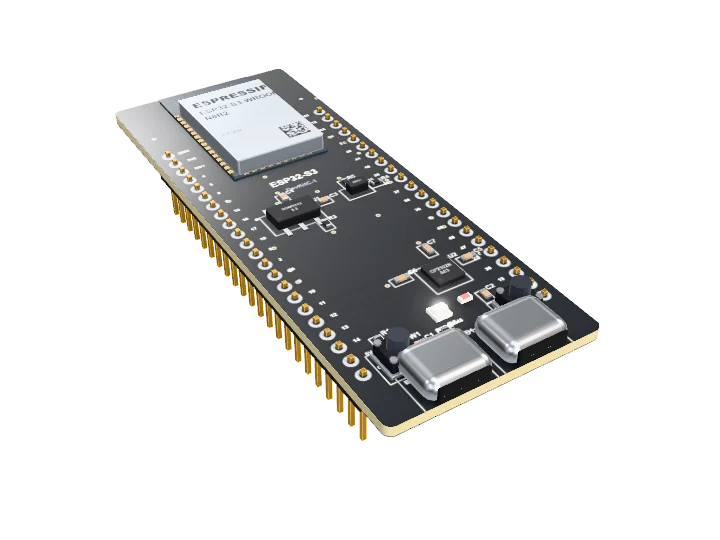
ESP32-S3 DevKitC-1
ESP32-S3 · 240 MHz
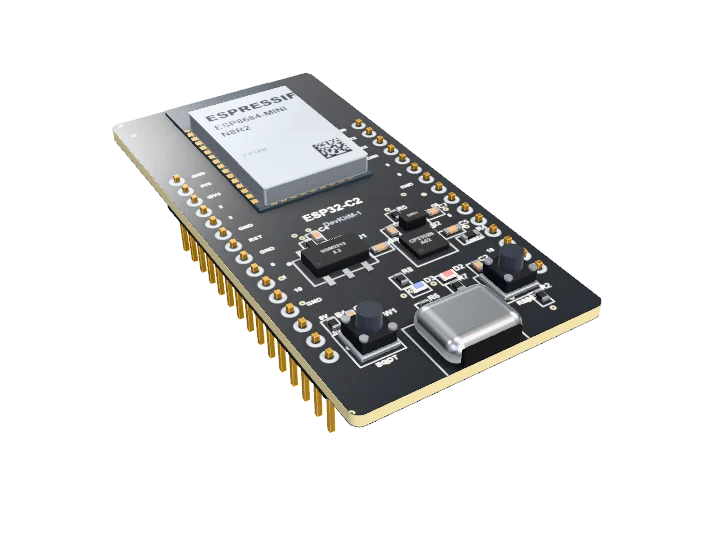
ESP32-C2 DevKitM-1
ESP32-C2 (ESP8684) · 120 MHz
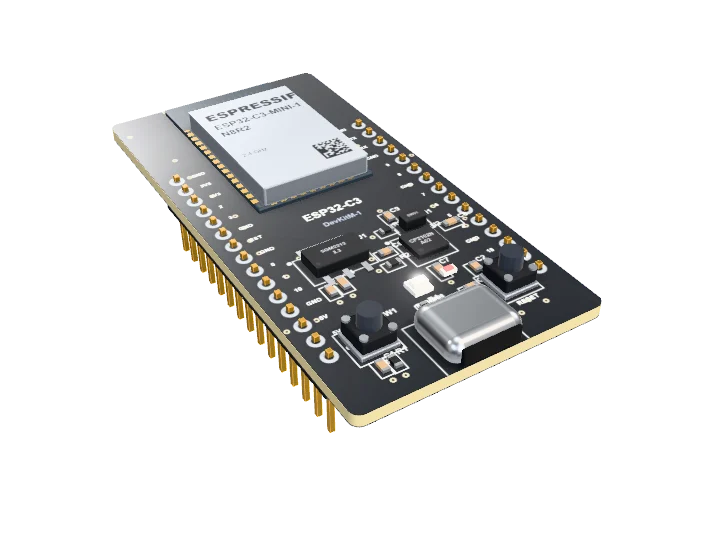
ESP32-C3 DevKitM-1
ESP32-C3 · 160 MHz
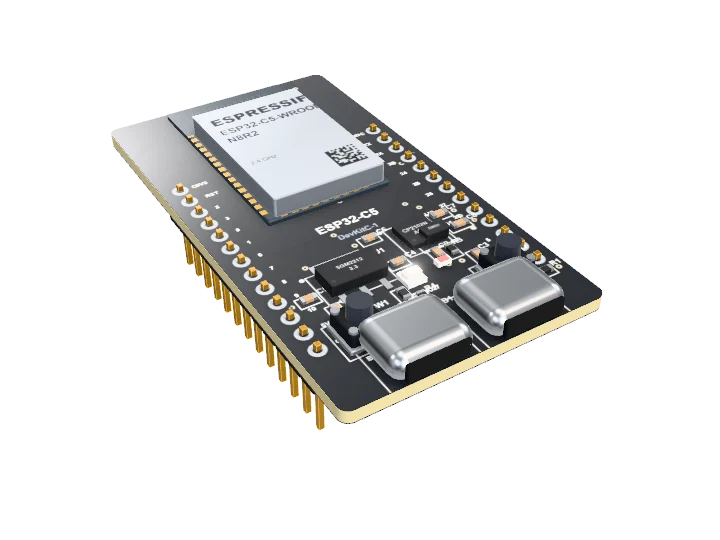
ESP32-C5 DevKitC-1
ESP32-C5 · 240 MHz
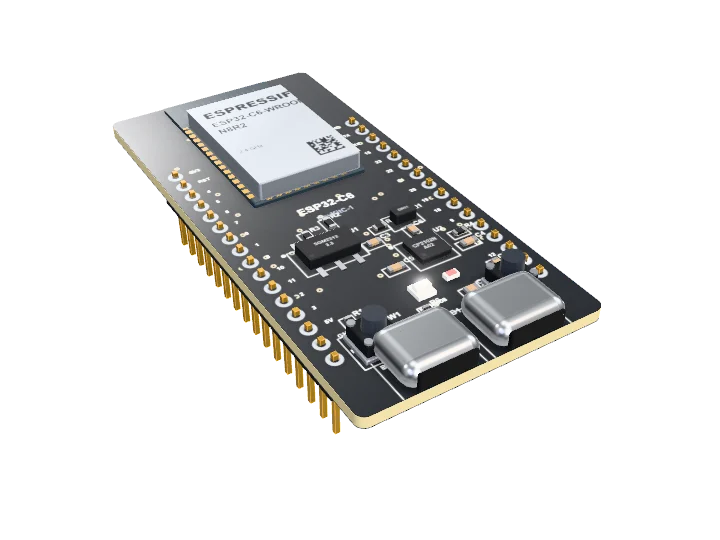
ESP32-C6 DevKitC-1
ESP32-C6 · 160 MHz
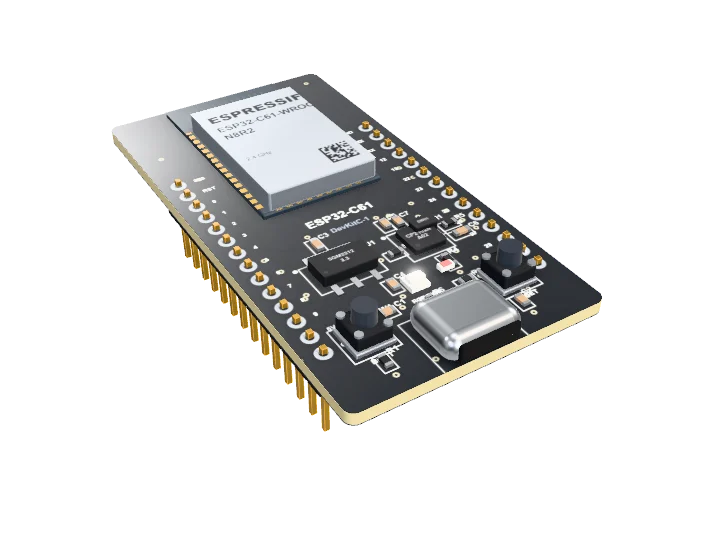
ESP32-C61 DevKitC-1
ESP32-C61 · 160 MHz
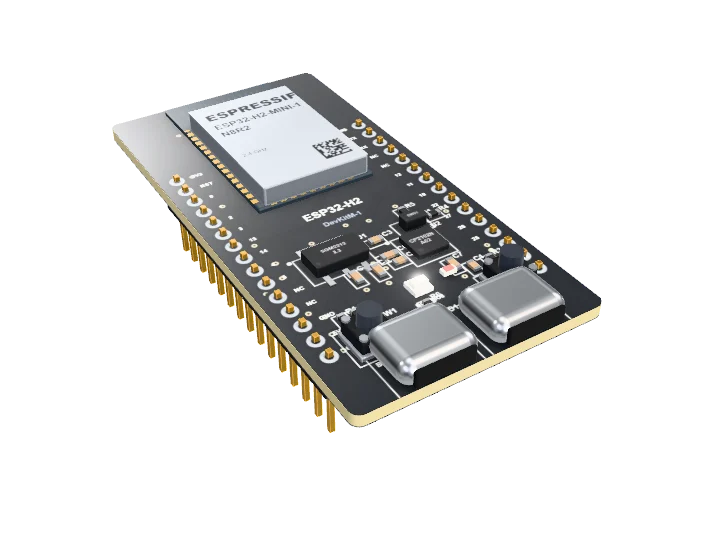
ESP32-H2 DevKitM-1
ESP32-H2 · 96 MHz
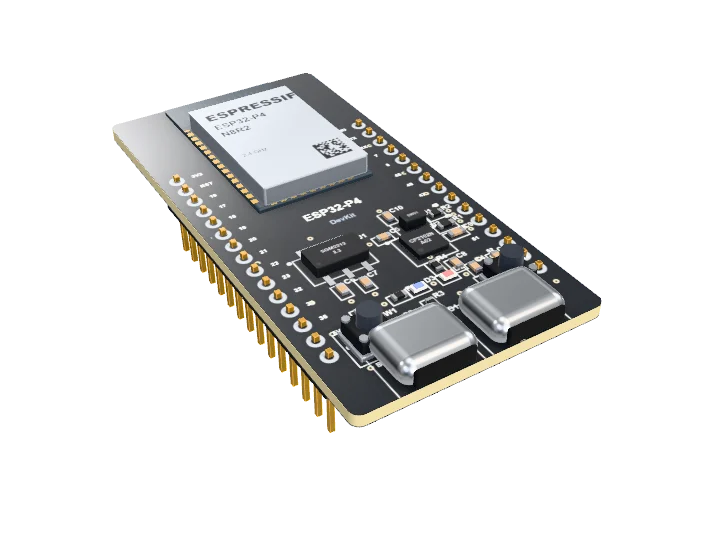
ESP32-P4 DevKit
ESP32-P4 · 360 MHz
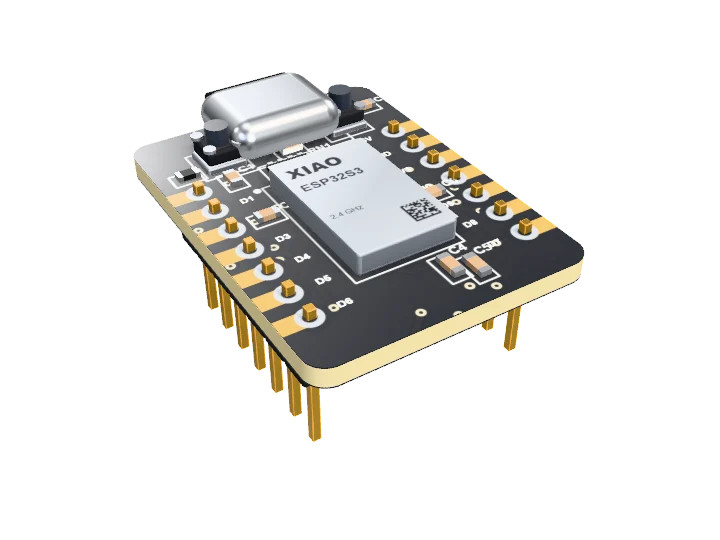
Seeed XIAO ESP32S3
ESP32-S3 · 240 MHz
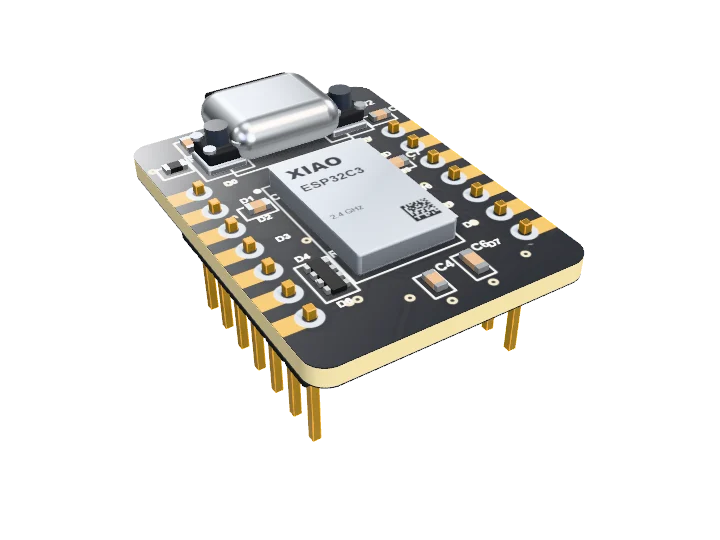
Seeed XIAO ESP32C3
ESP32-C3 · 160 MHz
And 7 more on the boards page.
Examples that run as they open
Two ESP32s over ESP-NOW
ESP32 1 sends its button over ESP-NOW to every board (FF:FF:FF:FF:FF:FF); ESP32 2 lights its LED while it is held. Each board prints its own MAC: to send to one board, put its MAC in the sender (or set the receiver’s MAC in its settings).
Two ESP32s over Bluetooth LE
ESP32 1 is a BLE server with a knob, notified to whoever subscribes; ESP32 2 scans for its service, connects, subscribes, and dims its LED to the knob. The bench’s phone can connect to ESP32 1 too.
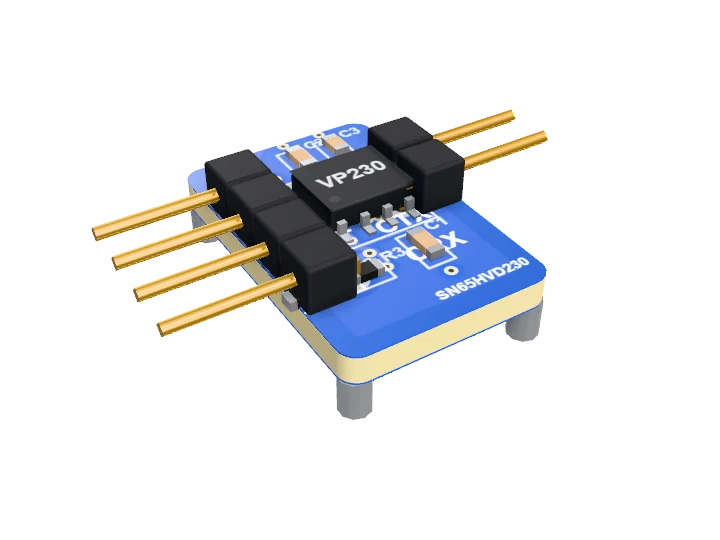
ESP32 TWAI and Uno MCP2515 on CAN
The ESP32’s own CAN controller (TWAI, driver/twai.h) through an SN65HVD230 transceiver, and an Uno with an MCP2515, on one pair at 500 kbit/s. The ESP32 sends its knob; the Uno dims its LED to it and answers how many it has had.
ESP32-S3: RGB LED
The S3 DevKitC-1’s own RGB LED (GPIO48) through the colours with rgbLedWrite().
ESP32-C3: button and RGB LED
A button on GPIO 4 steps the C3 DevKitM-1’s RGB LED through colours.
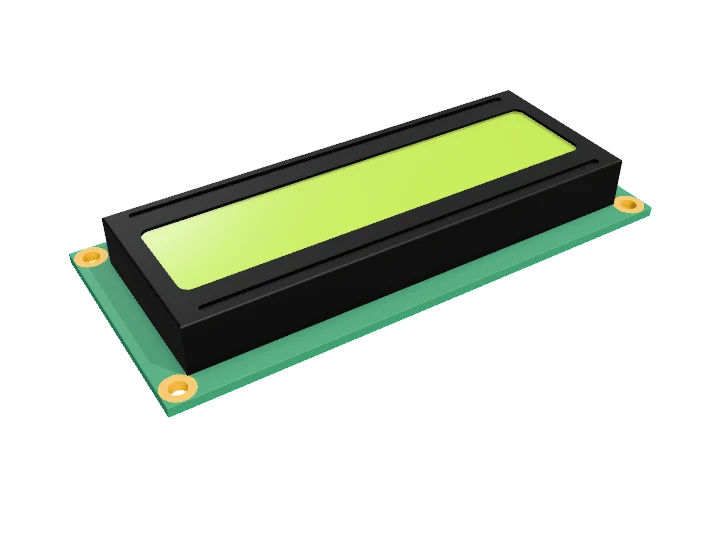
ESP32-H2: LCD, no Wi-Fi
The H2 has BLE and Thread, no Wi-Fi: an I2C LCD on SDA 12, SCL 22 counts up.
ESP32: blink and fade
The blue LED on GPIO 2 blinks; an LED on GPIO 4 fades with LEDC PWM.
ESP32: weather to the cloud
Wi-Fi, a DHT22 and an I2C LCD; readings to ARGYNIX Cloud, its LED switched from Connect.
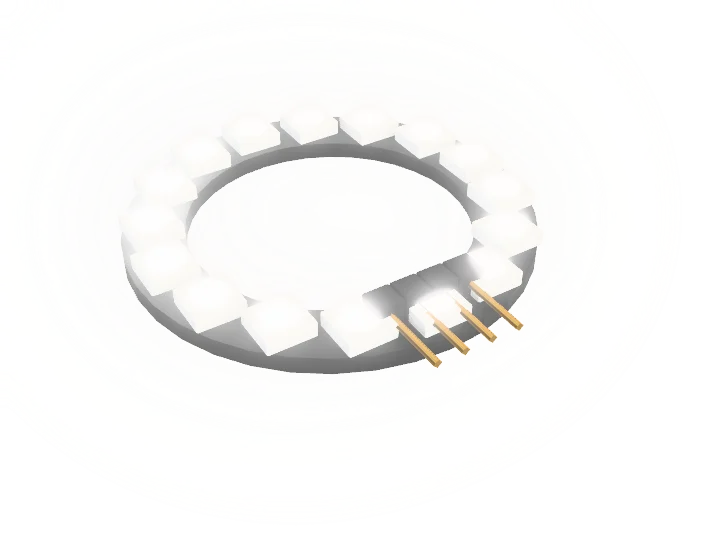
ESP32: NeoPixel rainbow
A 16-pixel ring on GPIO 5 runs a rainbow with Adafruit_NeoPixel.
What ESP-IDF code can use
Simulated works against the parts on the bench; partly runs with the limit noted; not simulated stops the build and says so.
| Library | What it does | In the Lab |
|---|---|---|
Tasks #include "freertos/task.h" | Tasks, delays, priorities and notifications. | Simulated |
Queues #include "freertos/queue.h" | Queues between tasks and from interrupts. | Simulated |
Semaphores and mutexes #include "freertos/semphr.h" | Binary and counting semaphores, mutexes. | Simulated |
Event groups #include "freertos/event_groups.h" | Bits that tasks wait on. | Simulated |
Software timers #include "freertos/timers.h" | One-shot and periodic timers on the timer task. | Simulated |
Logging #include "esp_log.h" | ESP_LOGI and the rest, with the tick time and tag, to the Serial tab. | Simulated |
Errors and checks #include "esp_check.h" | esp_err_t, ESP_ERROR_CHECK (it stops the program, as on the chip). | Simulated |
System #include "esp_system.h" | esp_restart, the reset reason, free heap. | Simulated |
Chip information #include "esp_chip_info.h" | The chip, its cores and features; esp_flash, esp_mac and esp_random beside it. | Simulated |
High-resolution timer #include "esp_timer.h" | esp_timer callbacks and the microsecond clock. | Simulated |
Sleep #include "esp_sleep.h" | Deep sleep (the program starts again, RTC memory kept) and light sleep, woken by a timer or a pin. | Simulated |
NVS #include "nvs_flash.h" | Key-value storage that survives restarts and deep sleep. | Simulated |
Task watchdog #include "esp_task_wdt.h" | Flags a task that hogs the core for 5 s. | Simulated |
GPIO #include "driver/gpio.h" | Pins, pulls, and interrupts through the ISR service. | Simulated |
LEDC #include "driver/ledc.h" | PWM, with hardware fades and their callback. | Simulated |
ADC oneshot #include "esp_adc/adc_oneshot.h" | Readings with each attenuation’s range, and calibration to millivolts. | Simulated |
I2C master #include "driver/i2c_master.h" | The I2C master driver (v5.2 and later), to the bench’s I2C parts. | Simulated |
General-purpose timer #include "driver/gptimer.h" | Counters with alarms and their callbacks. | Simulated |
UART #include "driver/uart.h" | UART reads and writes. | Partly |
TWAI (CAN) #include "driver/twai.h" | The ESP32’s own CAN controller, through a transceiver on the bench (SN65HVD230): to MCP2515 modules and other ESP32s. | Simulated |
ESP-NOW #include "esp_now.h" | Frames between the bench’s ESP32 boards: peers, to a MAC or to all, the callbacks. | Simulated |
LED strip #include "led_strip.h" | The board’s RGB LED and NeoPixels, as the led_strip component drives them. | Simulated |
Wi-Fi #include "esp_wifi.h" | Station mode: scan, connect, an IP, with esp_event and esp_netif. | Partly |
ARGYNIX Cloud #include "argynix_cloud.h" | Readings to ARGYNIX Cloud and commands back, with Live in Cloud. | Simulated |
SPI master and slave #include "driver/spi_master.h" | The build stops at its #include and says it is not simulated. | Not simulated |
RMT #include "driver/rmt_tx.h" | The build stops at its #include and says it is not simulated. | Not simulated |
I2S #include "driver/i2s_std.h" | The build stops at its #include and says it is not simulated. | Not simulated |
Touch pads #include "driver/touch_pad.h" | The build stops at its #include and says it is not simulated. | Not simulated |
MCPWM #include "driver/mcpwm_prelude.h" | The build stops at its #include and says it is not simulated. | Not simulated |
Pulse counter #include "driver/pulse_cnt.h" | The build stops at its #include and says it is not simulated. | Not simulated |
HTTP client and server #include "esp_http_client.h" | The build stops at its #include and says it is not simulated. | Not simulated |
OTA updates #include "esp_https_ota.h" | The build stops at its #include and says it is not simulated. | Not simulated |
MQTT #include "mqtt_client.h" | The build stops at its #include and says it is not simulated. | Not simulated |
Sockets (lwIP) #include "lwip/sockets.h" | The build stops at its #include and says it is not simulated. | Not simulated |
Bluetooth and NimBLE #include "esp_bt.h" | The build stops at its #include and says it is not simulated. | Not simulated |
SPIFFS and FAT #include "esp_spiffs.h" | The build stops at its #include and says it is not simulated. | Not simulated |
Questions
Does the ESP32 simulator support Wi-Fi?
Yes. WiFi.h joins the Lab's network and the board gets an IP address; a web server sketch is opened on the bench's phone, and the ArgynixCloud library reaches ARGYNIX Cloud. Other network connections are not simulated.
Can I use ESP-IDF instead of Arduino?
Yes, on the ESP32 DevKits: app_main(), FreeRTOS tasks, queues, semaphores and timers, GPIO, LEDC, ADC, I2C, NVS, the LED strip driver and ESP_LOG, with each component marked as simulated, partly simulated or not simulated.
Is it the real ESP32?
The ESP32 boards run on the Lab's virtual board and say so on screen. An ESP32 sketch can also run its real firmware in Espressif's QEMU on the build service; that run shows the serial port and the output pins, digitalWrite and PWM (the LEDs on them); inputs and Wi-Fi do not reach it.
Is Argynix Lab free?
Yes. Every board, part and example is free to use, without an account; your projects stay in your browser. A free ARGYNIX account keeps up to 10 projects in the cloud. The Pro and Team plans add more projects and saved versions, private sharing and priority builds.
Can I flash a real board from the browser?
Yes. With Chrome or Edge on a computer, the Lab writes the program to a real Arduino, ESP32, STM32 or Raspberry Pi Pico over USB (Web Serial), or saves a UF2 file for the Pico.
Is Argynix Lab an alternative to Wokwi or Tinkercad Circuits?
Yes, it is in the same family: it simulates microcontroller projects in the browser. What the Lab brings: Arduino, ESP-IDF, STM32 HAL and MicroPython projects in one place, exact AVR and RP2040 chips, a 3D bench, flashing a real board from the browser, and a running project that sends readings to ARGYNIX Cloud.