ESP32-C3: button and RGB LED
A button on GPIO 4 steps the C3 DevKitM-1’s RGB LED through colours.
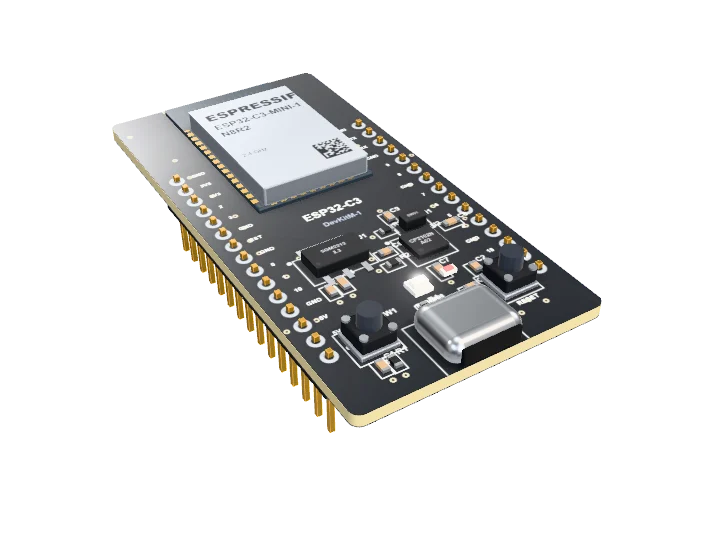
The code
// ESP32-C3 DevKitM-1: a button on GPIO 4 (to GND) steps its RGB LED (GPIO8) through colours.
const int BUTTON = 4;
const uint8_t colours[][3] = {{0, 0, 0}, {255, 0, 0}, {0, 255, 0}, {0, 0, 255}, {255, 255, 255}};
int colour = 0;

void setup() {
  Serial.begin(115200);
  pinMode(BUTTON, INPUT_PULLUP);
}

void loop() {
  static bool was = HIGH;
  bool now = digitalRead(BUTTON);
  if (was == HIGH && now == LOW) {
    colour = (colour + 1) % 5;
    rgbLedWrite(RGB_BUILTIN, colours[colour][0], colours[colour][1], colours[colour][2]);
    Serial.printf("colour %d\n", colour);
  }
  was = now;
  delay(10);
}
More like this
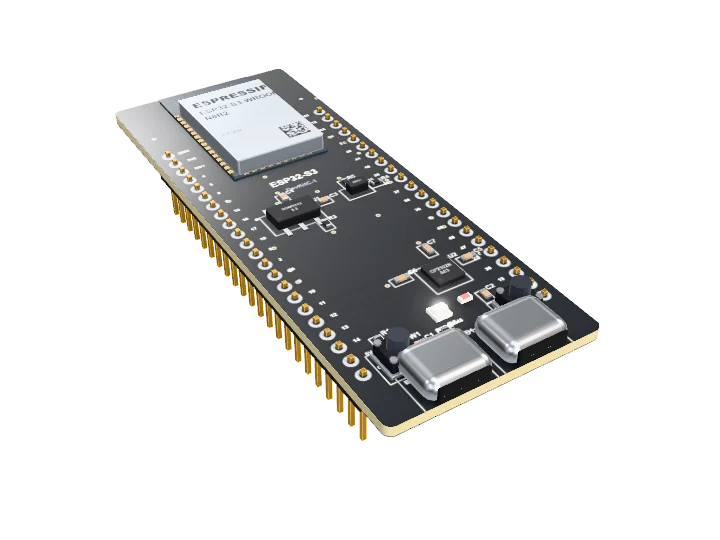
ESP32-S3: RGB LED
The S3 DevKitC-1’s own RGB LED (GPIO48) through the colours with rgbLedWrite().
ArduinoESP32-S3 DevKitC-1
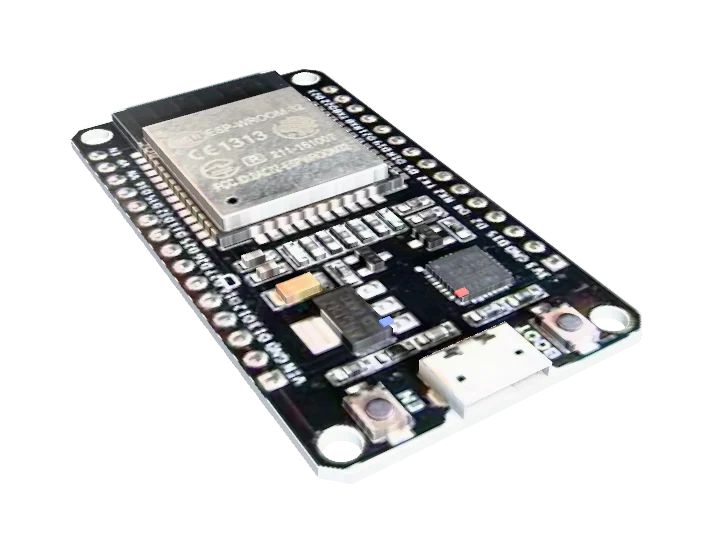
ESP32: blink and fade
The blue LED on GPIO 2 blinks; an LED on GPIO 4 fades with LEDC PWM.
ArduinoESP32 DevKit V1
Web switch on a hotspot
The ESP32 starts its own Wi-Fi (softAP) and serves a page with ON and OFF buttons for an LED. Join it from the phone.
ArduinoESP32 DevKit V1