Arduino simulator in your browser
Argynix Lab runs Arduino sketches in your browser. Write setup() and loop(), wire parts on the bench and press Run: the Lab builds the sketch with the Arduino core on its build service and runs it, with the serial monitor, a plotter and a logic analyzer beside it.
The Uno, Nano, Mega and Pro Mini are the real ATmega328P and ATmega2560, instruction by instruction, so timers, interrupts, PWM and the serial port behave as they do on the board. The same sketch also runs on the ESP32, Raspberry Pi Pico, STM32 and Uno R4 boards.
Boards (34)
Each says whether it runs the exact chip or the Lab's virtual board.
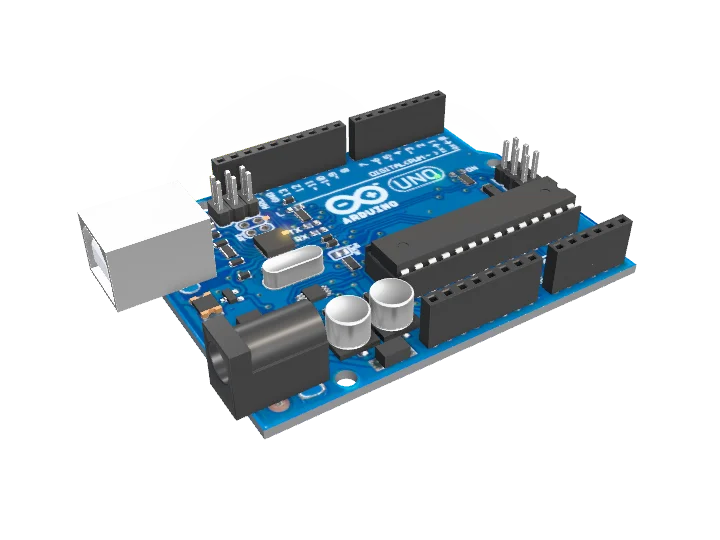
Arduino Uno
ATmega328P · 16 MHz
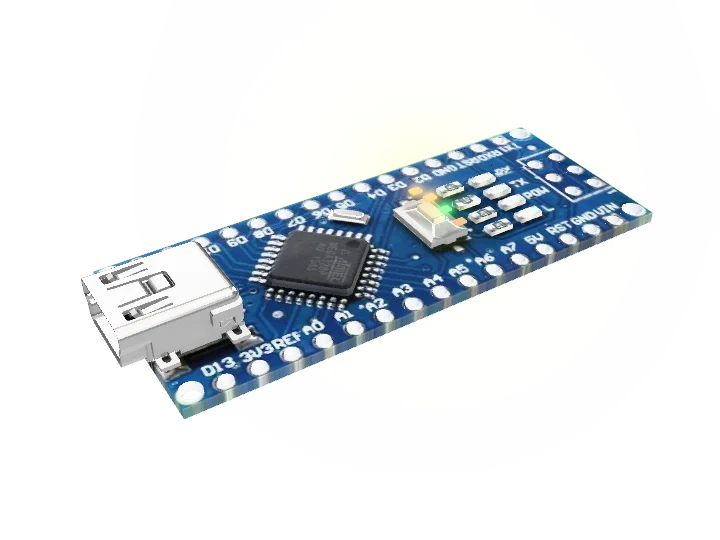
Arduino Nano
ATmega328P · 16 MHz
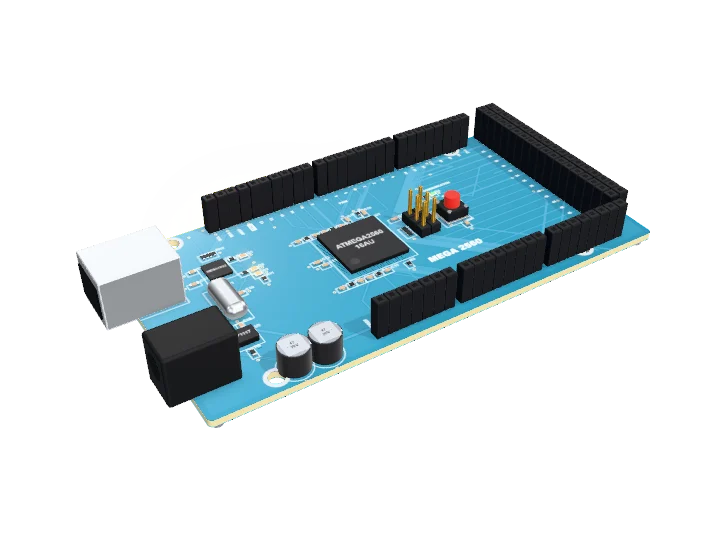
Arduino Mega 2560
ATmega2560 · 16 MHz
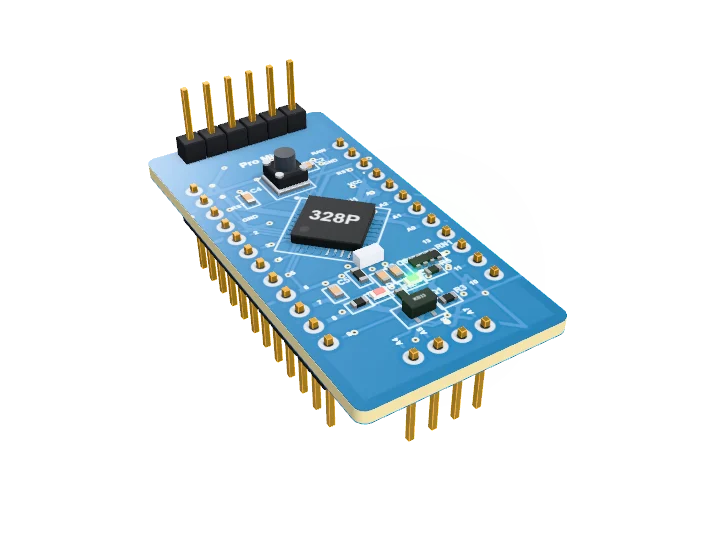
Arduino Pro Mini
ATmega328P · 16 MHz
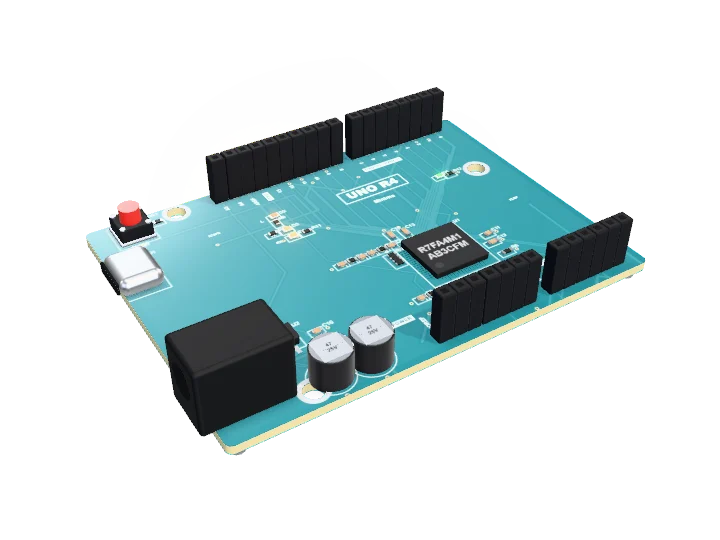
Arduino Uno R4 Minima
Renesas RA4M1 · 48 MHz
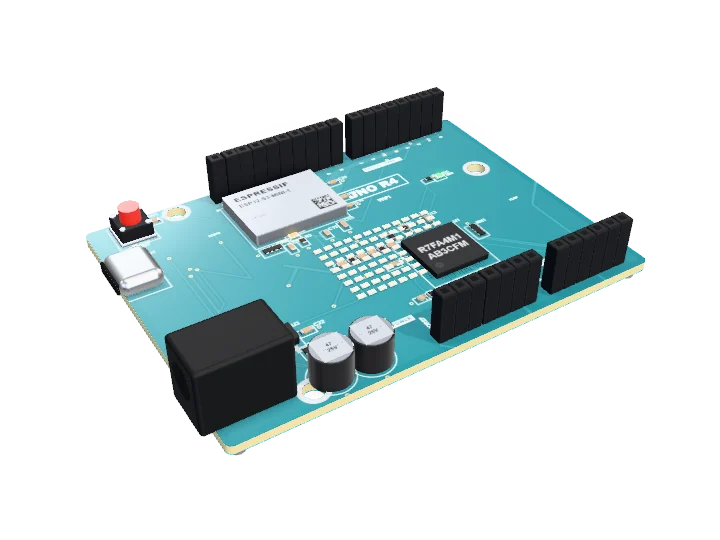
Arduino Uno R4 WiFi
Renesas RA4M1 · 48 MHz
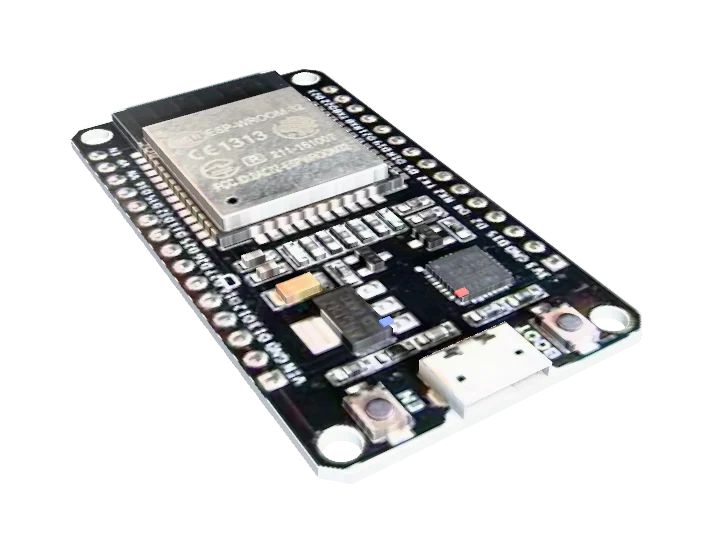
ESP32 DevKit V1
ESP32 · 240 MHz
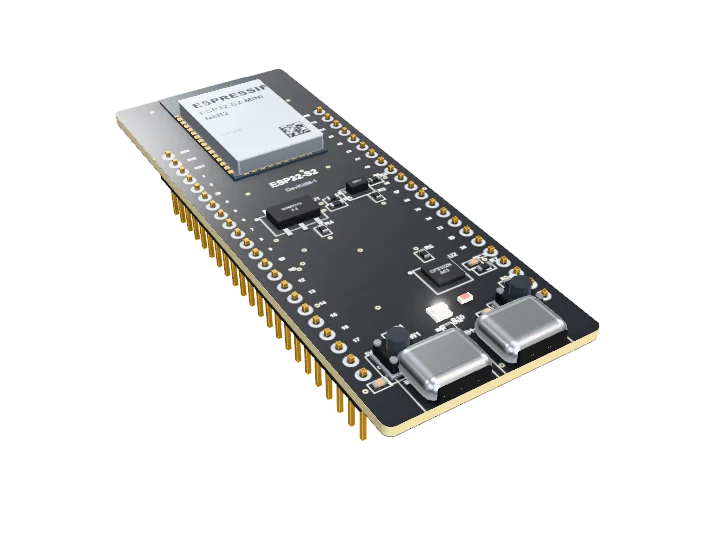
ESP32-S2 DevKitM-1
ESP32-S2 · 240 MHz
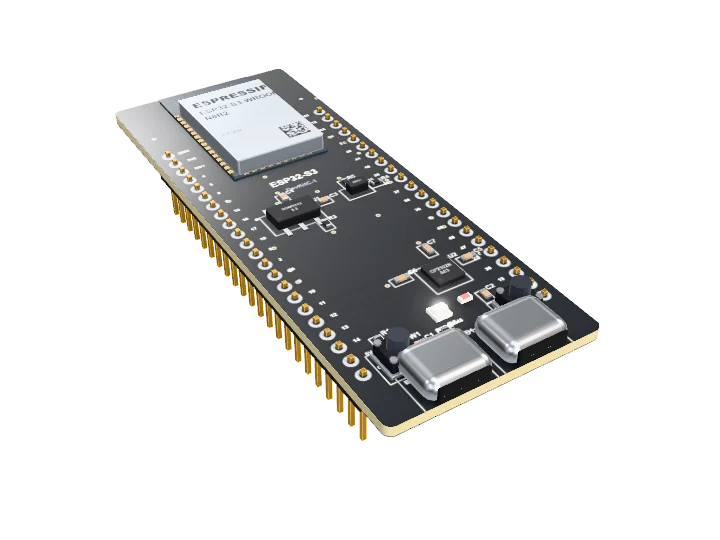
ESP32-S3 DevKitC-1
ESP32-S3 · 240 MHz
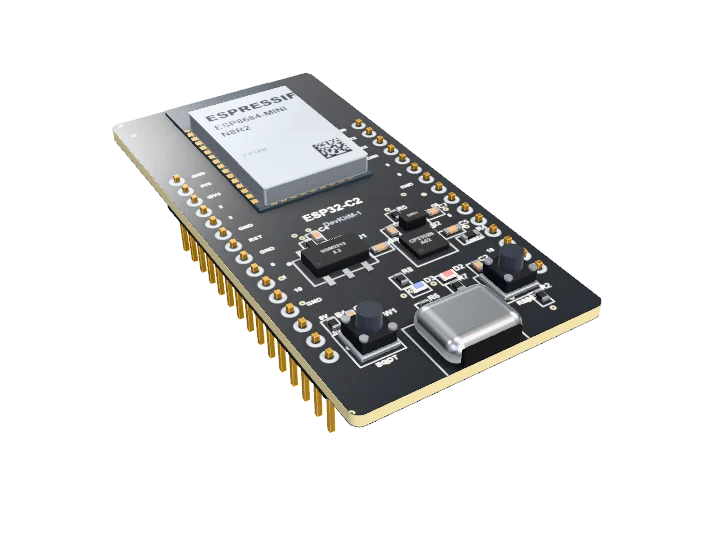
ESP32-C2 DevKitM-1
ESP32-C2 (ESP8684) · 120 MHz
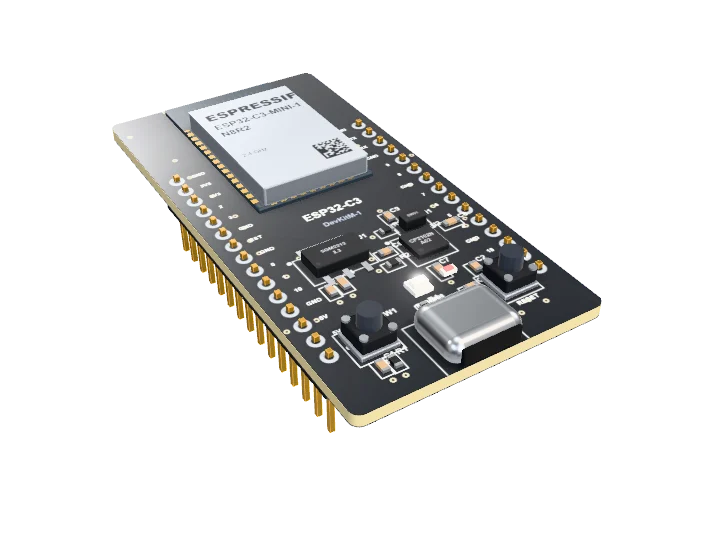
ESP32-C3 DevKitM-1
ESP32-C3 · 160 MHz
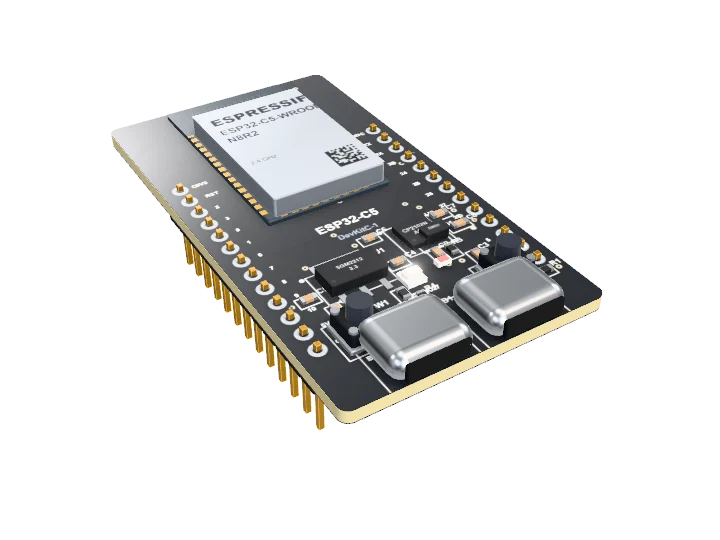
ESP32-C5 DevKitC-1
ESP32-C5 · 240 MHz
And 22 more on the boards page.
Examples that run as they open
Blink
An LED on pin 13, on and off every half second.
Button and LED
Hold the button and the LED lights; the serial port says so.
Fade (PWM)
analogWrite() on pin 9: the LED breathes.
Knob to Plotter
Turn the potentiometer; analogRead() follows it. Open the Plotter.
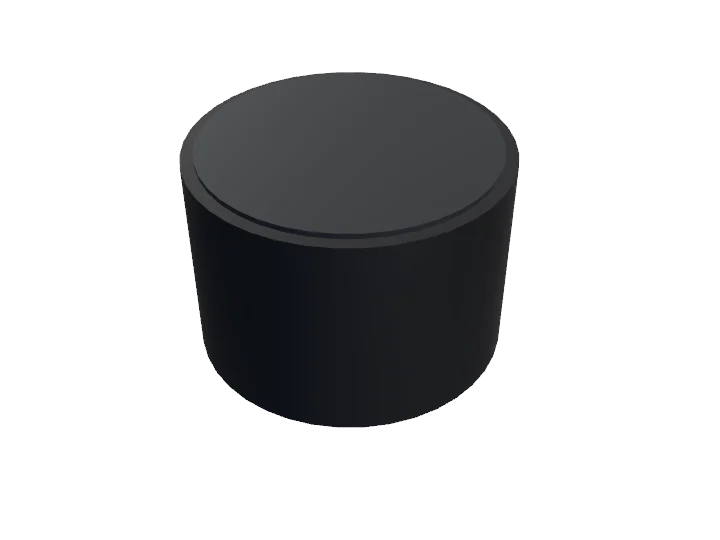
Melody
tone() on pin 8 plays a scale. Turn the sound on to hear it.
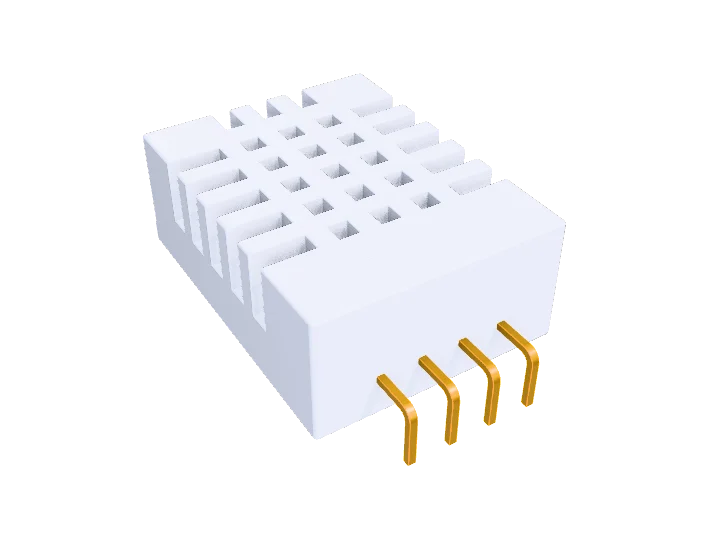
Live in ARGYNIX Cloud
A DHT22 sends to your Connect dashboards; Connect switches the LED.
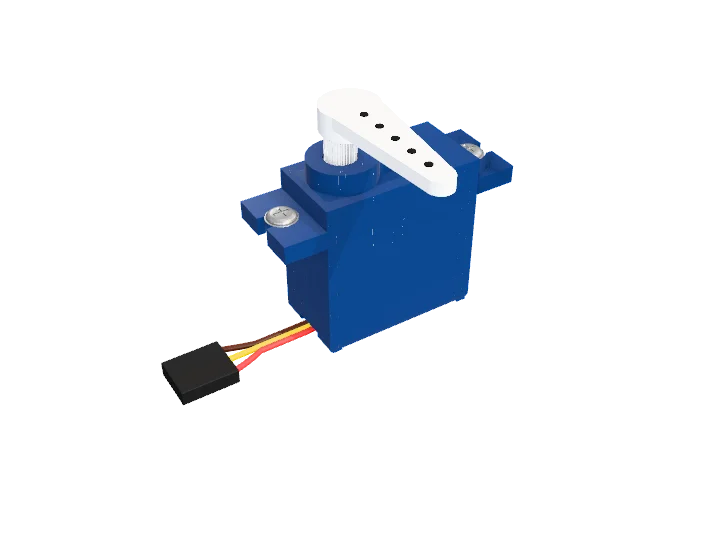
Servo sweep
The Servo library on pin 9: the horn sweeps 0° to 180° and back.
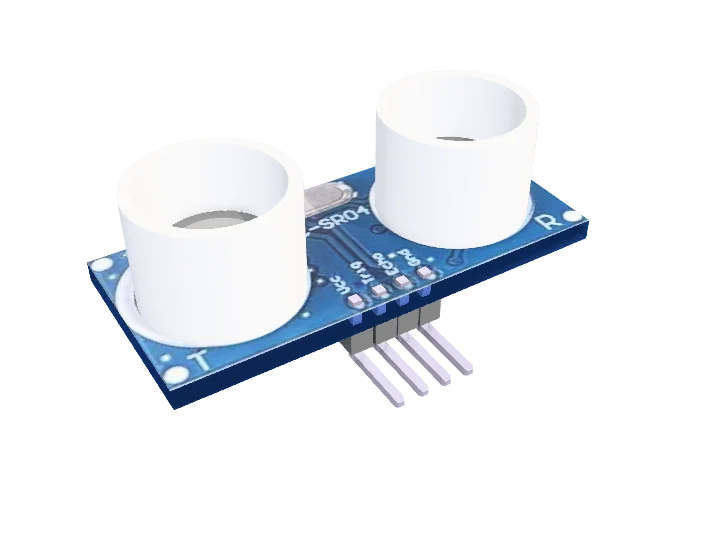
Distance (HC-SR04)
An ultrasonic echo timed with pulseIn(). Set the distance in the inspector.
Weather station
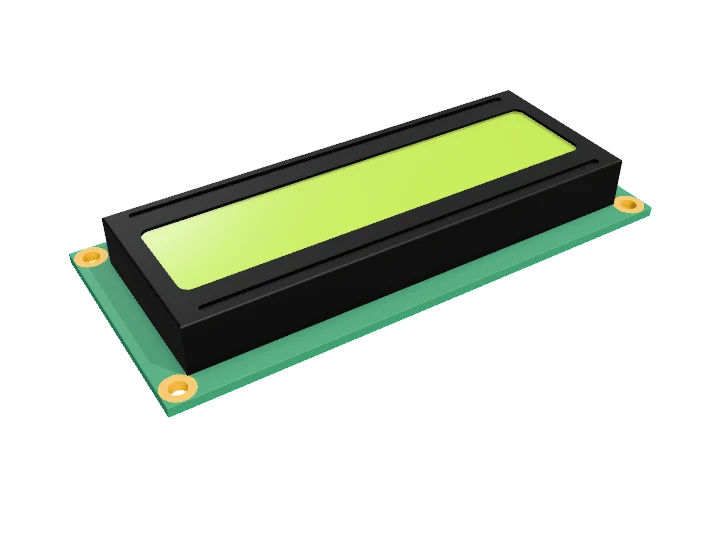
A DHT22 read every 2 s, shown on an I2C LCD and the serial port.
What Arduino IDE code can use
Simulated works against the parts on the bench; partly runs with the limit noted; not simulated stops the build and says so.
| Library | What it does | In the Lab |
|---|---|---|
DHT #include <DHT.h> | Temperature and humidity from the DHT22. | Simulated |
LiquidCrystal_I2C #include <LiquidCrystal_I2C.h> | A 16x2 character LCD on an I2C backpack. | Simulated |
Adafruit SSD1306 #include <Adafruit_SSD1306.h> | The 128x64 OLED, drawn with Adafruit GFX. | Simulated |
Adafruit NeoPixel #include <Adafruit_NeoPixel.h> | NeoPixels: a single LED, the ring and the 8x8 matrix. | Simulated |
Keypad #include <Keypad.h> | The 4x4 membrane keypad. | Simulated |
RTClib #include <RTClib.h> | The DS1307 clock: RTC_DS1307 and DateTime. | Simulated |
HX711 #include <HX711.h> | A load cell through the HX711 amplifier. | Simulated |
ArgynixCloud #include <ArgynixCloud.h> | Readings to ARGYNIX Cloud and commands back, with Live in Cloud. | Simulated |
Wire #include <Wire.h> | I2C, to the bench’s I2C parts and to other boards. | Simulated |
Servo #include <Servo.h> | Hobby servos. ESP32Servo.h works on the ESP32 boards too. | Simulated |
EEPROM #include <EEPROM.h> | The board’s EEPROM, read and written byte by byte. | Simulated |
WiFi #include <WiFi.h> | Wi-Fi on the boards that have it: the ESP32s (not the H2 and P4), the Pico Ws and the Nano ESP32. WiFiS3.h on the Uno R4 WiFi. | Partly |
ESP-NOW #include <esp_now.h> | ESP32 boards on one bench send to each other: to a peer’s MAC or to all, with the send and receive callbacks. | Simulated |
BluetoothSerial #include <BluetoothSerial.h> | Classic Bluetooth serial on the original ESP32, to the bench’s phone. | Simulated |
BLE (Arduino-ESP32) #include <BLEDevice.h> | Bluetooth LE on the ESP32s: a server the bench’s phone or another board connects to, a scan that finds the other boards advertising, a client that reads, writes and subscribes. | Simulated |
NimBLE-Arduino #include <NimBLEDevice.h> | The same on NimBLE-Arduino’s API: server, scan and client. | Simulated |
ArduinoBLE #include <ArduinoBLE.h> | Bluetooth LE as ArduinoBLE has it, peripheral and central: on the Uno R4 WiFi and the ESP32s. | Simulated |
BLE (arduino-pico) #include <BLE.h> | Bluetooth LE on the Pico W and Pico 2 W: BLE.server(), BLE.scan() and BLE.client(). | Simulated |
TWAI (CAN) #include <driver/twai.h> | The ESP32’s own CAN controller (ESP-IDF’s TWAI driver), through a transceiver on the bench (SN65HVD230): to MCP2515 modules and other ESP32s. | Simulated |
SPI #include <SPI.h> | The SPI bus, to the bench’s SPI parts: displays, SD, RC522, nRF24, MCP2515, LoRa, W5500. | Simulated |
SoftwareSerial #include <SoftwareSerial.h> | A serial port on any two pins. | Simulated |
Stepper #include <Stepper.h> | The stepper motor, through its driver pins. | Simulated |
LiquidCrystal #include <LiquidCrystal.h> | A 16x2 LCD wired in parallel; it latches on E as the real one does. | Simulated |
Adafruit GFX #include <Adafruit_GFX.h> | Text, lines and shapes for the OLED. | Simulated |
Questions
Can I simulate an Arduino Uno online for free?
Yes. Open the Lab, pick the Arduino Uno and press Run: the Blink example runs straight away, and any sketch you write builds and runs with no account and nothing to install.
Is it the real Arduino Uno?
The Uno, Nano, Mega and Pro Mini run the real ATmega chip instruction by instruction, with the sketch built by the Arduino core, so what works in the Lab works on the board.
Which Arduino libraries work in the simulator?
Wire, SPI, Servo, EEPROM, DHT, LiquidCrystal and LiquidCrystal_I2C, Adafruit GFX, SSD1306 and NeoPixel, Keypad, RTClib, HX711, Stepper and more are built in and simulated against the parts; the library manager adds others from the Arduino library index.
Is Argynix Lab free?
Yes. Every board, part and example is free to use, without an account; your projects stay in your browser. A free ARGYNIX account keeps up to 10 projects in the cloud. The Pro and Team plans add more projects and saved versions, private sharing and priority builds.
Can I flash a real board from the browser?
Yes. With Chrome or Edge on a computer, the Lab writes the program to a real Arduino, ESP32, STM32 or Raspberry Pi Pico over USB (Web Serial), or saves a UF2 file for the Pico.
Is Argynix Lab an alternative to Wokwi or Tinkercad Circuits?
Yes, it is in the same family: it simulates microcontroller projects in the browser. What the Lab brings: Arduino, ESP-IDF, STM32 HAL and MicroPython projects in one place, exact AVR and RP2040 chips, a 3D bench, flashing a real board from the browser, and a running project that sends readings to ARGYNIX Cloud.