ESP32: weather to the cloud
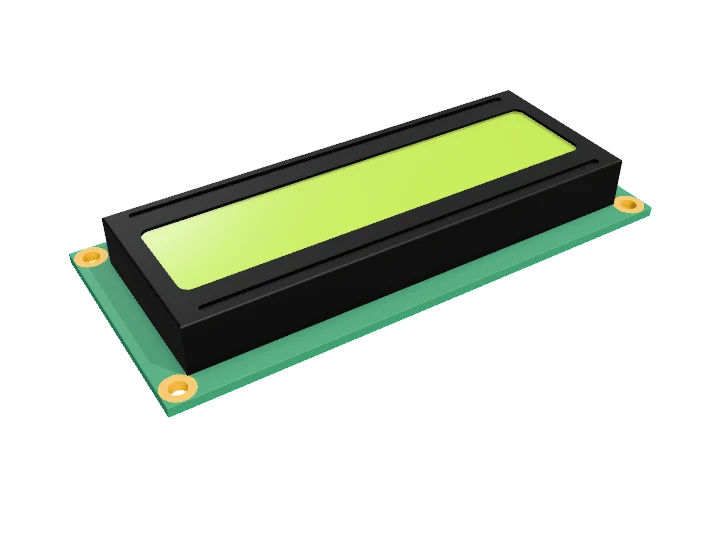
Wi-Fi, a DHT22 and an I2C LCD; readings to ARGYNIX Cloud, its LED switched from Connect.
The code
// ESP32 on Wi-Fi, live in ARGYNIX Cloud. A DHT22 on GPIO 4 is read every 5 s, shown on
// an I2C LCD (SDA 21, SCL 22) and sent to the cloud. Link the project (Live in Cloud,
// top right) to a device from Connect; a switch there sending "setLed" lights GPIO 2.
#include <WiFi.h>
#include <DHT.h>
#include <LiquidCrystal_I2C.h>
#include <ArgynixCloud.h>

DHT dht(4, DHT22);
LiquidCrystal_I2C lcd(0x27, 16, 2);
ArgynixCloud cloud;
unsigned long last = 0;

void onCommand(const char *method, const char *params) {
  if (strcmp(method, "setLed") == 0) {
    bool on = strcmp(params, "true") == 0 || strcmp(params, "1") == 0;
    digitalWrite(LED_BUILTIN, on);
    cloud.add("led", on);
    cloud.publish();
  }
}

void setup() {
  Serial.begin(115200);
  pinMode(LED_BUILTIN, OUTPUT);
  lcd.init();
  lcd.backlight();
  lcd.print("Joining Wi-Fi...");
  WiFi.begin("ARGYNIX-Lab", "");
  while (WiFi.status() != WL_CONNECTED) delay(100);
  Serial.print("Wi-Fi up, IP ");
  Serial.println(WiFi.localIP());
  dht.begin();
  cloud.onCommand(onCommand);
}

void loop() {
  cloud.loop();
  if (last == 0 || millis() - last >= 5000) {
    last = millis() | 1;
    float t = dht.readTemperature();
    float h = dht.readHumidity();
    if (!isnan(t) && !isnan(h)) {
      lcd.clear();
      lcd.print("Temp ");
      lcd.print(t, 1);
      lcd.print((char)223);
      lcd.print("C");
      lcd.setCursor(0, 1);
      lcd.print("Humidity ");
      lcd.print(h, 0);
      lcd.print("%");
      cloud.add("temperature", t, 1);
      cloud.add("humidity", h, 1);
      cloud.add("rssi", (long)WiFi.RSSI());
      cloud.publish();
    }
  }
  delay(10);
}
More like this
Weather station
A DHT22 read every 2 s, shown on an I2C LCD and the serial port.
ArduinoArduino Uno
ESP32-H2: LCD, no Wi-Fi
The H2 has BLE and Thread, no Wi-Fi: an I2C LCD on SDA 12, SCL 22 counts up.
ArduinoESP32-H2 DevKitM-1
Nucleo-F401RE: knob on an LCD
An I2C LCD on D14/D15 shows the knob on A0 in volts; LD2 blinks by its STM32 name, PA5.
ArduinoSTM32 Nucleo-F401RE