Two ESP32s over Bluetooth LE
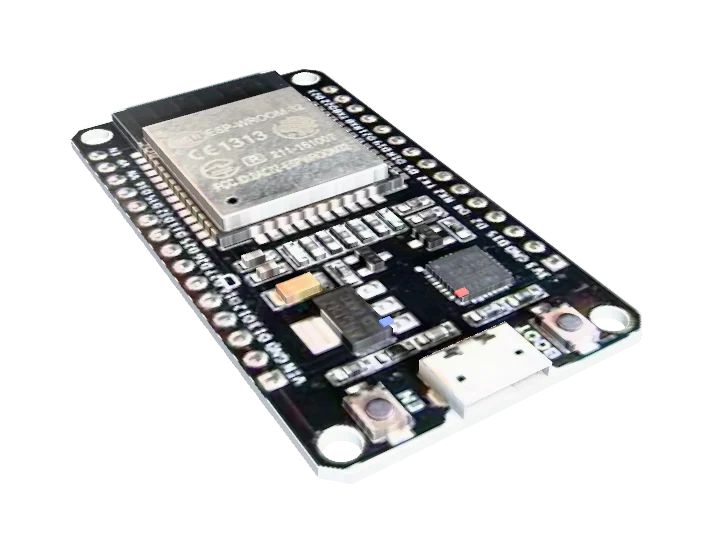
ESP32 1 is a BLE server with a knob, notified to whoever subscribes; ESP32 2 scans for its service, connects, subscribes, and dims its LED to the knob. The bench’s phone can connect to ESP32 1 too.
The code
// ESP32 1: a Bluetooth LE server. Its knob (GPIO 34) is a characteristic, read and
// notified when it moves; it advertises its service so a client finds it by that.
#include <BLEDevice.h>
#include <BLEServer.h>

#define SERVICE "6e400001-b5a3-f393-e0a9-e50e24dcca9e"
#define KNOB "6e400003-b5a3-f393-e0a9-e50e24dcca9e"

BLECharacteristic *knob;
int last = -1;

class Clients : public BLEServerCallbacks {
  void onConnect(BLEServer *s) { Serial.println("A client connected"); }
  void onDisconnect(BLEServer *s) {
    Serial.println("The client left: advertising again");
    BLEDevice::startAdvertising();
  }
};

void setup() {
  Serial.begin(115200);
  BLEDevice::init("Knob");
  BLEServer *server = BLEDevice::createServer();
  server->setCallbacks(new Clients());
  BLEService *service = server->createService(SERVICE);
  knob = service->createCharacteristic(KNOB, BLECharacteristic::PROPERTY_READ | BLECharacteristic::PROPERTY_NOTIFY);
  service->start();
  BLEDevice::getAdvertising()->addServiceUUID(SERVICE);
  BLEDevice::startAdvertising();
  Serial.print("Advertising as Knob, ");
  Serial.println(BLEDevice::getAddress().toString());
}

void loop() {
  int value = analogRead(34);
  if (abs(value - last) > 40) {
    last = value;
    uint16_t v = value;
    knob->setValue(v);
    knob->notify();
  }
  delay(50);
}
More like this
Two ESP32s over ESP-NOW
ESP32 1 sends its button over ESP-NOW to every board (FF:FF:FF:FF:FF:FF); ESP32 2 lights its LED while it is held. Each board prints its own MAC: to send to one board, put its MAC in the sender (or set the receiver’s MAC in its settings).
ArduinoESP32 DevKit V1
Nano blink
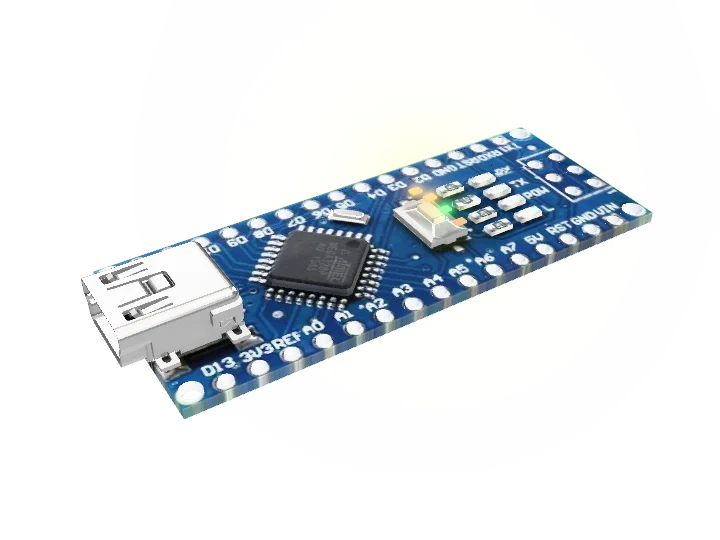
The same Blink on an Arduino Nano, its LED on D13.
ArduinoArduino Nano
Two Unos over serial
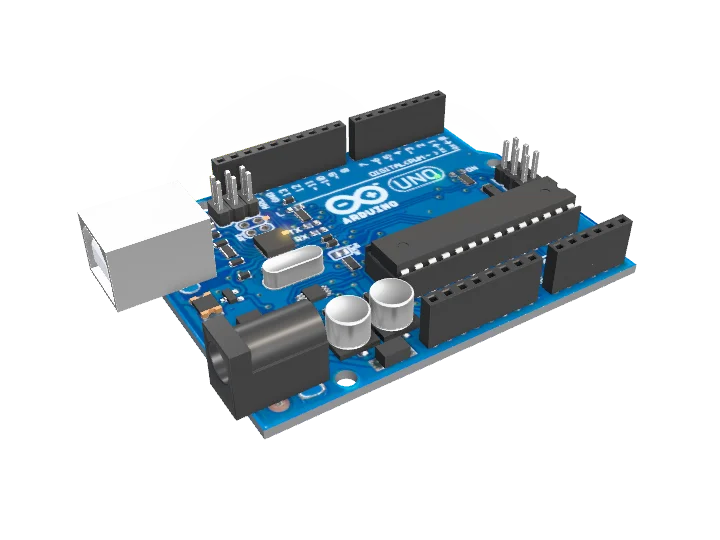
Two boards, each with its own program: the first sends "ping" every half second, the second toggles its LED and answers "pong". Pick a board above the code to see its program; its serial monitor has a tab.
ArduinoArduino Uno