GSM, 4G and 5G modem simulator for Arduino and ESP32
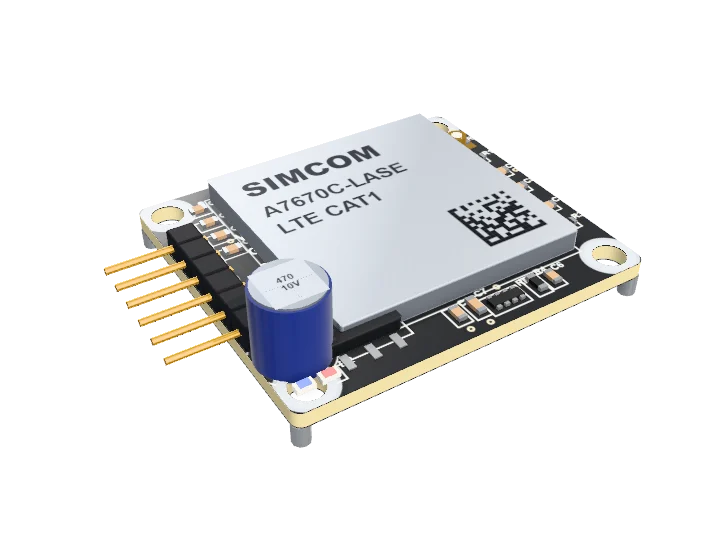
Argynix Lab simulates cellular modems on the bench, answering their AT commands as the real ones do: SIMCom's SIM800L (it learns the baud rate from the first AT), A7670C, A7672S, SIM7600G-H and SIM7080G, and Quectel's EC200U, EC25 and the 5G RM520N-GL. Wire one to a board's serial port, or to any two pins with SoftwareSerial, and press Run.
They cover the SIM, signal and registration, the operator and the clock, calls (dial, answer, hang up, the caller's number), SMS in text mode, packet data, TCP sockets in each maker's own commands, HTTP and MQTT through the modem's commands, ping, NTP, and GNSS where the module has it. TinyGSM's SIM7600, SIM800 and BG96 code runs against them.
Their data reaches the Lab's own network: a web server on any address, an echo server, an MQTT broker, NTP, DNS and DHCP. It never reaches the real internet, and TLS is not simulated. From the inspector you send the board an SMS, call it, take the SIM out, set the signal, and read every AT command on the line.
Boards (23)
Each says whether it runs the exact chip or the Lab's virtual board.
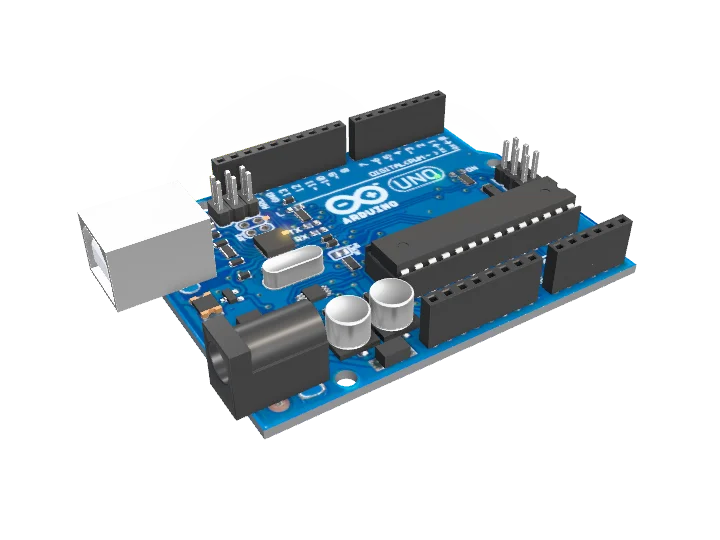
Arduino Uno
ATmega328P · 16 MHz
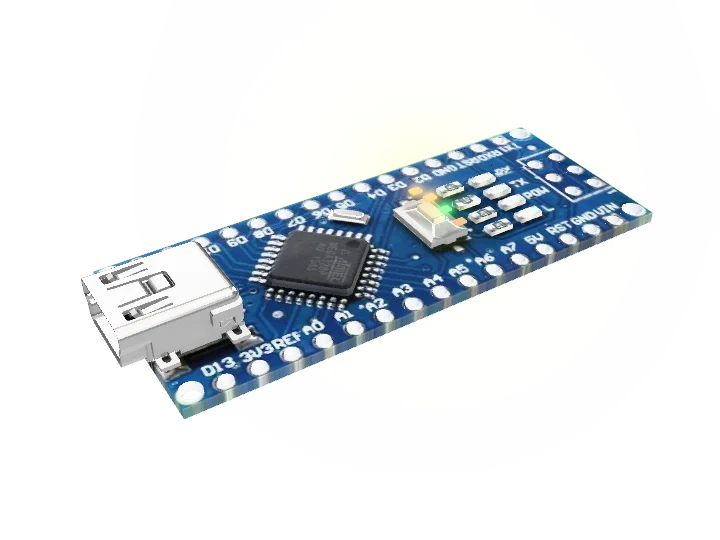
Arduino Nano
ATmega328P · 16 MHz
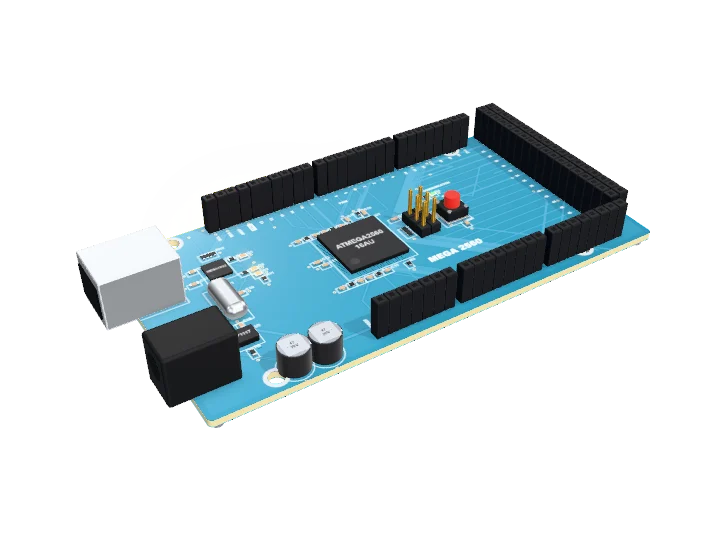
Arduino Mega 2560
ATmega2560 · 16 MHz
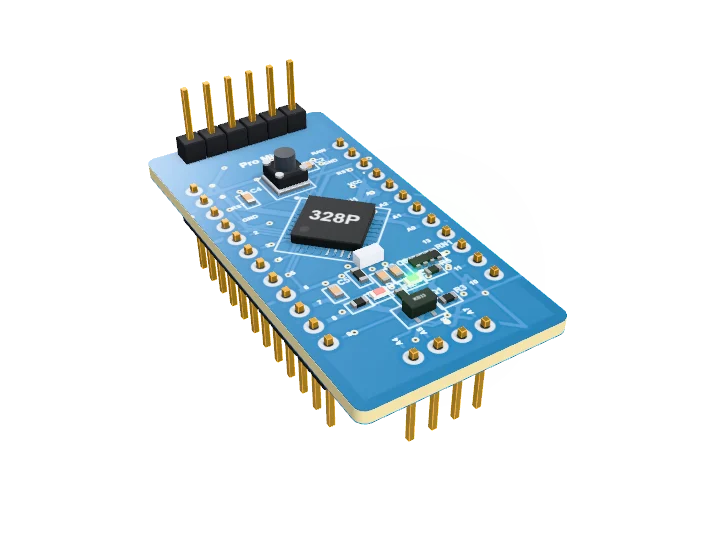
Arduino Pro Mini
ATmega328P · 16 MHz
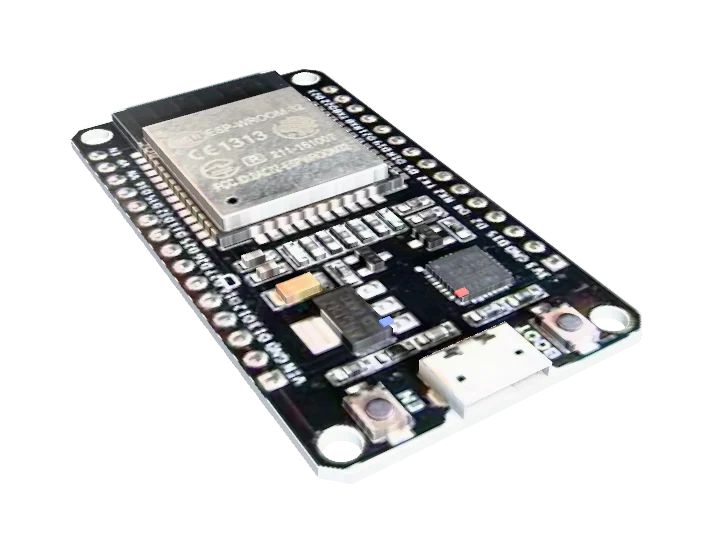
ESP32 DevKit V1
ESP32 · 240 MHz
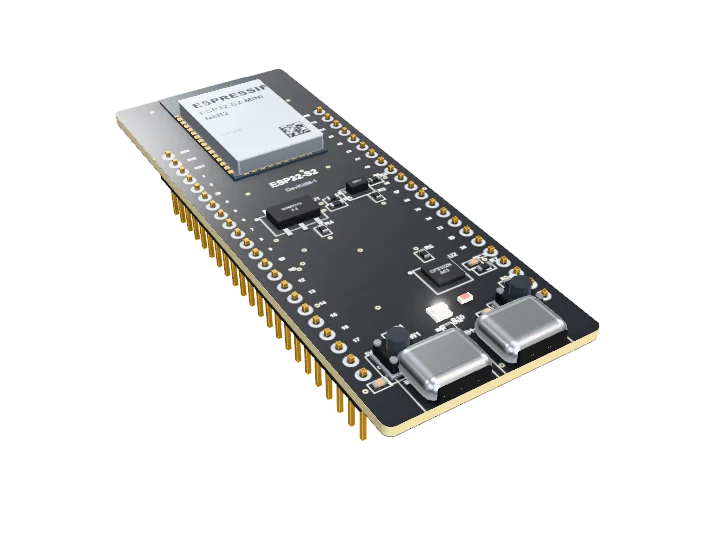
ESP32-S2 DevKitM-1
ESP32-S2 · 240 MHz
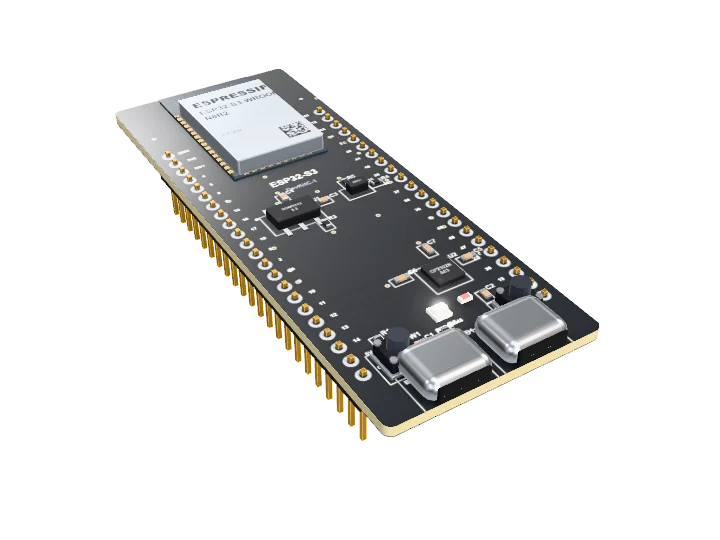
ESP32-S3 DevKitC-1
ESP32-S3 · 240 MHz
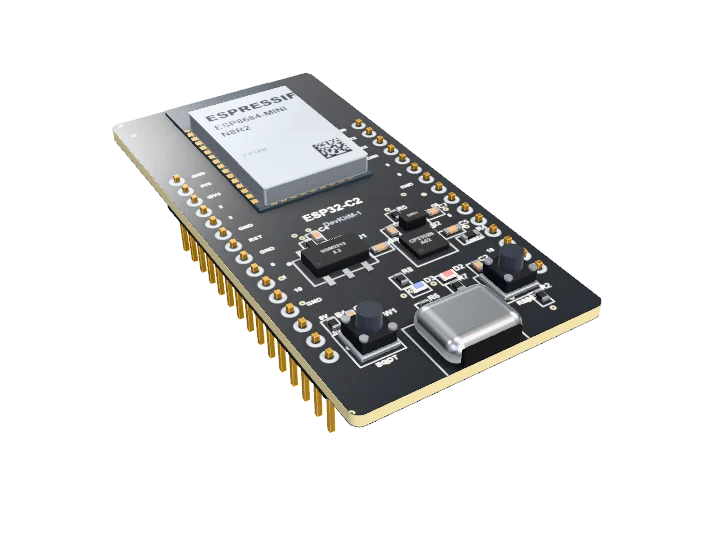
ESP32-C2 DevKitM-1
ESP32-C2 (ESP8684) · 120 MHz
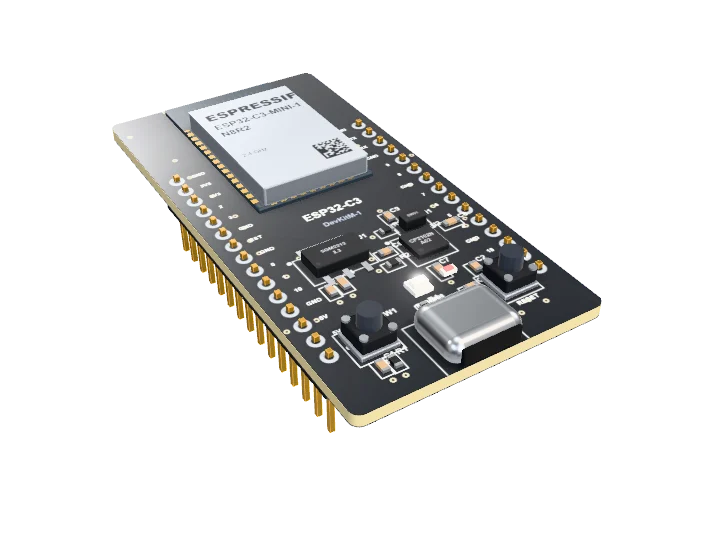
ESP32-C3 DevKitM-1
ESP32-C3 · 160 MHz
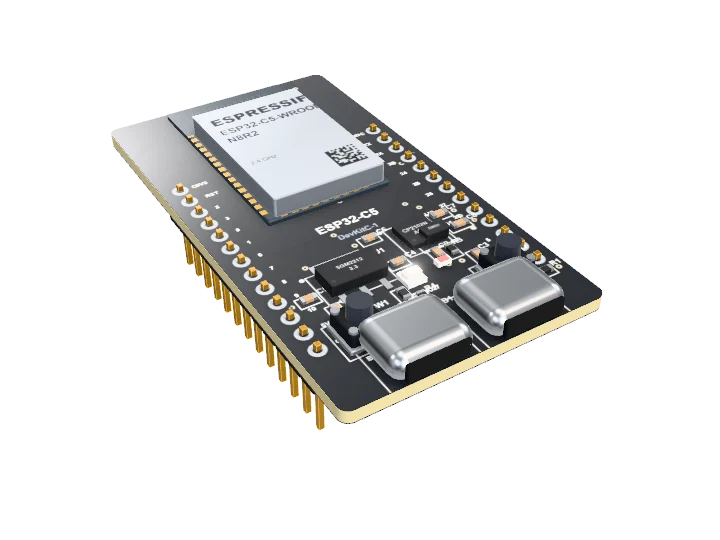
ESP32-C5 DevKitC-1
ESP32-C5 · 240 MHz
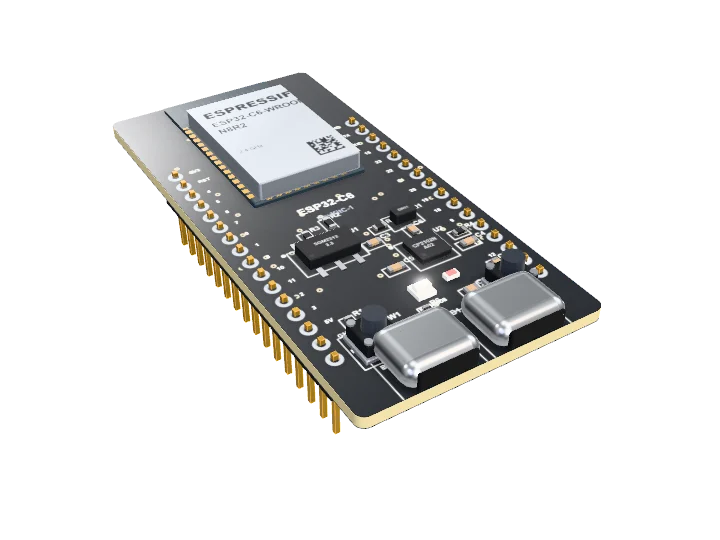
ESP32-C6 DevKitC-1
ESP32-C6 · 160 MHz
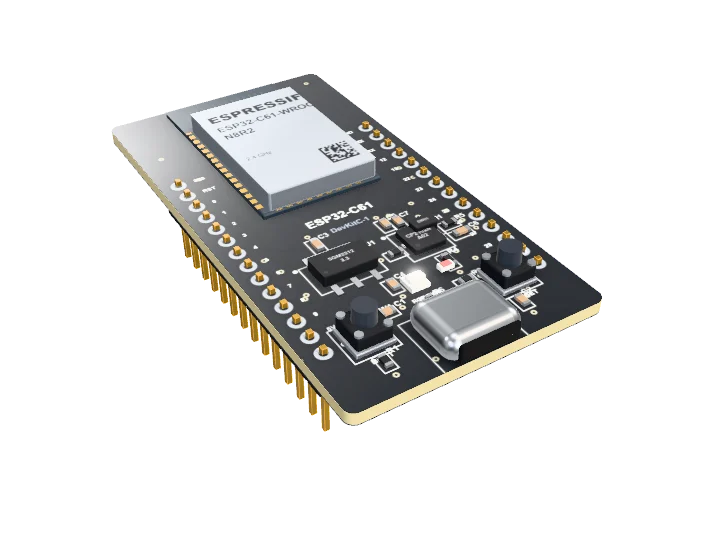
ESP32-C61 DevKitC-1
ESP32-C61 · 160 MHz
And 11 more on the boards page.
Examples that run as they open
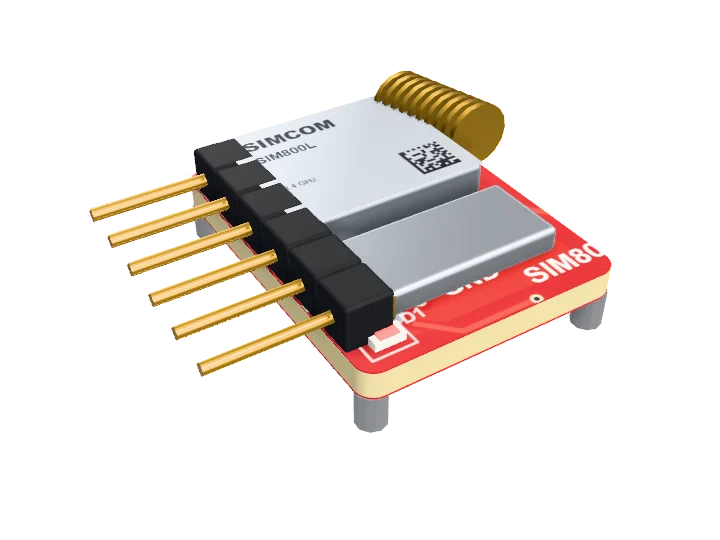
SMS switch (SIM800L)
Text "LED ON" or "LED OFF" to the SIM800L and pin 13 follows; the board texts back what it did.
4G HTTP with AT commands (A7670C)
An ESP32 brings up 4G data on an A7670C and fetches a page with the module's own HTTP commands.
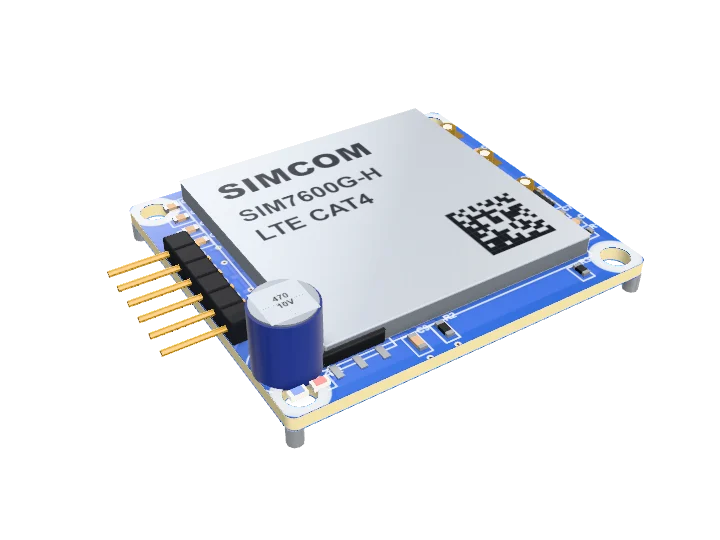
TinyGSM web client (SIM7600G-H)
TinyGSM and ArduinoHttpClient on an ESP32 with a SIM7600G-H: registered, data up, a JSON page fetched.
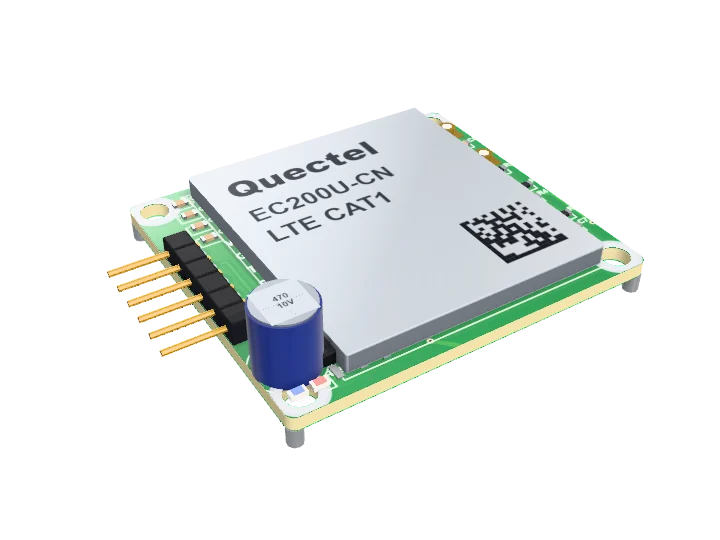
4G MQTT (EC200U)
Quectel EC200U on an ESP32: data up, then the module's own MQTT commands publish a reading and listen for commands.
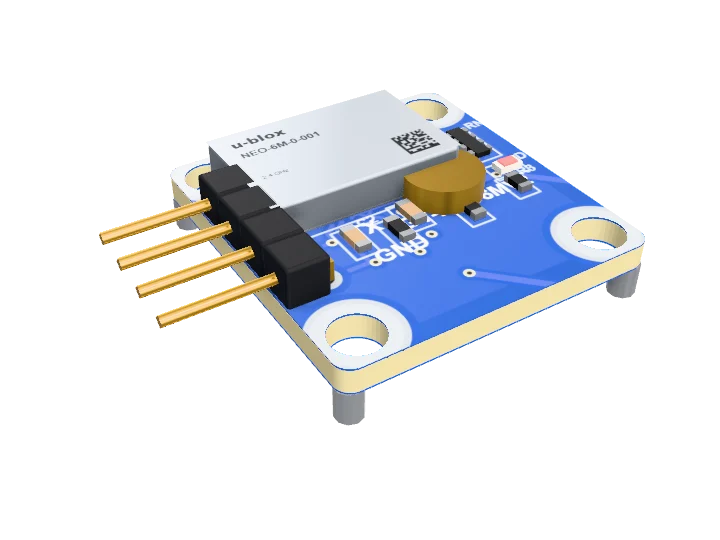
GPS position (NEO-6M)
TinyGPS++ reads a NEO-6M on SoftwareSerial: latitude, longitude, altitude, satellites, time. Move it in the inspector.
What Arduino IDE code can use
Simulated works against the parts on the bench; partly runs with the limit noted; not simulated stops the build and says so.
| Library | What it does | In the Lab |
|---|---|---|
DHT #include <DHT.h> | Temperature and humidity from the DHT22. | Simulated |
LiquidCrystal_I2C #include <LiquidCrystal_I2C.h> | A 16x2 character LCD on an I2C backpack. | Simulated |
Adafruit SSD1306 #include <Adafruit_SSD1306.h> | The 128x64 OLED, drawn with Adafruit GFX. | Simulated |
Adafruit NeoPixel #include <Adafruit_NeoPixel.h> | NeoPixels: a single LED, the ring and the 8x8 matrix. | Simulated |
Keypad #include <Keypad.h> | The 4x4 membrane keypad. | Simulated |
RTClib #include <RTClib.h> | The DS1307 clock: RTC_DS1307 and DateTime. | Simulated |
HX711 #include <HX711.h> | A load cell through the HX711 amplifier. | Simulated |
ArgynixCloud #include <ArgynixCloud.h> | Readings to ARGYNIX Cloud and commands back, with Live in Cloud. | Simulated |
Wire #include <Wire.h> | I2C, to the bench’s I2C parts and to other boards. | Simulated |
Servo #include <Servo.h> | Hobby servos. ESP32Servo.h works on the ESP32 boards too. | Simulated |
EEPROM #include <EEPROM.h> | The board’s EEPROM, read and written byte by byte. | Simulated |
WiFi #include <WiFi.h> | Wi-Fi on the boards that have it: the ESP32s (not the H2 and P4), the Pico Ws and the Nano ESP32. WiFiS3.h on the Uno R4 WiFi. | Partly |
ESP-NOW #include <esp_now.h> | ESP32 boards on one bench send to each other: to a peer’s MAC or to all, with the send and receive callbacks. | Simulated |
BluetoothSerial #include <BluetoothSerial.h> | Classic Bluetooth serial on the original ESP32, to the bench’s phone. | Simulated |
BLE (Arduino-ESP32) #include <BLEDevice.h> | Bluetooth LE on the ESP32s: a server the bench’s phone or another board connects to, a scan that finds the other boards advertising, a client that reads, writes and subscribes. | Simulated |
NimBLE-Arduino #include <NimBLEDevice.h> | The same on NimBLE-Arduino’s API: server, scan and client. | Simulated |
ArduinoBLE #include <ArduinoBLE.h> | Bluetooth LE as ArduinoBLE has it, peripheral and central: on the Uno R4 WiFi and the ESP32s. | Simulated |
BLE (arduino-pico) #include <BLE.h> | Bluetooth LE on the Pico W and Pico 2 W: BLE.server(), BLE.scan() and BLE.client(). | Simulated |
TWAI (CAN) #include <driver/twai.h> | The ESP32’s own CAN controller (ESP-IDF’s TWAI driver), through a transceiver on the bench (SN65HVD230): to MCP2515 modules and other ESP32s. | Simulated |
SPI #include <SPI.h> | The SPI bus, to the bench’s SPI parts: displays, SD, RC522, nRF24, MCP2515, LoRa, W5500. | Simulated |
SoftwareSerial #include <SoftwareSerial.h> | A serial port on any two pins. | Simulated |
Stepper #include <Stepper.h> | The stepper motor, through its driver pins. | Simulated |
LiquidCrystal #include <LiquidCrystal.h> | A 16x2 LCD wired in parallel; it latches on E as the real one does. | Simulated |
Adafruit GFX #include <Adafruit_GFX.h> | Text, lines and shapes for the OLED. | Simulated |
Questions
Which modems can I simulate?
SIMCom's SIM800L (2G), A7670C and A7672S (4G Cat 1), SIM7600G-H (4G with GNSS) and SIM7080G (Cat-M and NB-IoT), and Quectel's EC200U and EC25 (4G) and RM520N-GL (5G). Each answers in its maker's own AT commands.
Can I send an SMS to the board, or call it?
Yes. Select the modem on the bench: the inspector sends it an SMS from any number and calls it, and shows what the board sent and dialled. The board reads the SMS with AT+CMGR, or as the +CMTI notice arrives.
Does it use the real mobile network or the internet?
No. The modems register on the Lab's own network and their data goes to the Lab's own servers: a web server, an echo server, an MQTT broker, NTP and DNS. Nothing leaves the page, and TLS is not simulated.
Does TinyGSM work?
Yes. TinyGSM's SIM7600, SIM800 and BG96 code registers, brings data up and fetches pages with ArduinoHttpClient; the Lab's TinyGSM example runs on a SIM7600 with an ESP32.
Is Argynix Lab free?
Yes. Every board, part and example is free to use, without an account; your projects stay in your browser. A free ARGYNIX account keeps up to 10 projects in the cloud. The Pro and Team plans add more projects and saved versions, private sharing and priority builds.
Can I flash a real board from the browser?
Yes. With Chrome or Edge on a computer, the Lab writes the program to a real Arduino, ESP32, STM32 or Raspberry Pi Pico over USB (Web Serial), or saves a UF2 file for the Pico.
Is Argynix Lab an alternative to Wokwi or Tinkercad Circuits?
Yes, it is in the same family: it simulates microcontroller projects in the browser. What the Lab brings: Arduino, ESP-IDF, STM32 HAL and MicroPython projects in one place, exact AVR and RP2040 chips, a 3D bench, flashing a real board from the browser, and a running project that sends readings to ARGYNIX Cloud.