STM32 simulator: Blue Pill, Black Pill and Nucleo in your browser
Argynix Lab runs STM32 projects in your browser, two ways: an Arduino sketch built with the STM32 core, or an STM32 HAL project with main.c laid out as STM32CubeIDE generates it, user code blocks included.
HAL_Init, the clock setup, GPIO and EXTI interrupts, UART, I2C, the ADC, the RTC, RNG and CRC are simulated, with timers, DMA, SPI and the DAC in part. The STM32 boards run on the Lab's virtual board, labelled Lab virtual on screen.
Boards (5)
Each says whether it runs the exact chip or the Lab's virtual board.
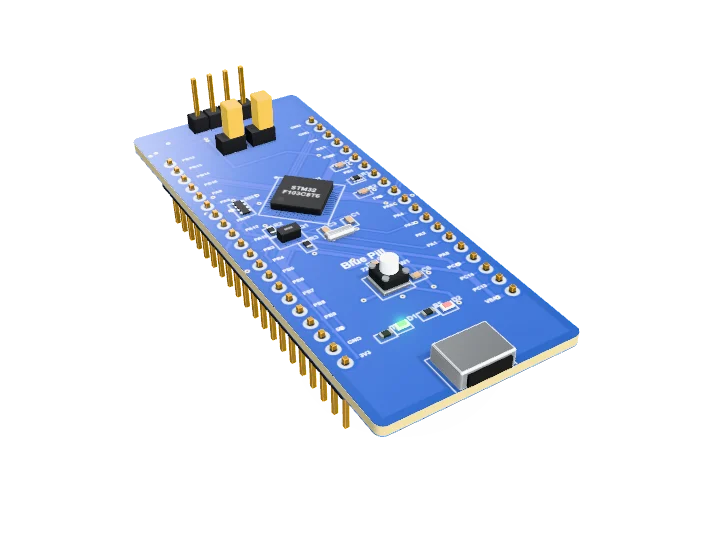
STM32 Blue Pill
STM32F103C8T6 · 72 MHz
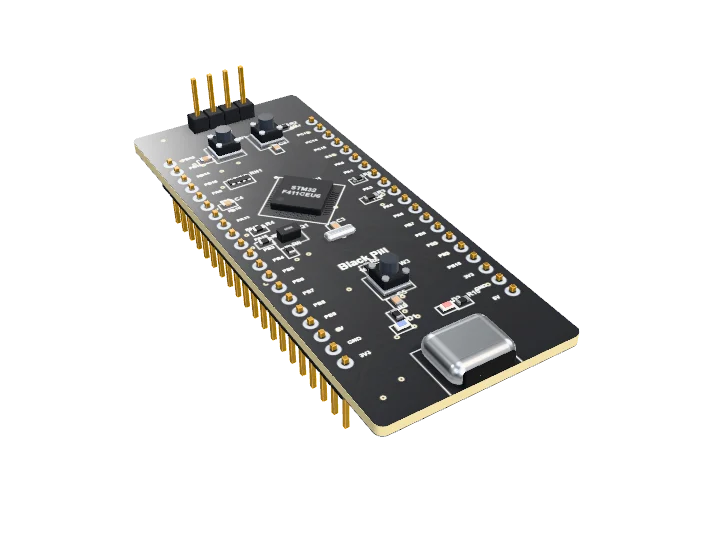
STM32 Black Pill F411
STM32F411CEU6 · 100 MHz
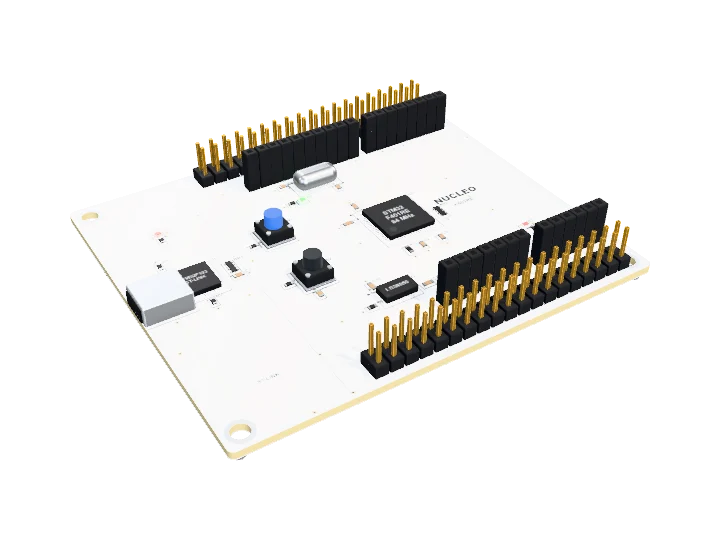
STM32 Nucleo-F401RE
STM32F401RE · 84 MHz
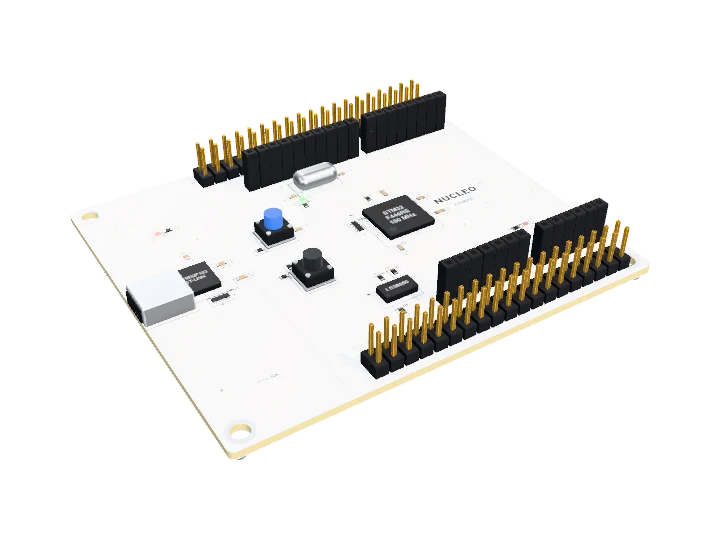
STM32 Nucleo-F446RE
STM32F446RE · 180 MHz
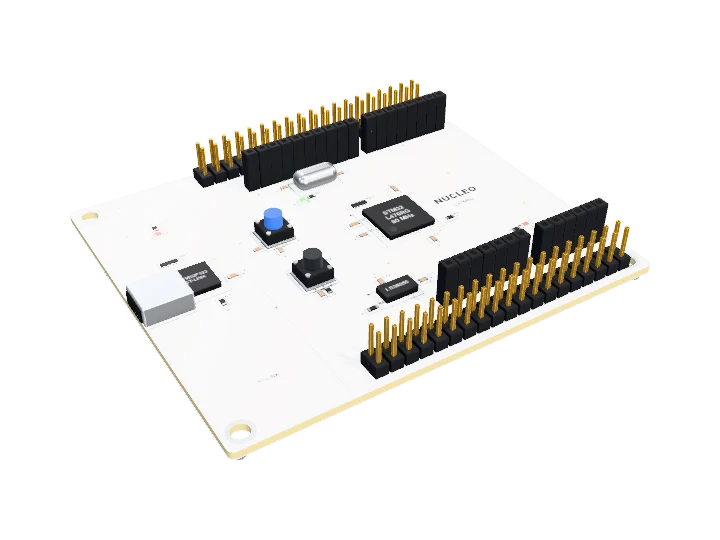
STM32 Nucleo-L476RG
STM32L476RG · 80 MHz
Examples that run as they open
Blue Pill: button interrupt
A button on PB12 toggles the PC13 LED through an interrupt; the LED lights on LOW.
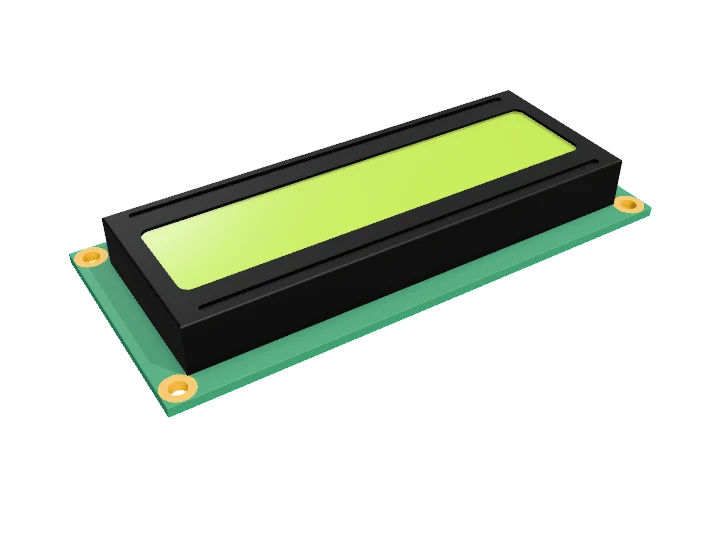
Nucleo-F401RE: knob on an LCD
An I2C LCD on D14/D15 shows the knob on A0 in volts; LD2 blinks by its STM32 name, PA5.
STM32 HAL: blink and printf, CubeIDE layout
A CubeIDE project for the Blue Pill: 72 MHz from the crystal, PC13 blinking, printf out of USART1.
STM32 HAL: button interrupt (EXTI)
On the Nucleo-F401RE, a falling edge on D2 runs HAL_GPIO_EXTI_Callback(), which toggles LD2.
STM32 HAL: pot to PWM (ADC and TIM2)
On the Nucleo-L476RG, ADC1 reads a pot on A0 and TIM2’s PWM sets LD2’s brightness to match.
STM32 HAL: I2C LCD, its own driver
On the Black Pill, HAL_I2C_Master_Transmit() drives a 16x2 LCD through a driver in lcd.c and lcd.h.
STM32 registers: blink with CMSIS, no HAL
Bare-metal register code on the Blue Pill: the PLL to 72 MHz, SysTick, GPIOC->BSRR and USART1->DR.
What STM32CubeIDE code can use
Simulated works against the parts on the bench; partly runs with the limit noted; not simulated stops the build and says so.
| Library | What it does | In the Lab |
|---|---|---|
HAL core | The 1 ms tick from SysTick, as its registers set it. | Simulated |
RCC | The clock tree from HSE, HSI or MSI through the PLL: SystemCoreClock, the bus and timer clocks. | Simulated |
Cortex and NVIC | An interrupt handler runs only when its NVIC line is on. | Simulated |
IWDG | Resets the board when it is not refreshed in time. | Simulated |
PWR | Sleep and stop wait for the next interrupt. | Partly |
FLASH | Unlock and lock. | Partly |
GPIO and EXTI | Pins in each family’s registers; EXTI lines through the project’s EXTIx_IRQHandler. | Simulated |
UART | Blocking, _IT, _DMA and ReceiveToIdle, with their callbacks. | Simulated |
I2C | The master side, blocking, _IT and _DMA, to the bench’s I2C parts. | Simulated |
ADC | Polled, _IT and _DMA conversions, with scans of several channels. | Simulated |
TIM | Update interrupts, and PWM on the pin set as the channel’s alternate function. | Partly |
DAC | A level on PA4 or PA5. | Partly |
DMA | Transfers and their callbacks. | Partly |
SPI | The calls return at once. | Partly |
RTC | Time, date and the backup registers. | Simulated |
RNG and CRC | Random numbers, and CRC-32 as the STM32 computes it. | Simulated |
CMSIS registers | GPIO, RCC (a clock started by hand counts), USART, SysTick and the reset request. | Partly |
USB, CAN, SDIO, Ethernet | Not simulated: their calls do not link. | Not simulated |
Questions
Can I run an STM32CubeIDE project in the browser?
Yes. Start an STM32CubeIDE project in the Lab and main.c opens as CubeIDE lays it out, with the HAL; paste your own code into the user code blocks and add more .c and .h files.
Which STM32 boards are there?
The Blue Pill, the Black Pill and the Nucleo F401RE, F446RE and L476RG, each with its chip and clock on its board page.
Is Argynix Lab free?
Yes. Every board, part and example is free to use, without an account; your projects stay in your browser. A free ARGYNIX account keeps up to 10 projects in the cloud. The Pro and Team plans add more projects and saved versions, private sharing and priority builds.
Can I flash a real board from the browser?
Yes. With Chrome or Edge on a computer, the Lab writes the program to a real Arduino, ESP32, STM32 or Raspberry Pi Pico over USB (Web Serial), or saves a UF2 file for the Pico.
Is Argynix Lab an alternative to Wokwi or Tinkercad Circuits?
Yes, it is in the same family: it simulates microcontroller projects in the browser. What the Lab brings: Arduino, ESP-IDF, STM32 HAL and MicroPython projects in one place, exact AVR and RP2040 chips, a 3D bench, flashing a real board from the browser, and a running project that sends readings to ARGYNIX Cloud.