Raspberry Pi Pico simulator: the real RP2040 in your browser
Argynix Lab runs the Raspberry Pi Pico in your browser on the real RP2040, emulated instruction by instruction. Run MicroPython straight away, with the REPL, machine.Pin, PWM, the ADC and PIO programs, or an Arduino sketch built with the arduino-pico core.
The Pico W, Pico 2 and Pico 2 W run on the Lab's virtual board, labelled Lab virtual on screen; an Arduino sketch on a Pico W joins the Lab's network over Wi-Fi.
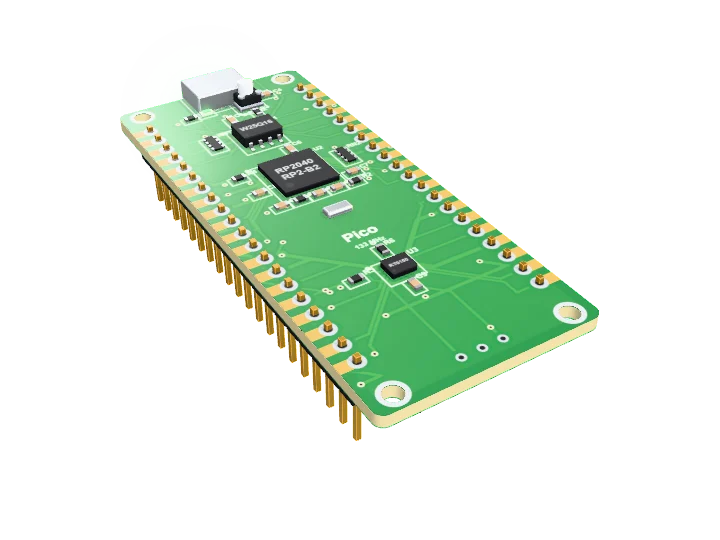
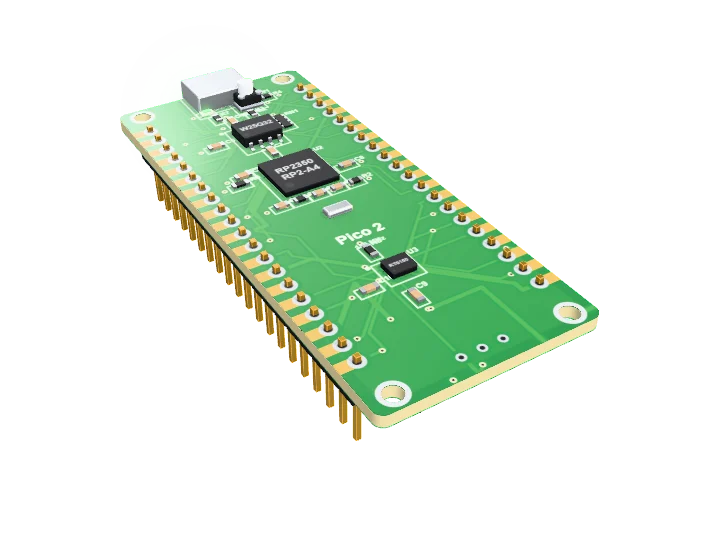
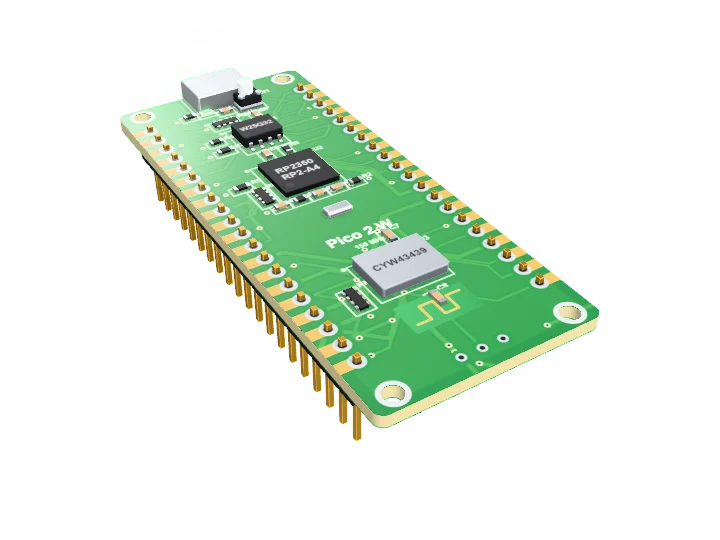
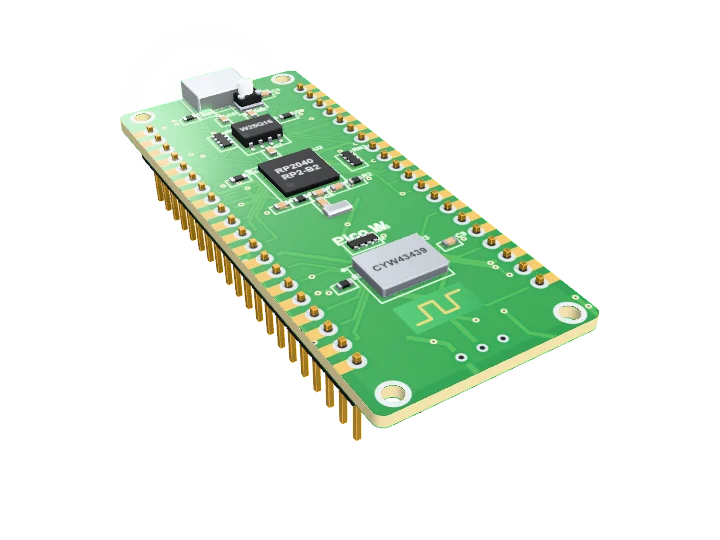
Boards (4)
Each says whether it runs the exact chip or the Lab's virtual board.
Examples that run as they open
Pico: blink and breathe
The Pico’s own LED blinks, an LED on GP15 breathes with PWM, the knob on GP26 sets the pace.
Pico W: knob to the cloud
The Pico W on Wi-Fi sends its knob to ARGYNIX Cloud; Connect switches its LED.
MicroPython: blink
MicroPython’s own firmware on the real RP2040: the LED blinks, the board prints. No build.
MicroPython: button and LED
A button on GP14 toggles an LED on GP15 through an interrupt.
MicroPython: knob dimmer
A potentiometer on GP26 sets an LED’s brightness on GP15 with PWM.
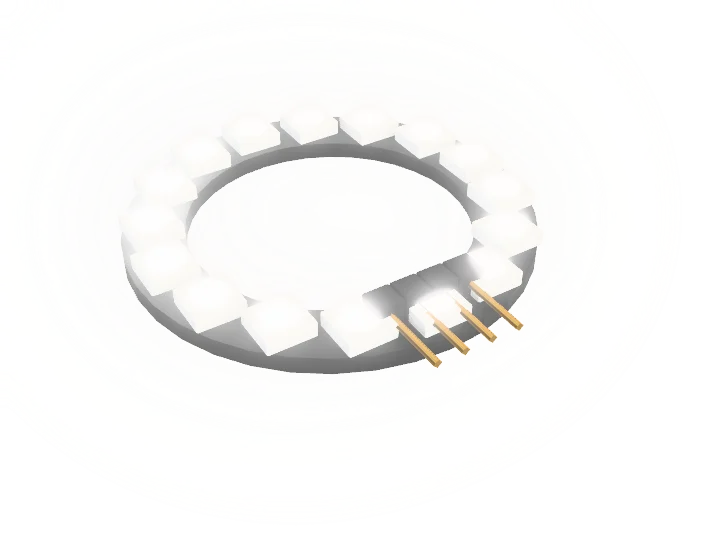
MicroPython: NeoPixel ring
A colour runs round a 16-pixel ring on GP16, with the neopixel module.
MicroPython: PIO, a WS2812 driver in four instructions
A PIO program written in Python drives a 16-pixel ring: the RP2040’s own state machine shifts out every bit.
What MicroPython code can use
Simulated works against the parts on the bench; partly runs with the limit noted; not simulated stops the build and says so.
| Library | What it does | In the Lab |
|---|---|---|
Pin from machine import Pin | GPIOs in and out, pulls, interrupts (irq), the LED as Pin("LED"). | Simulated |
ADC from machine import ADC | GP26 to GP28 (ADC 0 to 2) read the circuit’s volts. | Simulated |
PWM from machine import PWM | Duty and frequency on any pin: an LED dims, a buzzer sounds, a servo turns. | Simulated |
I2C from machine import I2C | Both blocks reach the bench’s I2C parts. | Partly |
SPI from machine import SPI | To the parts on the pins the program gives SPI: a TFT, a MAX7219, an SD card. | Simulated |
UART from machine import UART | UART0 to the Serial page. | Partly |
Timer from machine import Timer | Periodic and one-shot callbacks. | Simulated |
rp2 and PIO import rp2 | PIO programs on the state machines: a NeoPixel strip, a custom protocol. | Simulated |
neopixel from neopixel import NeoPixel | WS2812 strips and rings, their bits timed by machine.bitstream. | Simulated |
time import time | sleep, sleep_ms, ticks_ms and ticks_diff. | Simulated |
asyncio import asyncio | Coroutines and tasks. | Simulated |
framebuf import framebuf | Drawing into a buffer for a display. | Simulated |
os and files import os | The flash filesystem: the project’s other files are on it, to import or open. | Partly |
network (Wi-Fi) import network | Not on the Pico: Wi-Fi is the Pico W’s, whose radio is not emulated. | Not simulated |
Questions
Is the Raspberry Pi Pico simulation exact?
Yes for the Pico: the RP2040 is emulated instruction by instruction, both for MicroPython (its own firmware) and for Arduino sketches built with the arduino-pico core. The Pico W, Pico 2 and Pico 2 W run on the Lab’s virtual board.
Can I use PIO on the simulated Pico?
Yes. rp2.PIO and StateMachine programs run on the emulated chip; the PIO example drives a 16-pixel NeoPixel ring from a four-instruction state machine.
Is Argynix Lab free?
Yes. Every board, part and example is free to use, without an account; your projects stay in your browser. A free ARGYNIX account keeps up to 10 projects in the cloud. The Pro and Team plans add more projects and saved versions, private sharing and priority builds.
Can I flash a real board from the browser?
Yes. With Chrome or Edge on a computer, the Lab writes the program to a real Arduino, ESP32, STM32 or Raspberry Pi Pico over USB (Web Serial), or saves a UF2 file for the Pico.
Is Argynix Lab an alternative to Wokwi or Tinkercad Circuits?
Yes, it is in the same family: it simulates microcontroller projects in the browser. What the Lab brings: Arduino, ESP-IDF, STM32 HAL and MicroPython projects in one place, exact AVR and RP2040 chips, a 3D bench, flashing a real board from the browser, and a running project that sends readings to ARGYNIX Cloud.