Pico W: knob to the cloud
The Pico W on Wi-Fi sends its knob to ARGYNIX Cloud; Connect switches its LED.
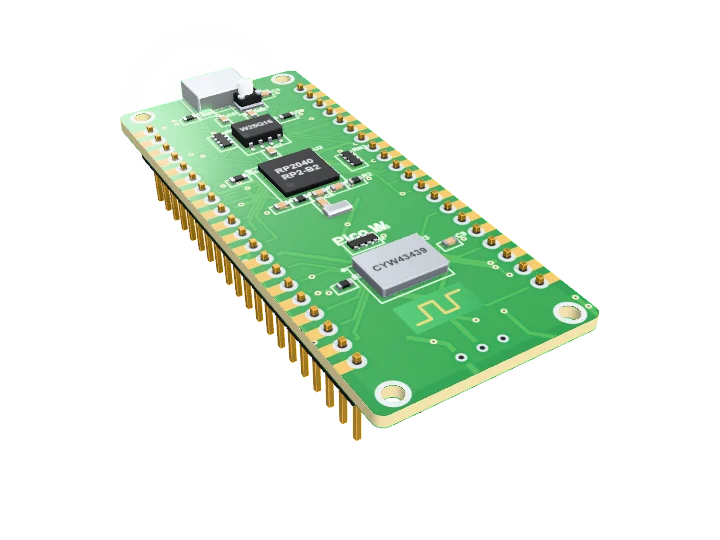
The code
// Raspberry Pi Pico W on Wi-Fi, live in ARGYNIX Cloud. The knob on GP26 is sent every
// 2 s. Link the project (Live in Cloud, top right) to a device from Connect; a switch
// there sending "setLed" lights the Pico W's own LED.
#include <WiFi.h>
#include <ArgynixCloud.h>

ArgynixCloud cloud;
unsigned long last = 0;

void onCommand(const char *method, const char *params) {
  if (strcmp(method, "setLed") == 0) {
    bool on = strcmp(params, "true") == 0 || strcmp(params, "1") == 0;
    digitalWrite(LED_BUILTIN, on);
    cloud.add("led", on);
    cloud.publish();
  }
}

void setup() {
  Serial.begin(115200);
  pinMode(LED_BUILTIN, OUTPUT);
  WiFi.begin("ARGYNIX-Lab", "");
  while (WiFi.status() != WL_CONNECTED) delay(100);
  Serial.print("Wi-Fi up, IP ");
  Serial.println(WiFi.localIP());
  cloud.onCommand(onCommand);
}

void loop() {
  cloud.loop();
  if (last == 0 || millis() - last >= 2000) {
    last = millis() | 1;
    cloud.add("level", analogRead(A0) * 100L / 1023);
    cloud.add("rssi", (long)WiFi.RSSI());
    cloud.publish();
  }
  delay(10);
}
More like this
Pico: blink and breathe
The Pico’s own LED blinks, an LED on GP15 breathes with PWM, the knob on GP26 sets the pace.
ArduinoRaspberry Pi Pico
Blink
An LED on pin 13, on and off every half second.
ArduinoArduino Uno
Button and LED
Hold the button and the LED lights; the serial port says so.
ArduinoArduino Uno