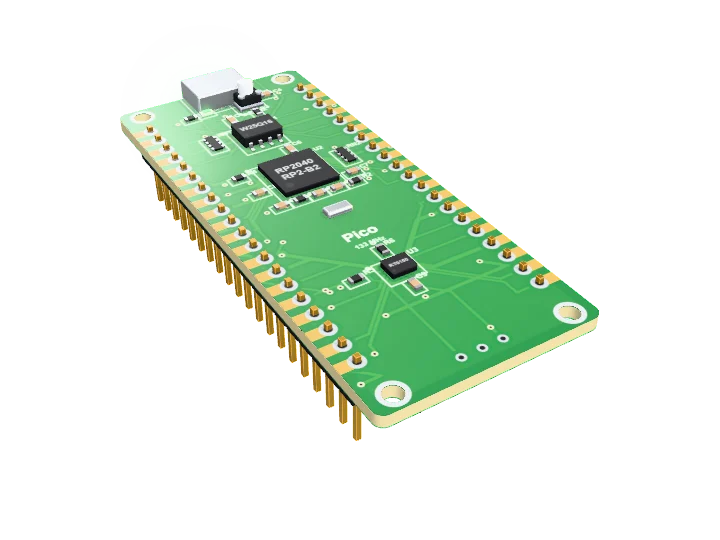
Pico: blink and breathe
The Pico’s own LED blinks, an LED on GP15 breathes with PWM, the knob on GP26 sets the pace.
The code
// Raspberry Pi Pico: its own LED (GP25) blinks, an LED on GP15 breathes with PWM, and
// the knob on GP26 (A0) sets how fast. Pins are GP numbers, as Arduino-Pico has them.
const int FADE_LED = 15;

void setup() {
  Serial.begin(115200);
  pinMode(LED_BUILTIN, OUTPUT);
  analogWriteFreq(1000);
  analogWriteRange(255);
  Serial.printf("Pico at %lu MHz\n", rp2040.f_cpu() / 1000000);
}

void loop() {
  int knob = analogRead(A0);  // 0..1023
  int step = map(knob, 0, 1023, 1, 12);
  for (int level = 0; level <= 255; level += step) {
    analogWrite(FADE_LED, level);
    delay(8);
  }
  for (int level = 255; level >= 0; level -= step) {
    analogWrite(FADE_LED, level);
    delay(8);
  }
  digitalWrite(LED_BUILTIN, !digitalRead(LED_BUILTIN));
  Serial.printf("knob %d, step %d\n", knob, step);
}
More like this
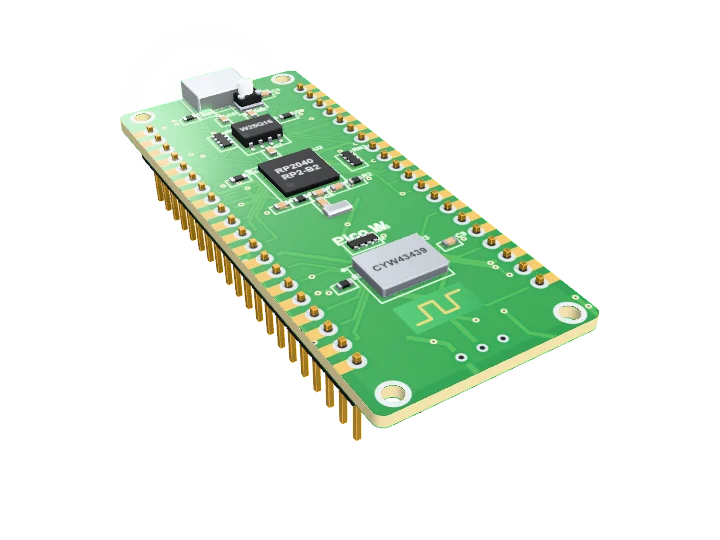
Pico W: knob to the cloud
The Pico W on Wi-Fi sends its knob to ARGYNIX Cloud; Connect switches its LED.
ArduinoRaspberry Pi Pico W
MicroPython: blink
MicroPython’s own firmware on the real RP2040: the LED blinks, the board prints. No build.
MicroPythonRaspberry Pi Pico
MicroPython: button and LED
A button on GP14 toggles an LED on GP15 through an interrupt.
MicroPythonRaspberry Pi Pico