Raspberry Pi Pico simulator
Simulate the Raspberry Pi Pico (RP2040, 133 MHz) online: Arduino IDE, MicroPython projects with parts on a bench, free in your browser. It runs on the real RP2040 for MicroPython and for Arduino sketches built with the arduino-pico core.
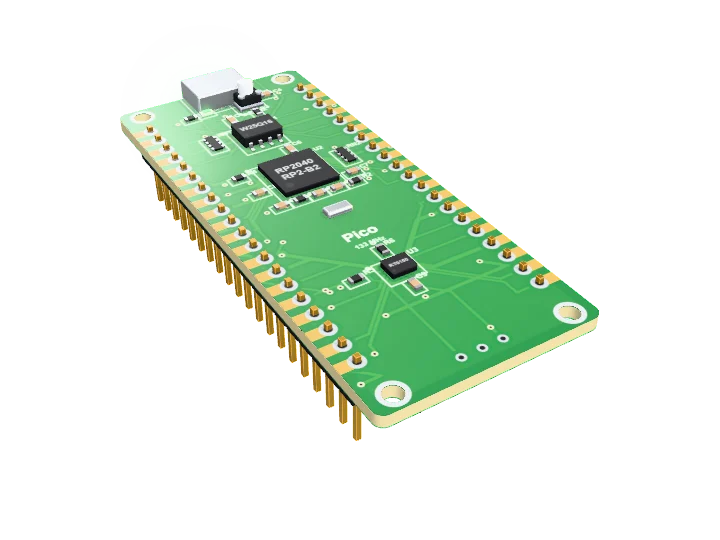
- Chip
- RP2040
- Clock
- 133 MHz
- Family
- Raspberry Pi Pico
- Write it in
- Arduino IDE, MicroPython
- Runs on
- the real RP2040 for MicroPython and for Arduino sketches built with the arduino-pico core
Examples on the Raspberry Pi Pico
Each opens on the bench as it is, ready to run.
Pico: blink and breathe
The Pico’s own LED blinks, an LED on GP15 breathes with PWM, the knob on GP26 sets the pace.
MicroPython: blink
MicroPython’s own firmware on the real RP2040: the LED blinks, the board prints. No build.
MicroPython: button and LED
A button on GP14 toggles an LED on GP15 through an interrupt.
MicroPython: knob dimmer
A potentiometer on GP26 sets an LED’s brightness on GP15 with PWM.
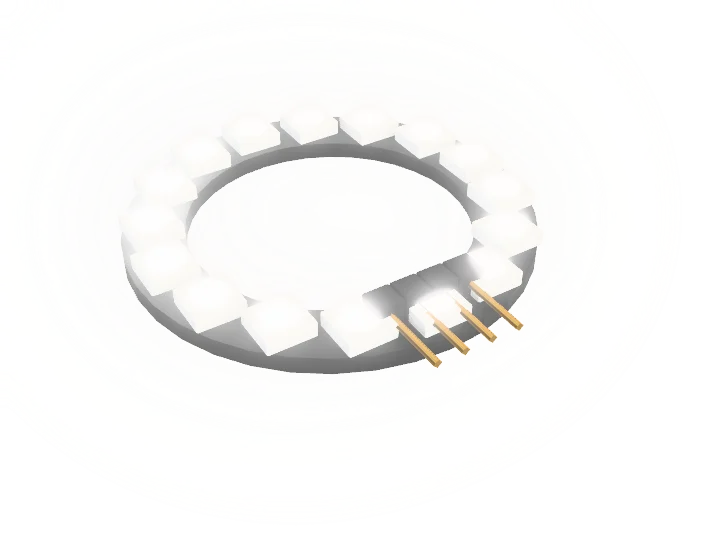
MicroPython: NeoPixel ring
A colour runs round a 16-pixel ring on GP16, with the neopixel module.
MicroPython: PIO, a WS2812 driver in four instructions
A PIO program written in Python drives a 16-pixel ring: the RP2040’s own state machine shifts out every bit.