TinyGSM web client (SIM7600G-H)
TinyGSM and ArduinoHttpClient on an ESP32 with a SIM7600G-H: registered, data up, a JSON page fetched.
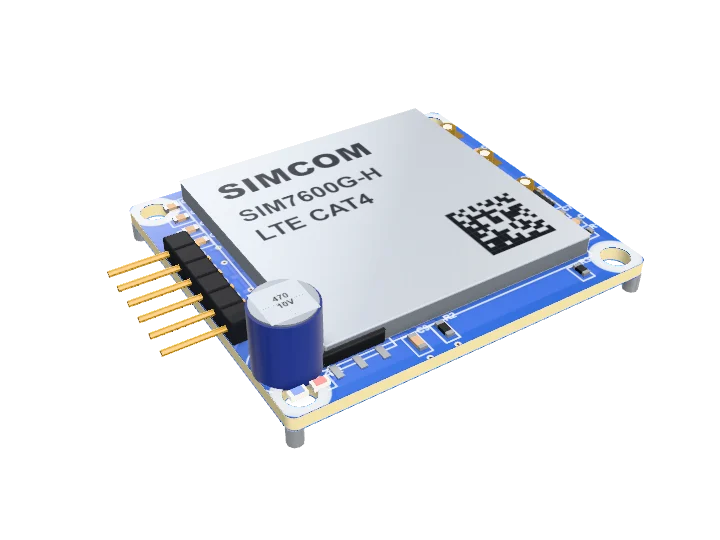
The code
// TinyGSM on an ESP32 with a SIM7600G-H on Serial2: it registers, brings data up and
// fetches http://example.com/json with ArduinoHttpClient every 30 s.
#define TINY_GSM_MODEM_SIM7600
#define TINY_GSM_RX_BUFFER 1024
#include <TinyGsmClient.h>
#include <ArduinoHttpClient.h>

#define SerialAT Serial2
const char apn[] = "internet";

TinyGsm modem(SerialAT);
TinyGsmClient client(modem);
HttpClient http(client, "example.com", 80);

void setup() {
  Serial.begin(115200);
  SerialAT.begin(115200, SERIAL_8N1, 16, 17);
  delay(3000);
  Serial.println("Starting the modem...");
  modem.init();
  Serial.print("Modem: ");
  Serial.println(modem.getModemInfo());
  Serial.print("Waiting for the network...");
  if (!modem.waitForNetwork()) {
    Serial.println(" none");
    return;
  }
  Serial.println(" registered");
  Serial.print("Signal: ");
  Serial.println(modem.getSignalQuality());
  if (!modem.gprsConnect(apn)) {
    Serial.println("Data: failed");
    return;
  }
  Serial.print("Data up, IP ");
  Serial.println(modem.localIP());
}

void loop() {
  int err = http.get("/json");
  if (err == 0) {
    Serial.print("Status: ");
    Serial.println(http.responseStatusCode());
    Serial.println(http.responseBody());
  } else {
    Serial.print("HTTP error ");
    Serial.println(err);
  }
  http.stop();
  delay(30000);
}
TinyGSM
ArduinoHttpClient
More like this
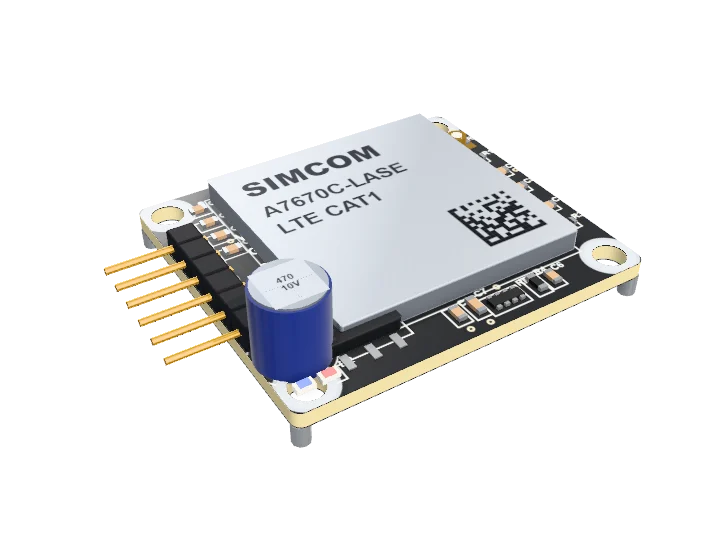
4G HTTP with AT commands (A7670C)
An ESP32 brings up 4G data on an A7670C and fetches a page with the module's own HTTP commands.
ArduinoESP32 DevKit V1
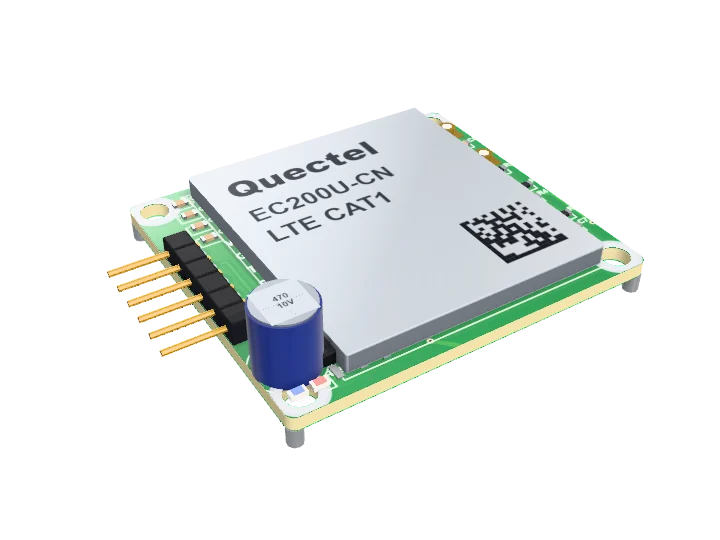
4G MQTT (EC200U)
Quectel EC200U on an ESP32: data up, then the module's own MQTT commands publish a reading and listen for commands.
ArduinoESP32 DevKit V1
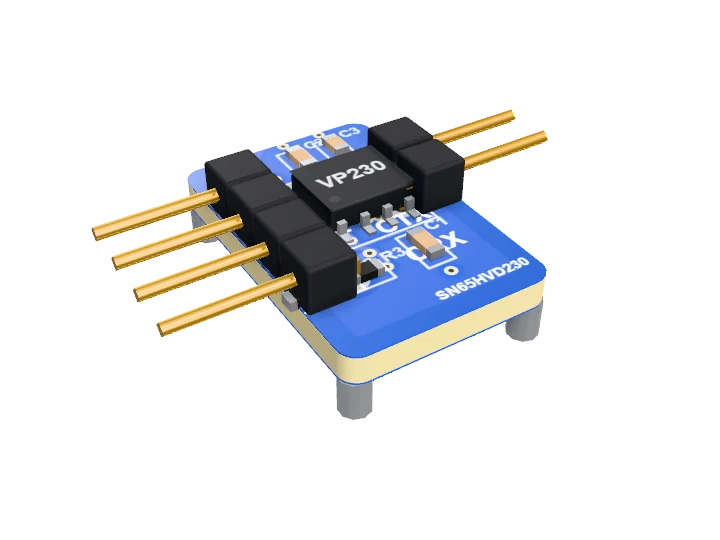
ESP32 TWAI and Uno MCP2515 on CAN
The ESP32’s own CAN controller (TWAI, driver/twai.h) through an SN65HVD230 transceiver, and an Uno with an MCP2515, on one pair at 500 kbit/s. The ESP32 sends its knob; the Uno dims its LED to it and answers how many it has had.
ArduinoESP32 DevKit V1