Exact chip

Arduino Uno simulator

Simulate the Arduino Uno (ATmega328P, 16 MHz) online: Arduino IDE projects with parts on a bench, free in your browser. It runs on the real ATmega328P, instruction by instruction.
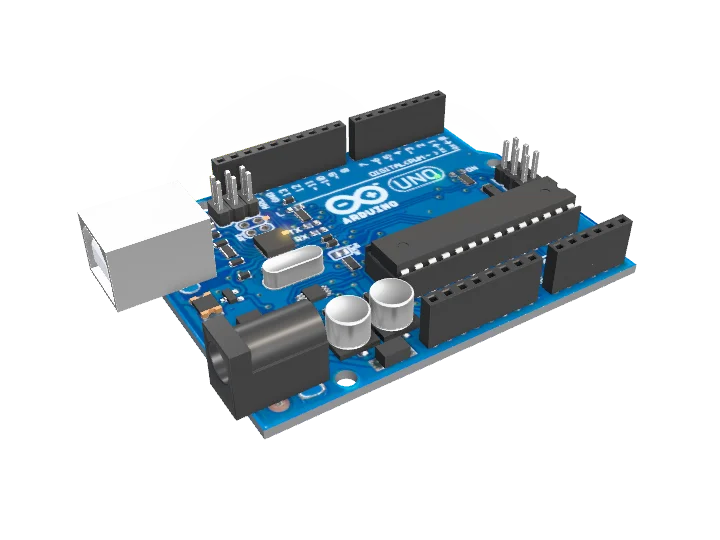
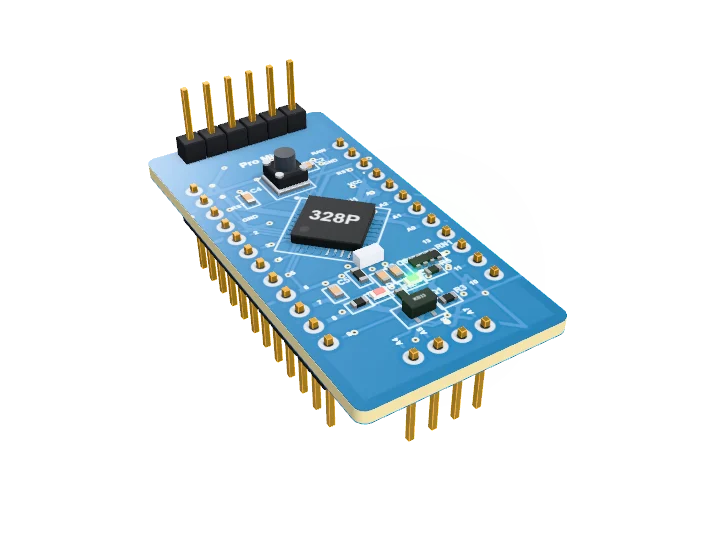
The Arduino Uno in Argynix Lab

3D model: Arduino UNO by Helindu, CC BY 4.0, fitted to the part by Argynix Lab. All credits

Chip
ATmega328P
Clock
16 MHz
Family
Arduino (AVR)
Write it in
Arduino IDE
Runs on
the real ATmega328P, instruction by instruction

Examples on the Arduino Uno

Each opens on the bench as it is, ready to run.

All examples
Blink: An LED on pin 13, on and off every half second.

Blink

An LED on pin 13, on and off every half second.

ArduinoArduino Uno
Button and LED: Hold the button and the LED lights; the serial port says so.

Button and LED

Hold the button and the LED lights; the serial port says so.

ArduinoArduino Uno
Fade (PWM): analogWrite() on pin 9: the LED breathes.

Fade (PWM)

analogWrite() on pin 9: the LED breathes.

ArduinoArduino Uno
Knob to Plotter: Turn the potentiometer; analogRead() follows it. Open the Plotter.
Knob to Plotter

Turn the potentiometer; analogRead() follows it. Open the Plotter.

ArduinoArduino Uno
Melody: tone() on pin 8 plays a scale. Turn the sound on to hear it.
Melody

tone() on pin 8 plays a scale. Turn the sound on to hear it.

ArduinoArduino Uno
Live in ARGYNIX Cloud: A DHT22 sends to your Connect dashboards; Connect switches the LED.
Live in ARGYNIX Cloud

A DHT22 sends to your Connect dashboards; Connect switches the LED.

ArduinoArduino Uno
Servo sweep: The Servo library on pin 9: the horn sweeps 0° to 180° and back.
Servo sweep

The Servo library on pin 9: the horn sweeps 0° to 180° and back.

ArduinoArduino Uno
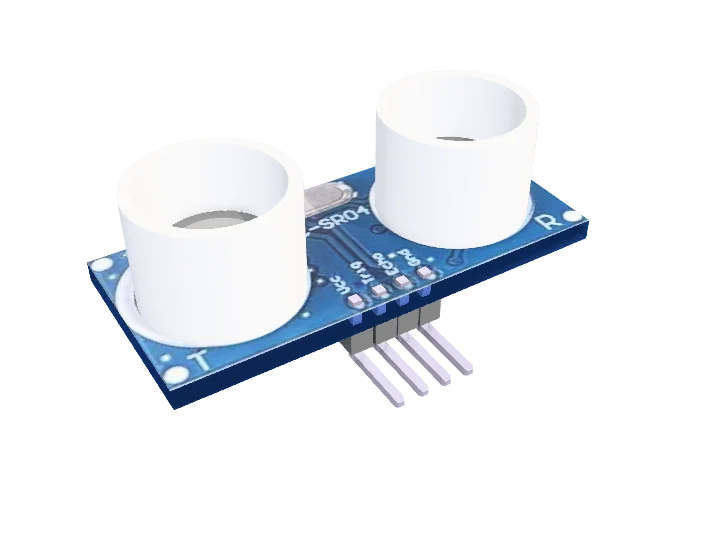
Distance (HC-SR04): An ultrasonic echo timed with pulseIn(). Set the distance in the inspector.
Distance (HC-SR04)

An ultrasonic echo timed with pulseIn(). Set the distance in the inspector.

ArduinoArduino Uno
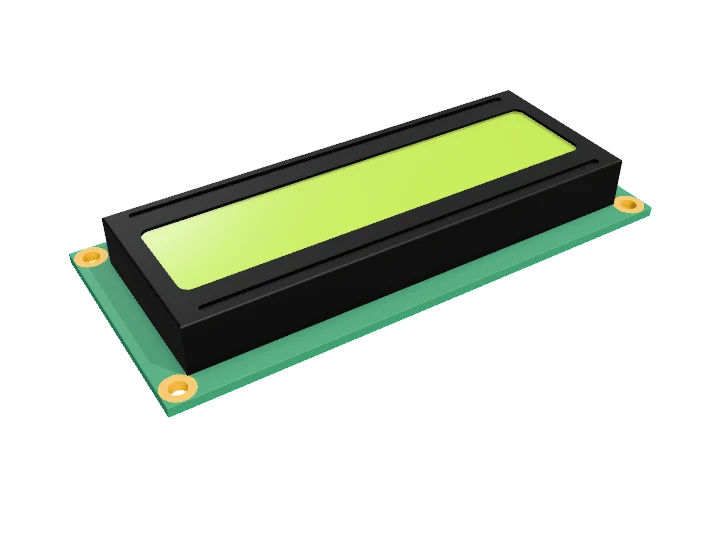
Weather station: A DHT22 read every 2 s, shown on an I2C LCD and the serial port.
Weather station

A DHT22 read every 2 s, shown on an I2C LCD and the serial port.

ArduinoArduino Uno
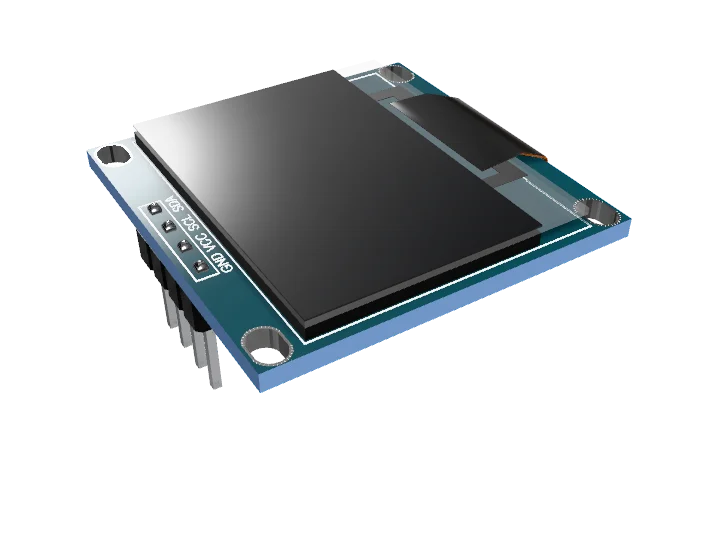
OLED display: Adafruit GFX text and shapes on a 128x64 SSD1306 over I2C.
OLED display

Adafruit GFX text and shapes on a 128x64 SSD1306 over I2C.

ArduinoArduino Uno
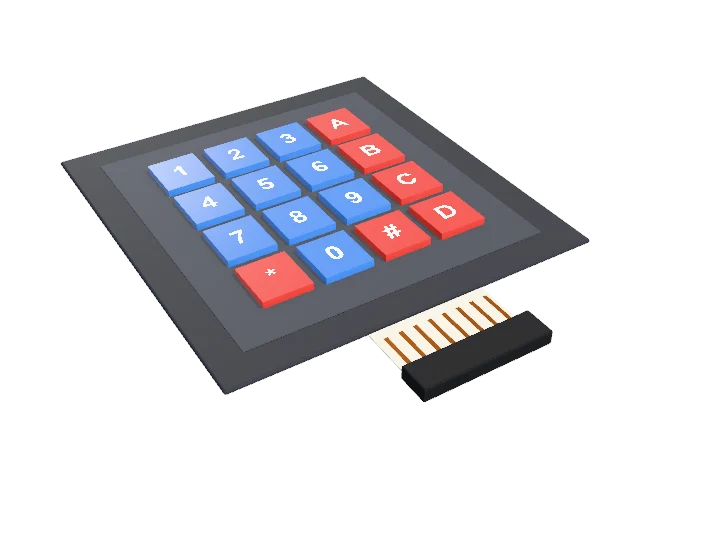
Keypad: A 4x4 keypad scanned with the Keypad library; each key on the serial port.
Keypad

A 4x4 keypad scanned with the Keypad library; each key on the serial port.

ArduinoArduino Uno
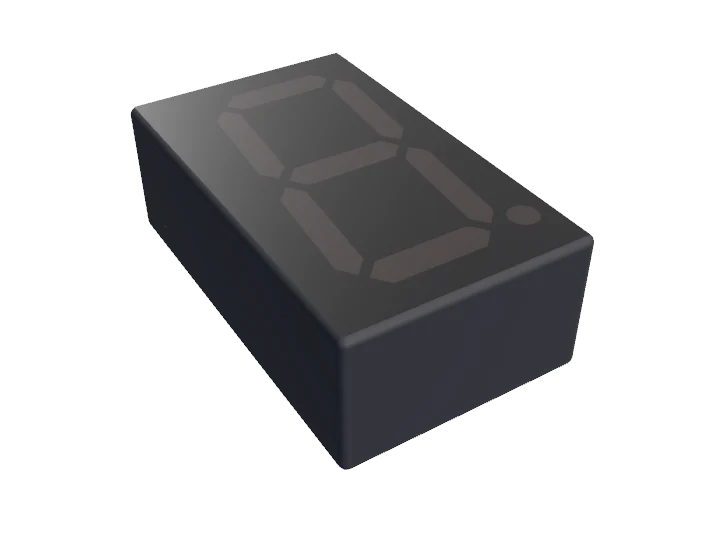
7-segment counter: A common-cathode digit on pins 2 to 8, counting 0 to 9.
7-segment counter

A common-cathode digit on pins 2 to 8, counting 0 to 9.

ArduinoArduino Uno
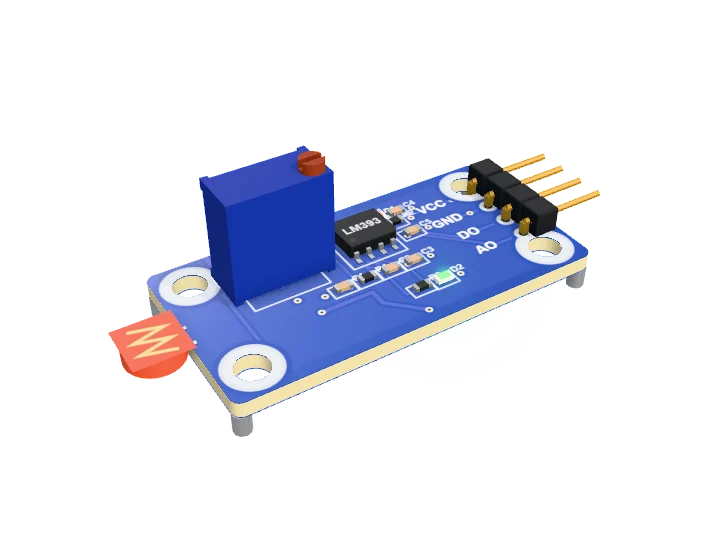
Night light: A photoresistor on A0: the darker it is, the brighter the LED.
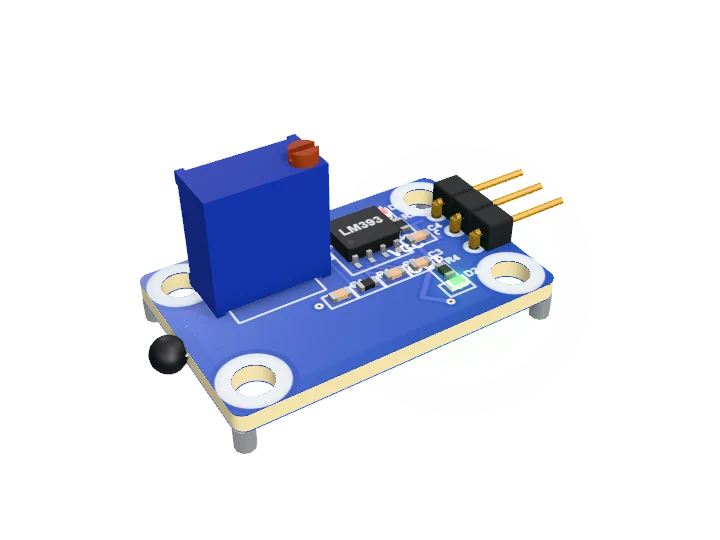
Night light

A photoresistor on A0: the darker it is, the brighter the LED.

ArduinoArduino Uno
Thermometer (NTC): An NTC thermistor on A0, turned into °C. Watch it in the Plotter.
Thermometer (NTC)

An NTC thermistor on A0, turned into °C. Watch it in the Plotter.

ArduinoArduino Uno
RGB mood light: A common-cathode RGB LED on PWM pins 9, 10 and 11, fading through colours.
RGB mood light

A common-cathode RGB LED on PWM pins 9, 10 and 11, fading through colours.

ArduinoArduino Uno
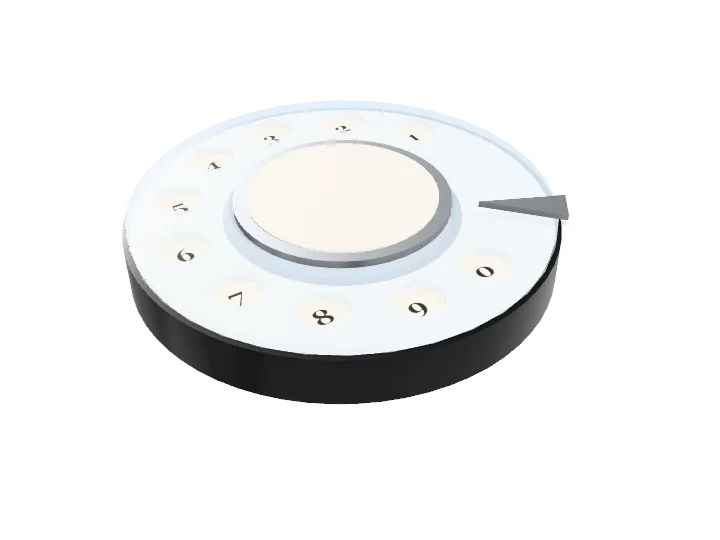
Rotary dial: An old phone’s dial: each digit counted from its pulses, a number built up on the serial monitor.

Rotary dial

An old phone’s dial: each digit counted from its pulses, a number built up on the serial monitor.
ArduinoArduino Uno
Two hands, one axis: A biaxial stepper as a clock running fast: two A4988 drivers, the hour hand on the outer shaft, the minute hand on the inner, as a clock has them.

Two hands, one axis

A biaxial stepper as a clock running fast: two A4988 drivers, the hour hand on the outer shaft, the minute hand on the inner, as a clock has them.

ArduinoArduino Uno
Two Unos over serial: Two boards, each with its own program: the first sends "ping" every half second, the second toggles its LED and answers "pong". Pick a board above the code to see its program; its serial monitor has a tab.

Two Unos over serial

Two boards, each with its own program: the first sends "ping" every half second, the second toggles its LED and answers "pong". Pick a board above the code to see its program; its serial monitor has a tab.

ArduinoArduino Uno
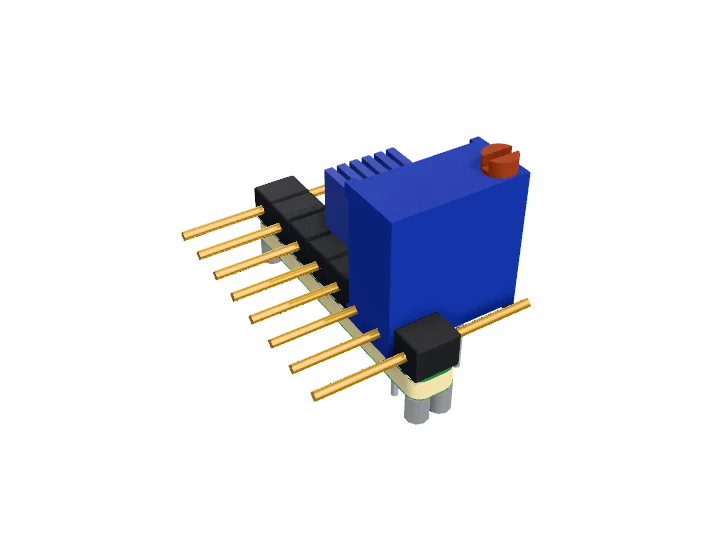
Two Unos over I2C: Board 1 is the I2C controller (Wire.begin()), board 2 a target at address 8 (Wire.begin(8)). Board 1 sends its knob ten times a second; board 2 sets its LED to it and answers how many it has had.
Two Unos over I2C

Board 1 is the I2C controller (Wire.begin()), board 2 a target at address 8 (Wire.begin(8)). Board 1 sends its knob ten times a second; board 2 sets its LED to it and answers how many it has had.

ArduinoArduino Uno
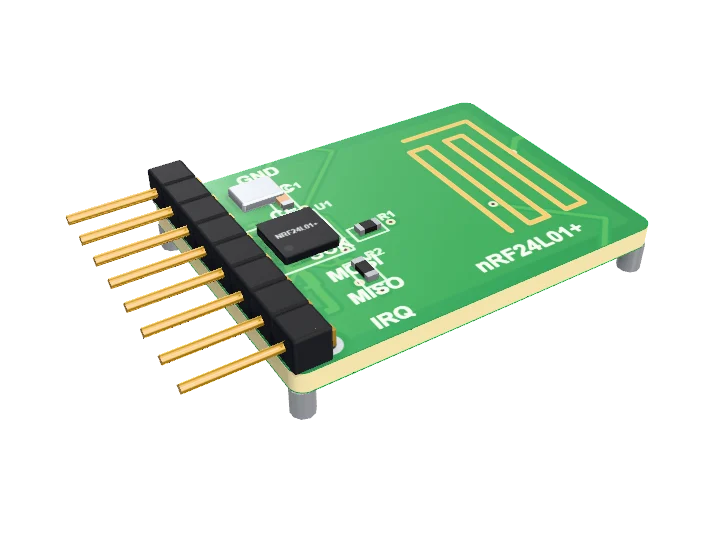
Two Unos by radio (nRF24): Each Uno has an nRF24L01+ (RF24). Board 1 sends its button 20 times a second to address "00001"; board 2 listens there and lights its LED while the button is held. The radios hear each other: same channel, data rate and address.
Two Unos by radio (nRF24)

Each Uno has an nRF24L01+ (RF24). Board 1 sends its button 20 times a second to address "00001"; board 2 listens there and lights its LED while the button is held. The radios hear each other: same channel, data rate and address.

ArduinoArduino Uno
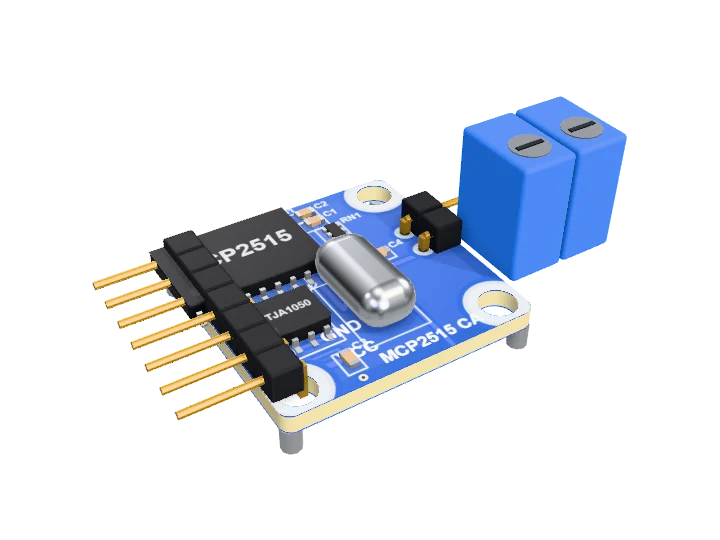
Two Unos on a CAN bus: Each Uno has an MCP2515 CAN module (mcp_can); their CANH and CANL are one pair. Board 1 sends a count and its knob every half second; board 2 prints each frame and lights its LED when the knob is past half way.
Two Unos on a CAN bus

Each Uno has an MCP2515 CAN module (mcp_can); their CANH and CANL are one pair. Board 1 sends a count and its knob every half second; board 2 prints each frame and lights its LED when the knob is past half way.

ArduinoArduino Uno
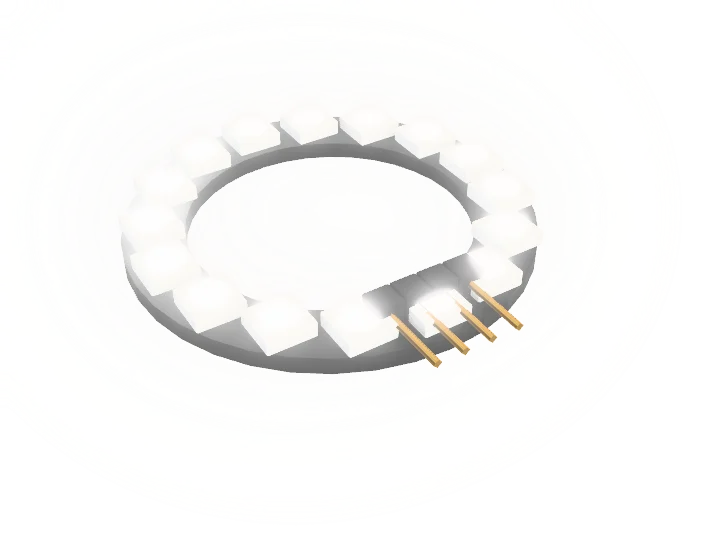
NeoPixel ring: A 16-pixel WS2812 ring on pin 6: a spinning comet.
NeoPixel ring

A 16-pixel WS2812 ring on pin 6: a spinning comet.

ArduinoArduino Uno
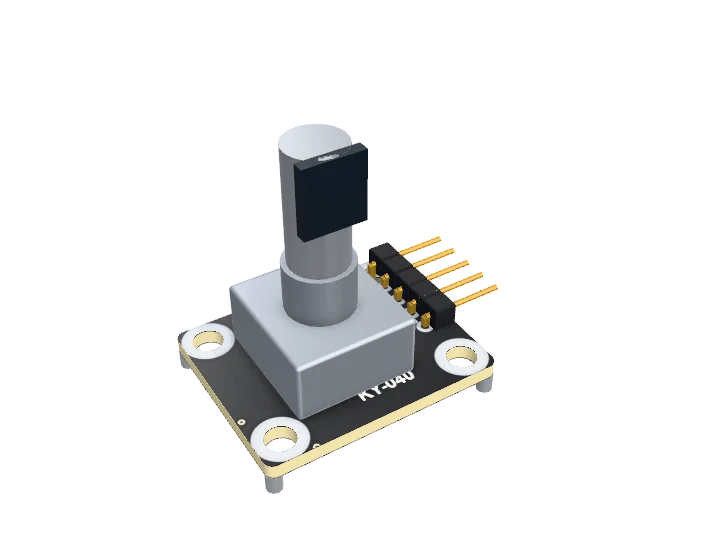
Rotary encoder: A KY-040 counted with an interrupt on CLK; press to reset.
Rotary encoder

A KY-040 counted with an interrupt on CLK; press to reset.

ArduinoArduino Uno
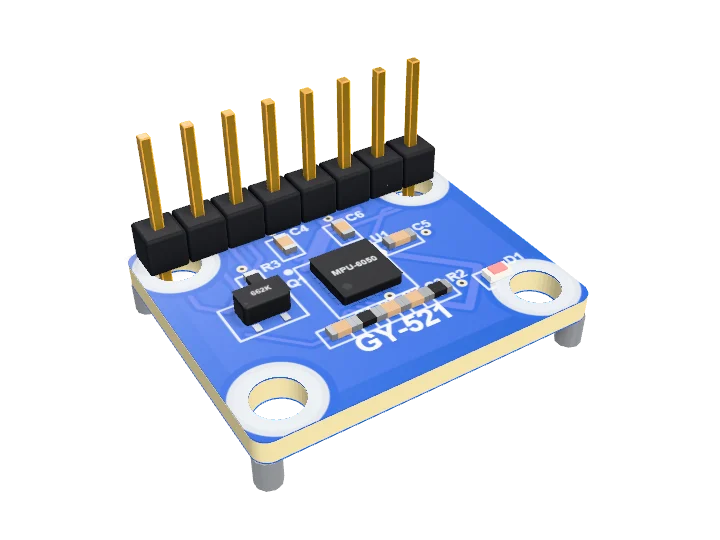
Tilt (MPU6050): Acceleration and rotation over I2C, read with Wire. Tilt it in the inspector.

Tilt (MPU6050)

Acceleration and rotation over I2C, read with Wire. Tilt it in the inspector.

ArduinoArduino Uno
Clock (DS1307 + LCD): RTClib reads a DS1307; the time and date on an I2C LCD.
Clock (DS1307 + LCD)

RTClib reads a DS1307; the time and date on an I2C LCD.

ArduinoArduino Uno
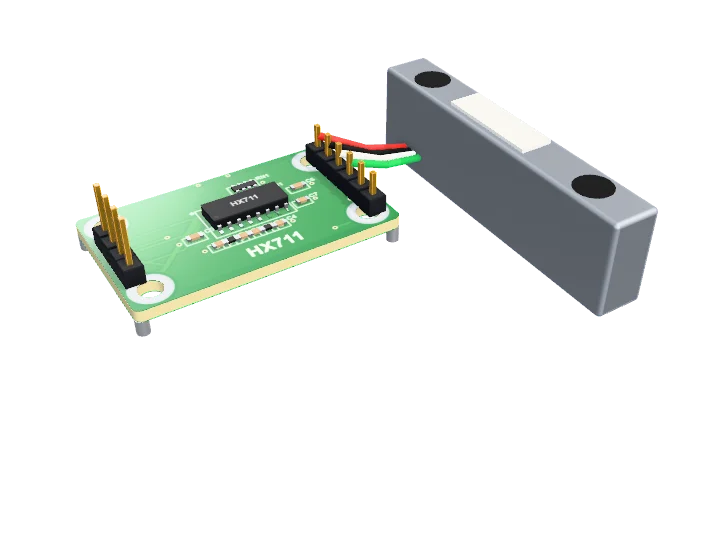
Scale (HX711): A load cell through an HX711: tared at start, then grams. Set the weight.
Scale (HX711)

A load cell through an HX711: tared at start, then grams. Set the weight.

ArduinoArduino Uno
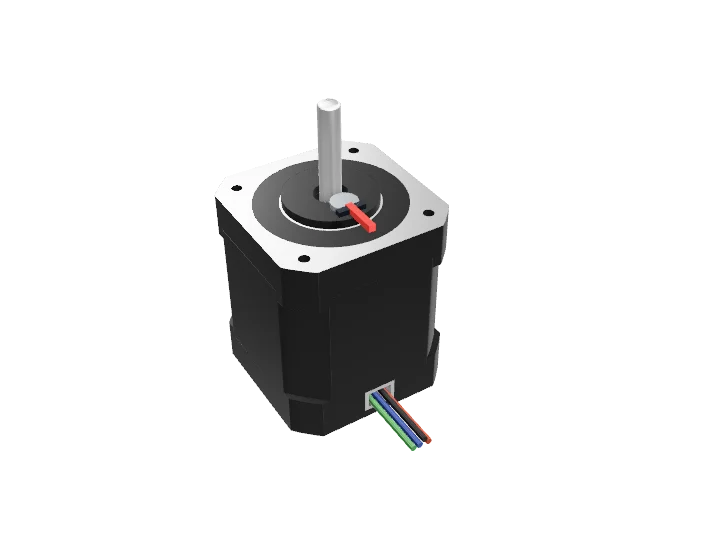
Stepper motor: The Stepper library on pins 8 to 11: one turn clockwise, then back.
Stepper motor

The Stepper library on pins 8 to 11: one turn clockwise, then back.

ArduinoArduino Uno
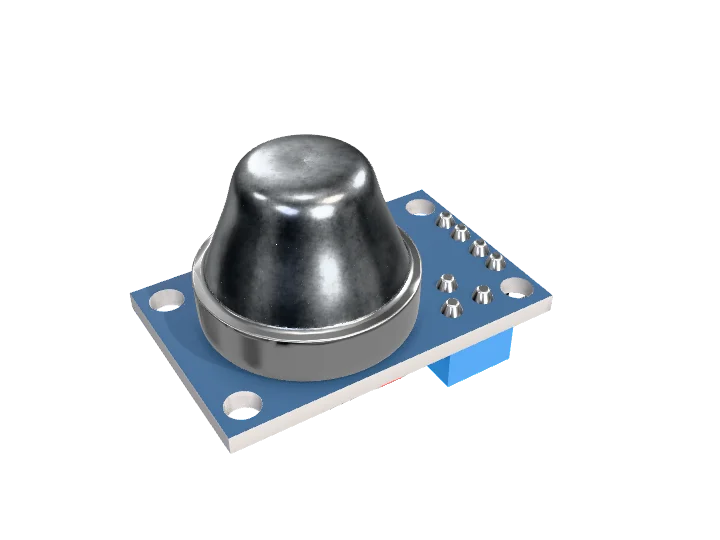
Gas alarm (MQ-2): The MQ-2’s level on A0, its alarm on pin 7; a buzzer sounds. Raise the gas.
Gas alarm (MQ-2)

The MQ-2’s level on A0, its alarm on pin 7; a buzzer sounds. Raise the gas.

ArduinoArduino Uno
Heartbeat to Plotter: A pulse sensor on A0, sampled every 10 ms. Open the Plotter.
Heartbeat to Plotter

A pulse sensor on A0, sampled every 10 ms. Open the Plotter.

ArduinoArduino Uno
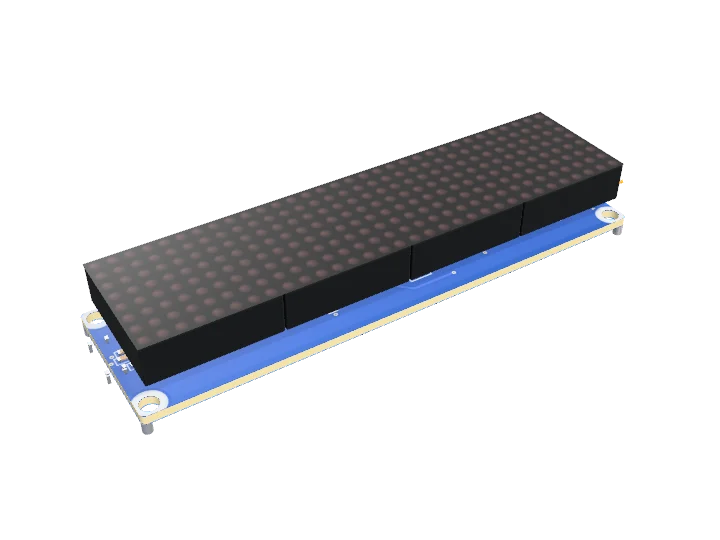
Scrolling text (4 x MAX7219): MD_MAX72XX scrolls a message across a 32x8 matrix, over hardware SPI.

Scrolling text (4 x MAX7219)

MD_MAX72XX scrolls a message across a 32x8 matrix, over hardware SPI.
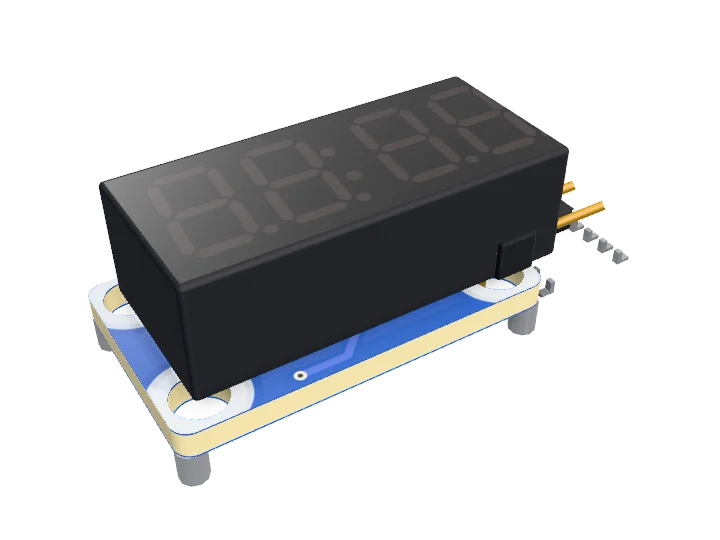
ArduinoArduino Uno
Stopwatch (TM1637): TM1637Display counts minutes and seconds, the colon blinking each second.
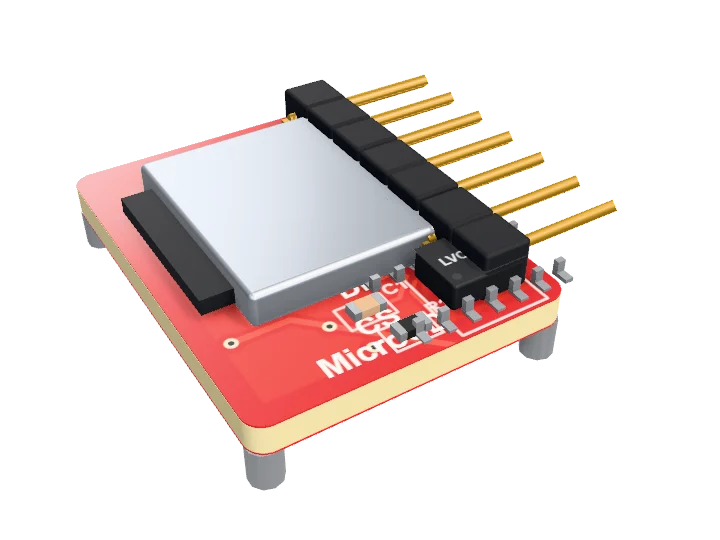
Stopwatch (TM1637)

TM1637Display counts minutes and seconds, the colon blinking each second.

ArduinoArduino Uno
Data logger (SD card): The SD library writes the knob’s reading to LOG.CSV every half second; the inspector lists the file.
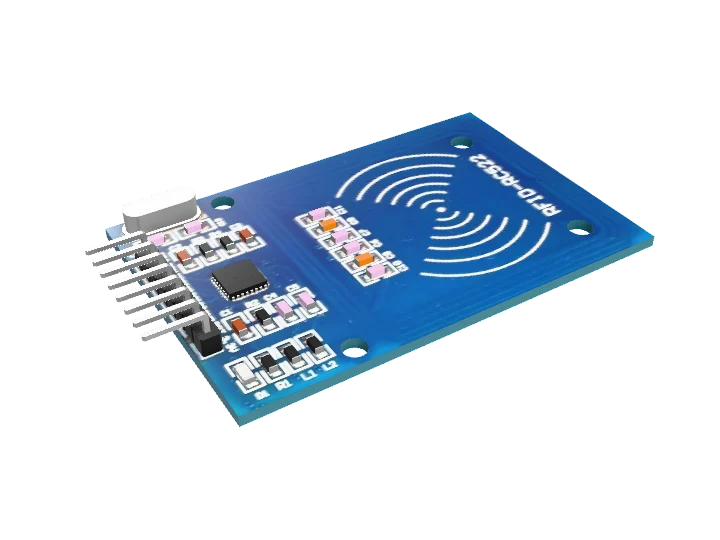
Data logger (SD card)

The SD library writes the knob’s reading to LOG.CSV every half second; the inspector lists the file.

ArduinoArduino Uno
RFID door (RC522): The MFRC522 library reads a card’s UID: the known card lights green, any other red. Click the reader to hold a card to it.
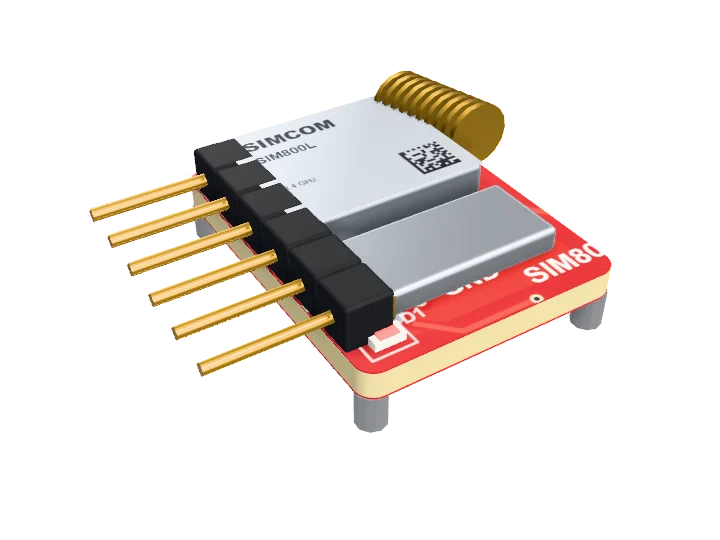
RFID door (RC522)

The MFRC522 library reads a card’s UID: the known card lights green, any other red. Click the reader to hold a card to it.

ArduinoArduino Uno
SMS switch (SIM800L): Text "LED ON" or "LED OFF" to the SIM800L and pin 13 follows; the board texts back what it did.

SMS switch (SIM800L)

Text "LED ON" or "LED OFF" to the SIM800L and pin 13 follows; the board texts back what it did.
ArduinoArduino Uno
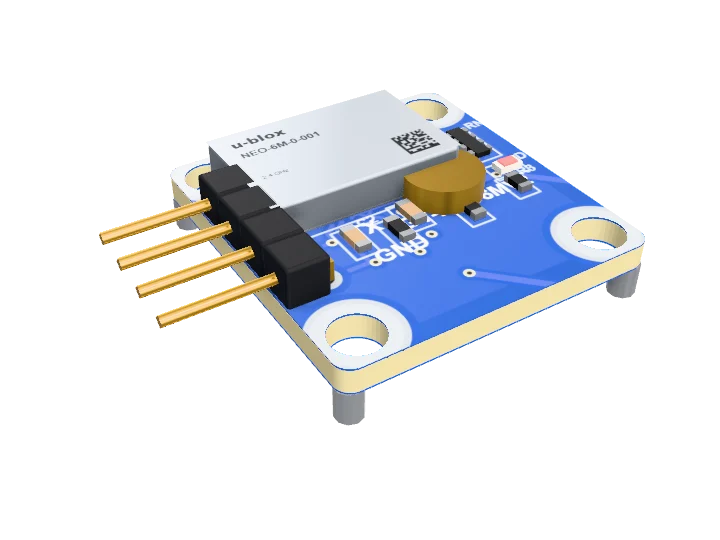
GPS position (NEO-6M): TinyGPS++ reads a NEO-6M on SoftwareSerial: latitude, longitude, altitude, satellites, time. Move it in the inspector.
GPS position (NEO-6M)

TinyGPS++ reads a NEO-6M on SoftwareSerial: latitude, longitude, altitude, satellites, time. Move it in the inspector.

ArduinoArduino Uno
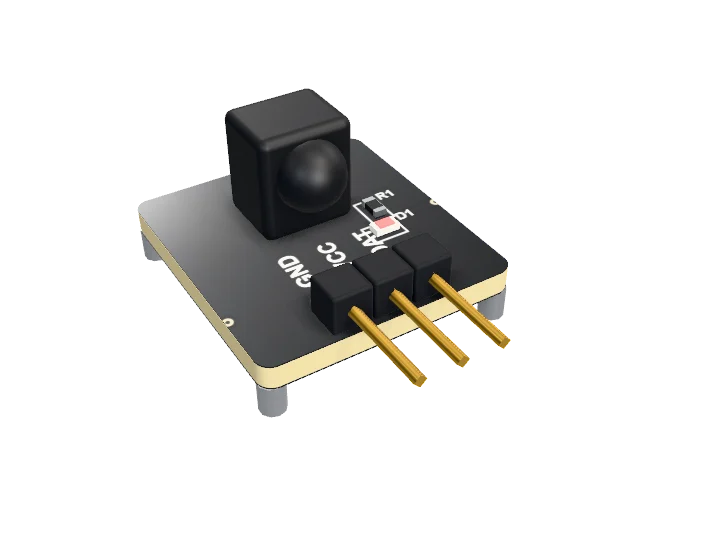
IR remote and three LEDs: IRremote decodes the remote: keys 1, 2 and 3 toggle three LEDs, and every code is printed.

IR remote and three LEDs

IRremote decodes the remote: keys 1, 2 and 3 toggle three LEDs, and every code is printed.
ArduinoArduino Uno
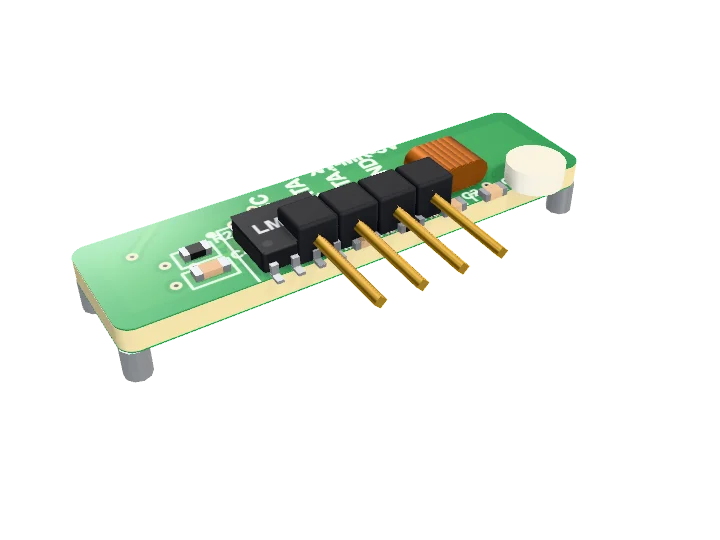
433 MHz key fob and a relay: RCSwitch reads a 433 MHz key fob: key A switches the relay on, key B off.

433 MHz key fob and a relay

RCSwitch reads a 433 MHz key fob: key A switches the relay on, key B off.
ArduinoArduino Uno
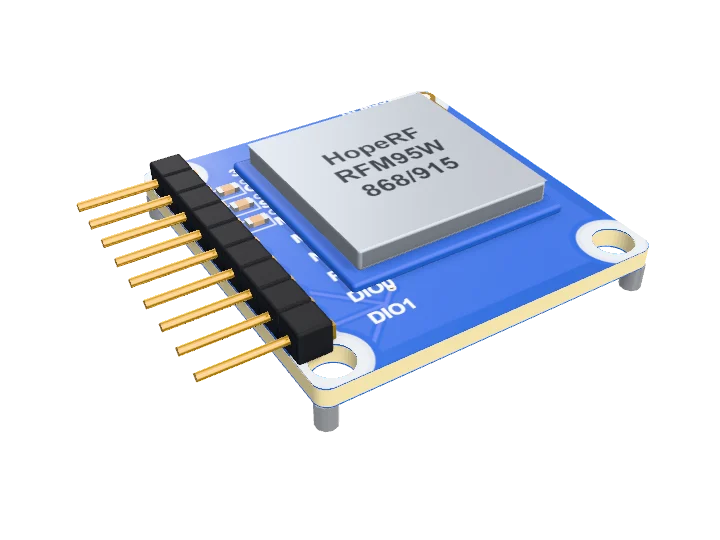
LoRa ping (RFM95W): The LoRa library on an RFM95W at 868 MHz: a numbered ping every five seconds, and the other radio's answers with their RSSI.
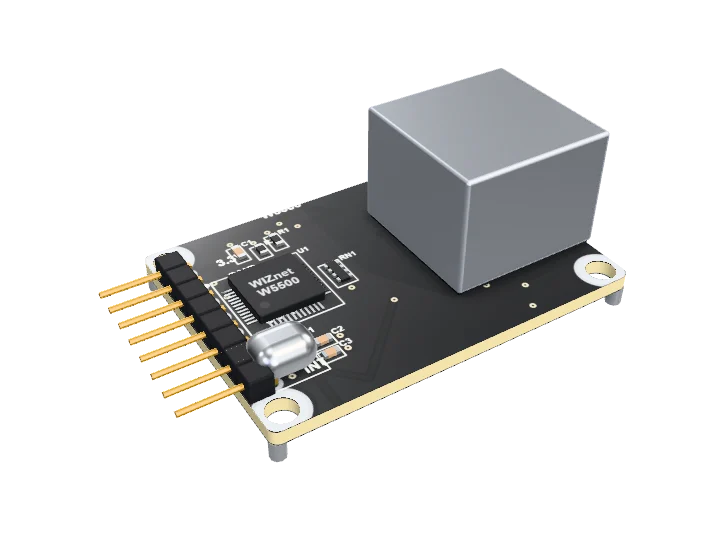
LoRa ping (RFM95W)

The LoRa library on an RFM95W at 868 MHz: a numbered ping every five seconds, and the other radio's answers with their RSSI.

ArduinoArduino Uno
Ethernet web server (W5500): A W5500 on an Uno: an address by DHCP, then a page with the knob's reading. Open it on the bench's phone.
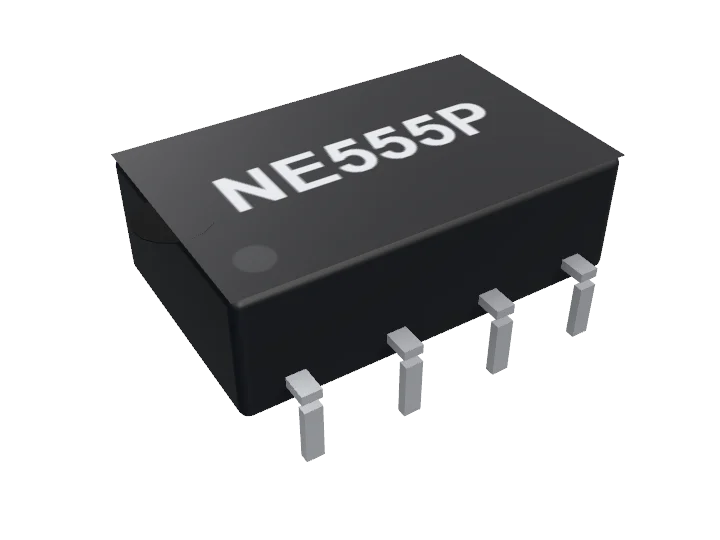
Ethernet web server (W5500)

A W5500 on an Uno: an address by DHCP, then a page with the knob's reading. Open it on the bench's phone.

ArduinoArduino Uno
555 timer blinker: A 555 blinks an LED by itself, about 7 times a second; the Uno counts its pulses and prints the frequency. Change R2 or C1 and watch it follow.

555 timer blinker

A 555 blinks an LED by itself, about 7 times a second; the Uno counts its pulses and prints the frequency. Change R2 or C1 and watch it follow.

ArduinoArduino Uno
Op-amp night light (LM358): An LM358 compares the light sensor with half the supply: when it gets dark the LED comes on, with no code in the way. The Uno reads both and prints them.
Op-amp night light (LM358)

An LM358 compares the light sensor with half the supply: when it gets dark the LED comes on, with no code in the way. The Uno reads both and prints them.
ArduinoArduino Uno