Live sensor page
ESPAsyncWebServer on the Lab’s network: weather.local shows the knob’s reading, fetched every second by the page.
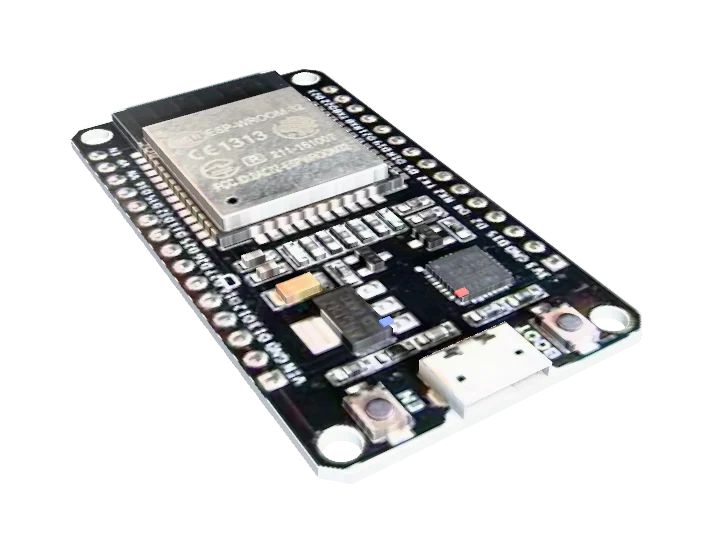
The code
// On the Lab's network (ARGYNIX-Lab), ESPAsyncWebServer serves a page at weather.local
// (10.42.0.17) that asks /reading every second. Run it, join ARGYNIX-Lab on the phone,
// open weather.local, then turn the knob.
#include <WiFi.h>
#include <AsyncTCP.h>
#include <ESPAsyncWebServer.h>
#include <ESPmDNS.h>

AsyncWebServer server(80);

const char page[] PROGMEM = R"html(<!doctype html><html><head>
<meta name=viewport content="width=device-width">
<style>body{font-family:sans-serif;text-align:center;padding:24px;background:#0f1e31;color:#eef}
#v{font-size:48px;font-weight:700;color:#7fd3ff}</style></head><body>
<h2>%TITLE%</h2><div id=v>...</div><p>of 4095, every second</p>
<script>
setInterval(() => fetch('/reading').then((r) => r.text()).then((t) => (document.getElementById('v').textContent = t)), 1000);
</script></body></html>)html";

String processor(const String &name) { return name == "TITLE" ? String("Knob on GPIO 34") : String(); }

void setup() {
  Serial.begin(115200);
  WiFi.begin("ARGYNIX-Lab", "");
  while (WiFi.status() != WL_CONNECTED) delay(100);
  MDNS.begin("weather");
  Serial.print("Open http://weather.local or http://");
  Serial.println(WiFi.localIP());
  server.on("/", HTTP_GET, [](AsyncWebServerRequest *request) { request->send_P(200, "text/html", page, processor); });
  server.on("/reading", HTTP_GET, [](AsyncWebServerRequest *request) { request->send(200, "text/plain", String(analogRead(34))); });
  server.begin();
}

void loop() { delay(1000); }
More like this
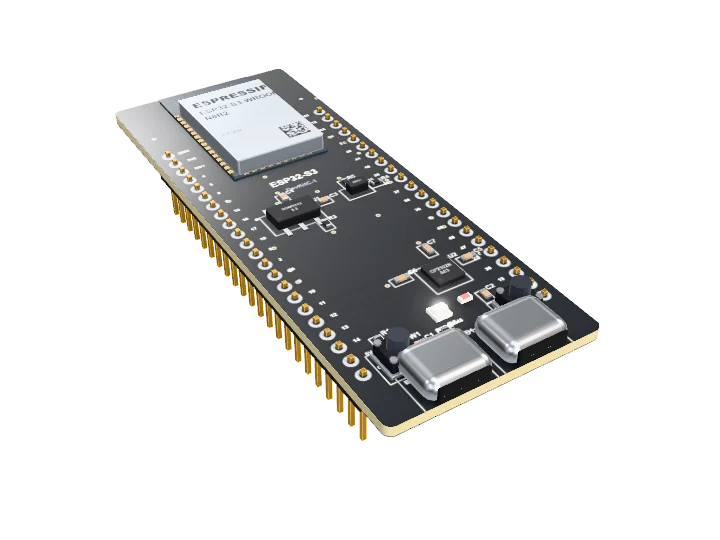
ESP32-S3: RGB LED
The S3 DevKitC-1’s own RGB LED (GPIO48) through the colours with rgbLedWrite().
ArduinoESP32-S3 DevKitC-1
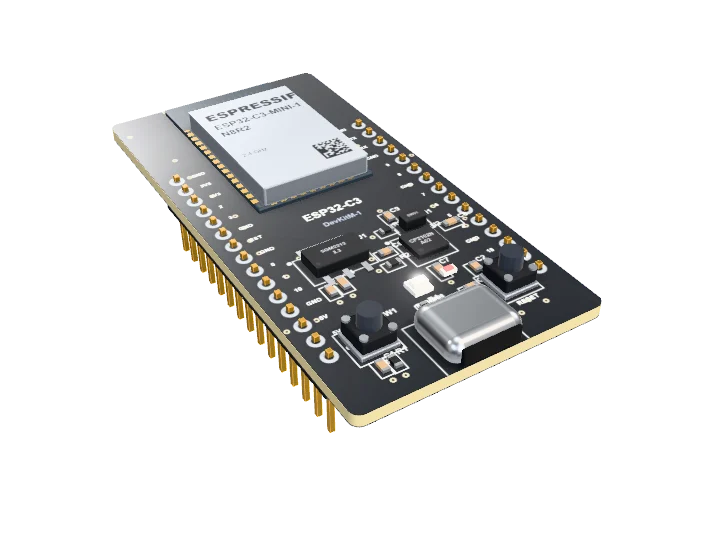
ESP32-C3: button and RGB LED
A button on GPIO 4 steps the C3 DevKitM-1’s RGB LED through colours.
ArduinoESP32-C3 DevKitM-1
ESP32: blink and fade
The blue LED on GPIO 2 blinks; an LED on GPIO 4 fades with LEDC PWM.
ArduinoESP32 DevKit V1