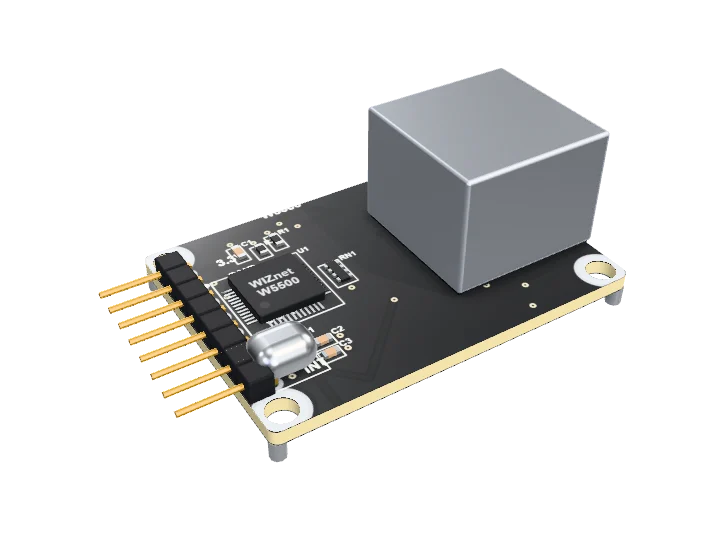
Ethernet web server (W5500)
A W5500 on an Uno: an address by DHCP, then a page with the knob's reading. Open it on the bench's phone.
The code
// A web server on Ethernet: a W5500 on SPI (CS on 10). DHCP gives it an address on the
// Lab's network; its page shows the knob on A0 and refreshes itself. Open the phone at
// the bench's foot to see it.
#include <SPI.h>
#include <Ethernet.h>

byte mac[] = {0xDE, 0xAD, 0xBE, 0xEF, 0xFE, 0xED};
EthernetServer server(80);

void setup() {
  Serial.begin(115200);
  Ethernet.init(10);
  if (Ethernet.begin(mac) == 0) {
    Serial.println("DHCP failed: is the cable in?");
    while (true);
  }
  server.begin();
  Serial.print("Web server at http://");
  Serial.println(Ethernet.localIP());
}

void loop() {
  EthernetClient client = server.available();
  if (!client) return;
  bool blank = true;
  while (client.connected()) {
    if (!client.available()) continue;
    char c = client.read();
    if (c == '\n' && blank) {
      client.println("HTTP/1.1 200 OK");
      client.println("Content-Type: text/html");
      client.println("Connection: close");
      client.println();
      client.print("<!DOCTYPE html><html><head><meta http-equiv='refresh' content='2'>");
      client.print("<title>W5500</title></head><body style='font-family:sans-serif'>");
      client.print("<h1>Knob: ");
      client.print(analogRead(A0));
      client.println("</h1><p>Served by a W5500 on the Argynix Lab network.</p></body></html>");
      break;
    }
    if (c == '\n') blank = true;
    else if (c != '\r') blank = false;
  }
  delay(1);
  client.stop();
  Serial.println("Page served");
}
Ethernet
More like this
SMS switch (SIM800L)
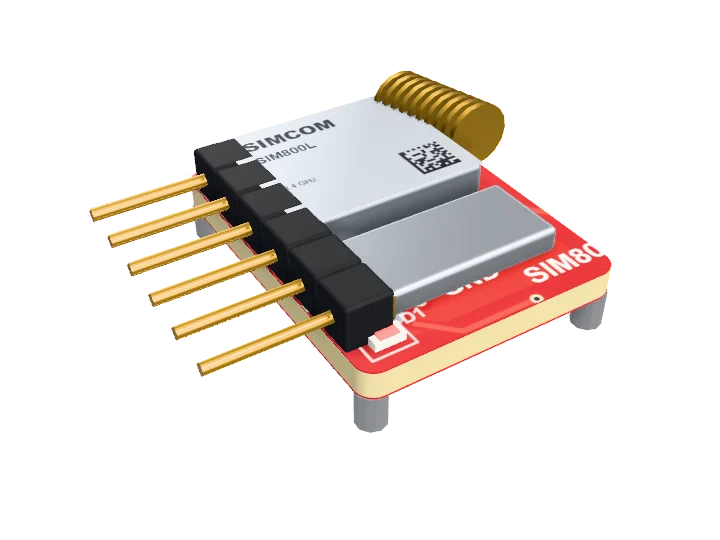
Text "LED ON" or "LED OFF" to the SIM800L and pin 13 follows; the board texts back what it did.
ArduinoArduino Uno
GPS position (NEO-6M)
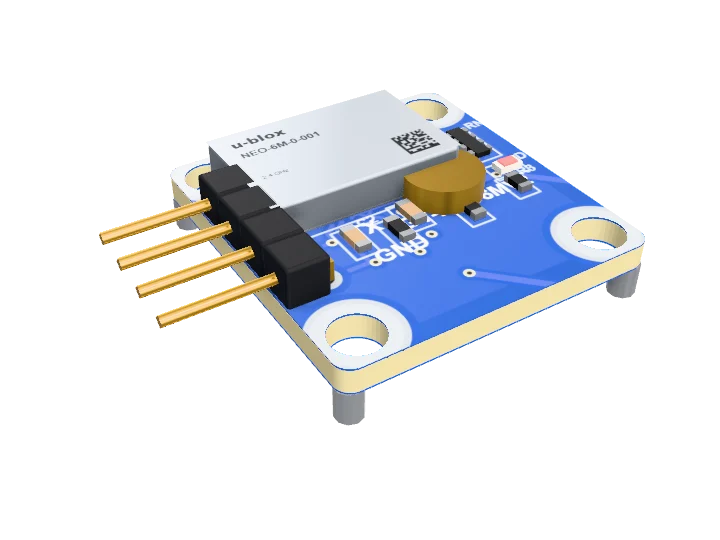
TinyGPS++ reads a NEO-6M on SoftwareSerial: latitude, longitude, altitude, satellites, time. Move it in the inspector.
ArduinoArduino Uno
IR remote and three LEDs
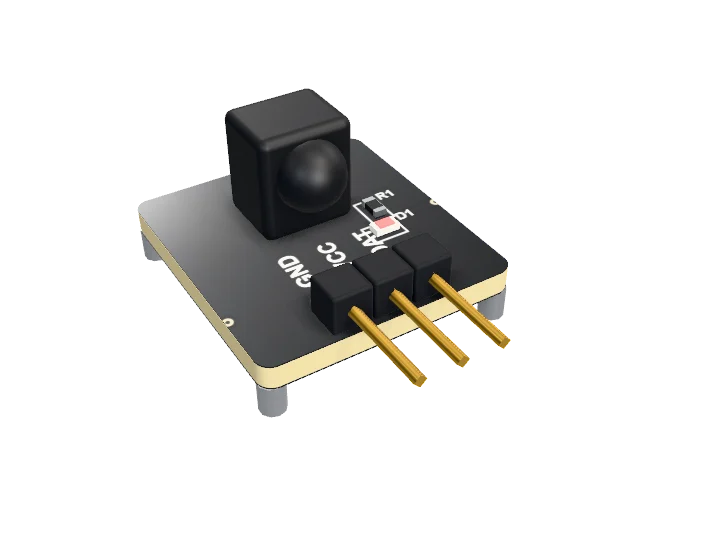
IRremote decodes the remote: keys 1, 2 and 3 toggle three LEDs, and every code is printed.
ArduinoArduino Uno