Melody
tone() on pin 8 plays a scale. Turn the sound on to hear it.

The code
// tone() on pin 8: a scale, then a rest. Turn the sound on to hear it.

const int BUZZER = 8;
const int notes[] = { 262, 294, 330, 349, 392, 440, 494, 523 };

void setup() {
  Serial.begin(9600);
}

void loop() {
  for (int i = 0; i < 8; i++) {
    tone(BUZZER, notes[i], 180);
    Serial.print("Note ");
    Serial.println(notes[i]);
    delay(220);
  }
  noTone(BUZZER);
  delay(1000);
}
More like this
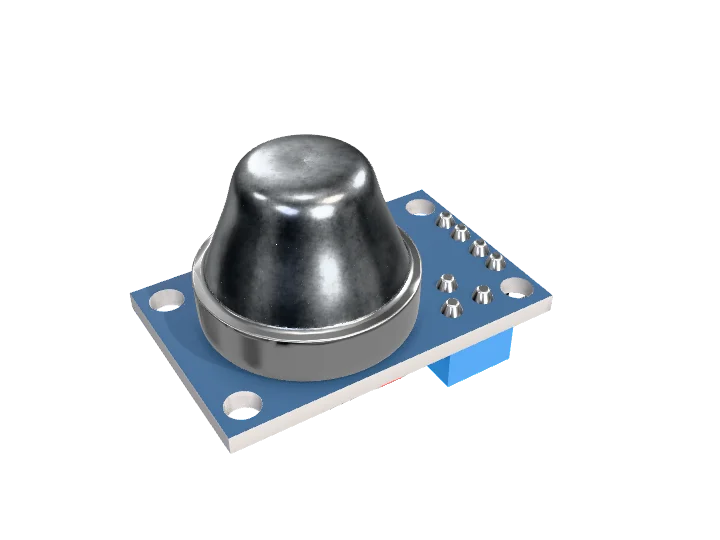
Gas alarm (MQ-2)
The MQ-2’s level on A0, its alarm on pin 7; a buzzer sounds. Raise the gas.
ArduinoArduino Uno
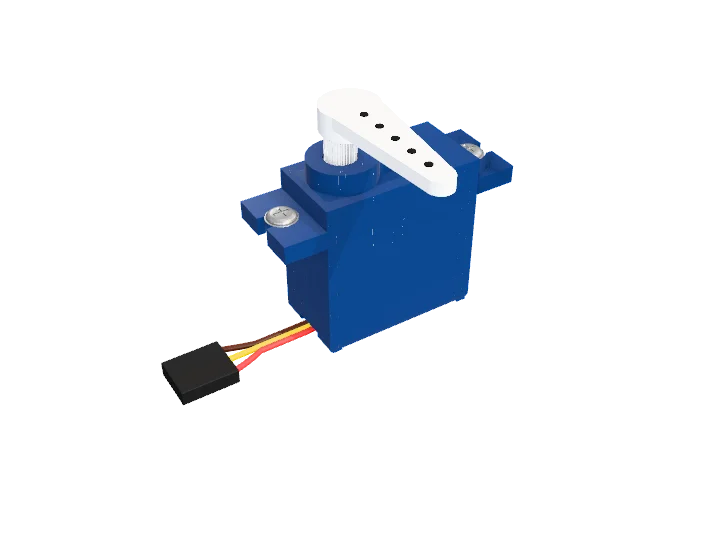
Servo sweep
The Servo library on pin 9: the horn sweeps 0° to 180° and back.
ArduinoArduino Uno

RGB mood light
A common-cathode RGB LED on PWM pins 9, 10 and 11, fading through colours.
ArduinoArduino Uno