Keypad
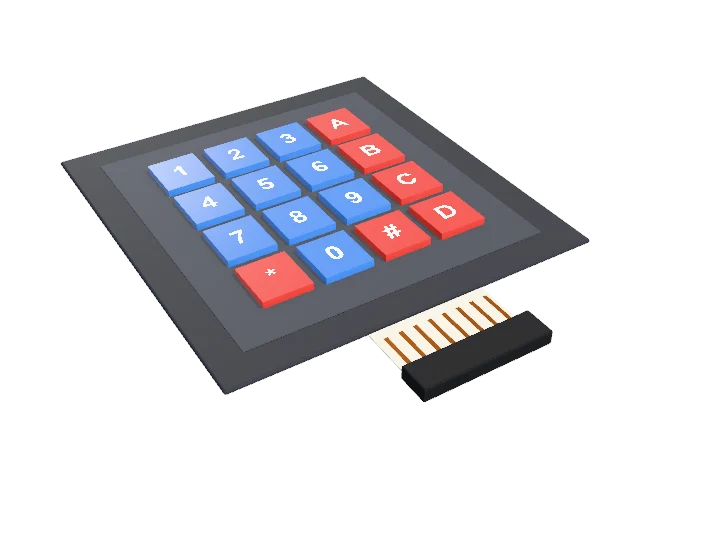
A 4x4 keypad scanned with the Keypad library; each key on the serial port.
The code
// A 4x4 keypad: rows on pins 9..6, columns on 5..2. Click the keys while it runs.
#include <Keypad.h>

const byte ROWS = 4;
const byte COLS = 4;
char keys[ROWS][COLS] = {
  {'1', '2', '3', 'A'},
  {'4', '5', '6', 'B'},
  {'7', '8', '9', 'C'},
  {'*', '0', '#', 'D'},
};
byte rowPins[ROWS] = {9, 8, 7, 6};
byte colPins[COLS] = {5, 4, 3, 2};

Keypad keypad = Keypad(makeKeymap(keys), rowPins, colPins, ROWS, COLS);

void setup() {
  Serial.begin(9600);
  Serial.println("Press a key");
}

void loop() {
  char key = keypad.getKey();
  if (key) {
    Serial.print("Key: ");
    Serial.println(key);
  }
}
More like this
Rotary dial
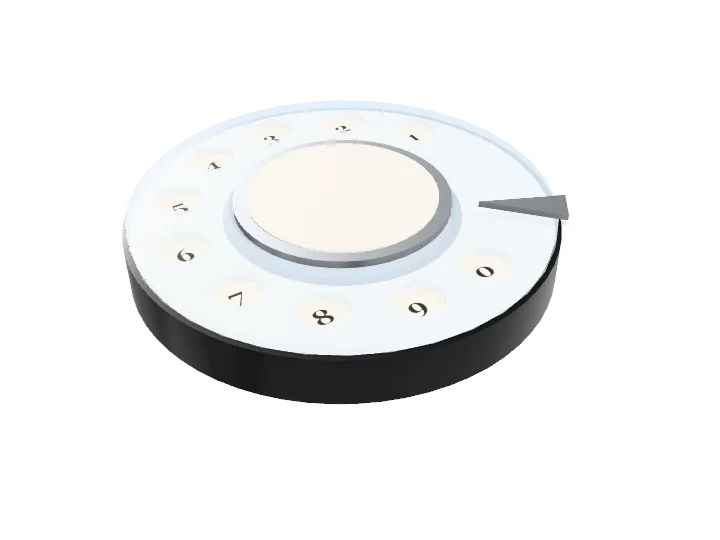
An old phone’s dial: each digit counted from its pulses, a number built up on the serial monitor.
ArduinoArduino Uno
Rotary encoder
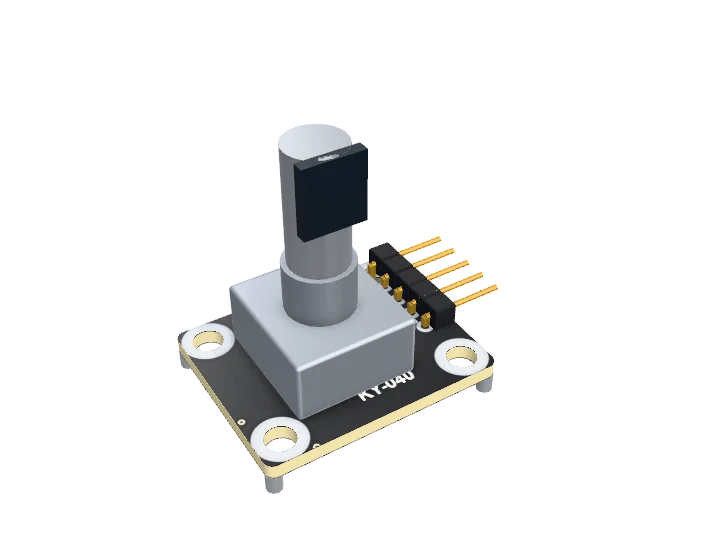
A KY-040 counted with an interrupt on CLK; press to reset.
ArduinoArduino Uno
RFID door (RC522)
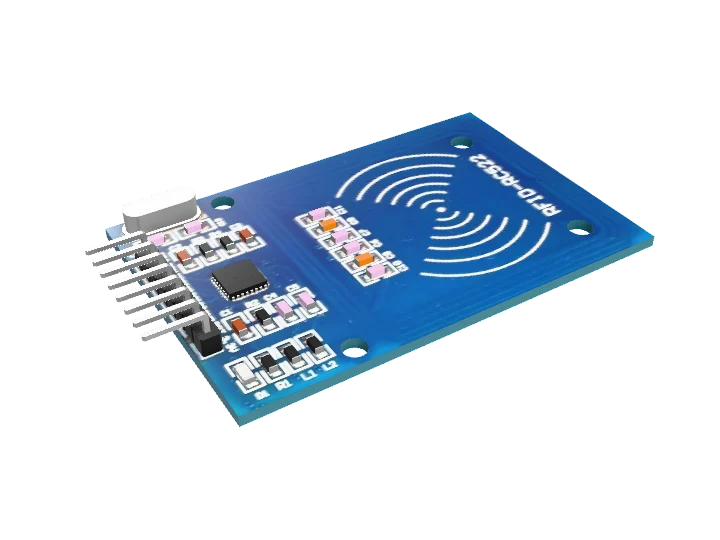
The MFRC522 library reads a card’s UID: the known card lights green, any other red. Click the reader to hold a card to it.
ArduinoArduino Uno