Push button
Push button: Hold to close; INPUT_PULLUP ready. In Argynix Lab it is fully simulated: wire it to an Arduino, ESP32, STM32 or Raspberry Pi Pico in your browser and run your code against it.
You handle it while the program runs: press, turn or set it on the bench.
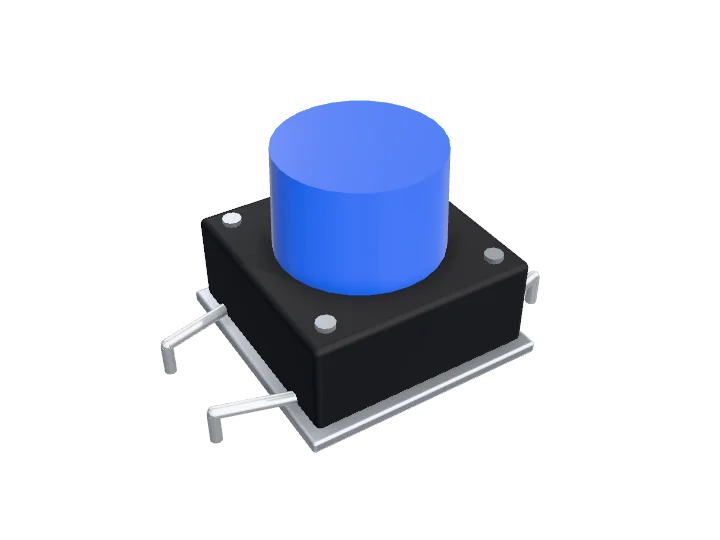
Pins
- 1.l
- 2.l
- 1.r
- 2.r
Examples with the Push button
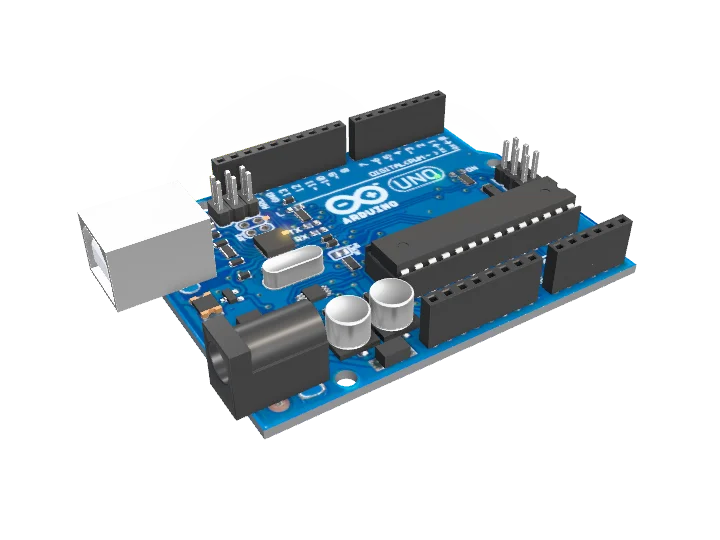
Button and LED
Hold the button and the LED lights; the serial port says so.
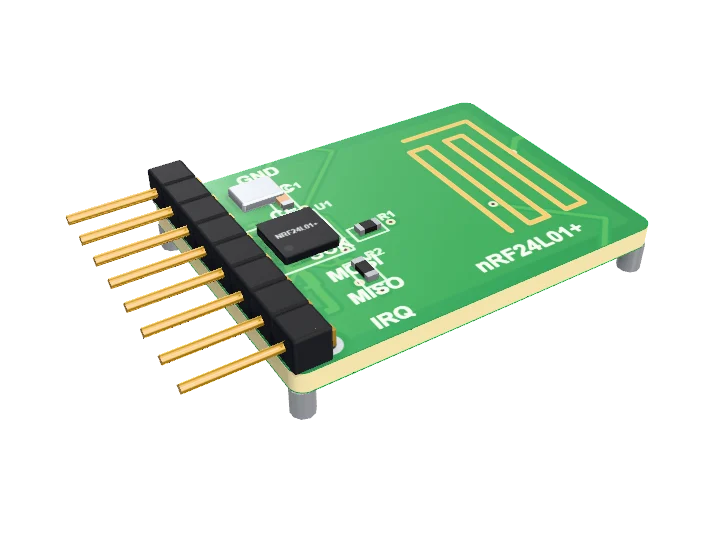
Two Unos by radio (nRF24)
Each Uno has an nRF24L01+ (RF24). Board 1 sends its button 20 times a second to address "00001"; board 2 listens there and lights its LED while the button is held. The radios hear each other: same channel, data rate and address.
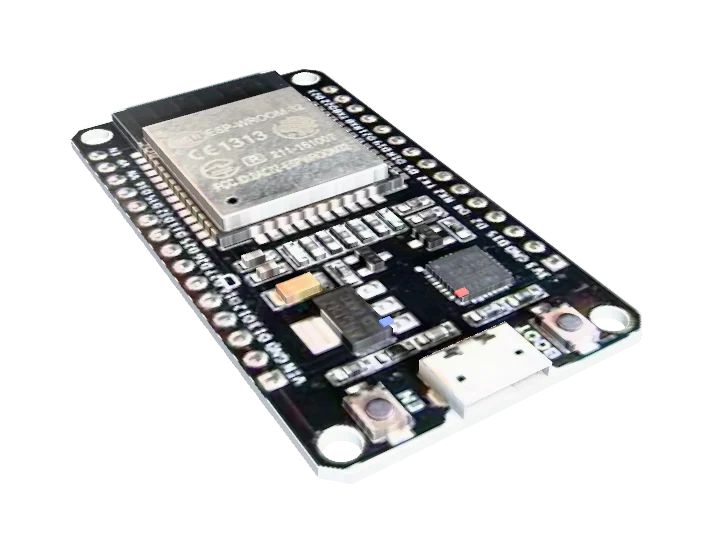
Two ESP32s over ESP-NOW
ESP32 1 sends its button over ESP-NOW to every board (FF:FF:FF:FF:FF:FF); ESP32 2 lights its LED while it is held. Each board prints its own MAC: to send to one board, put its MAC in the sender (or set the receiver’s MAC in its settings).
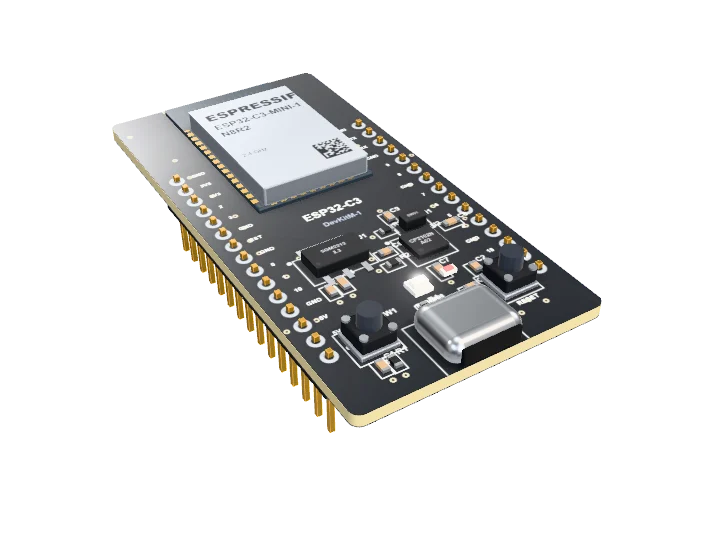
ESP32-C3: button and RGB LED
A button on GPIO 4 steps the C3 DevKitM-1’s RGB LED through colours.
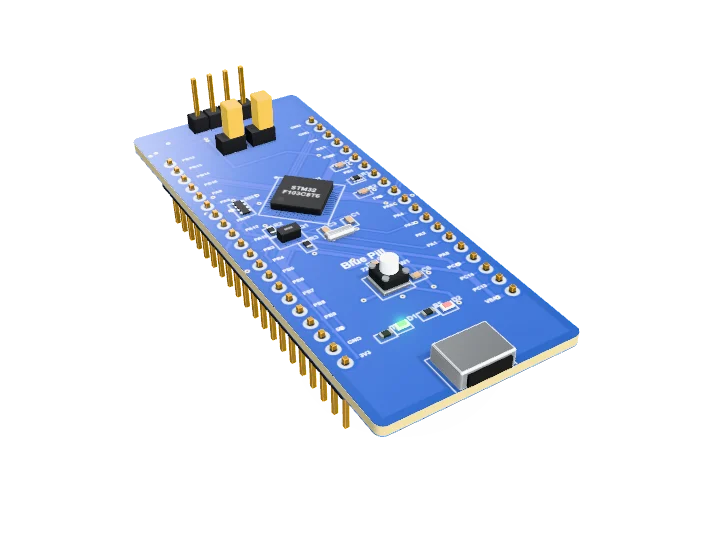
Blue Pill: button interrupt
A button on PB12 toggles the PC13 LED through an interrupt; the LED lights on LOW.
ESP-IDF: button interrupt and a queue
An interrupt handler feeds a FreeRTOS queue; a task counts the presses and toggles GPIO2.
More input
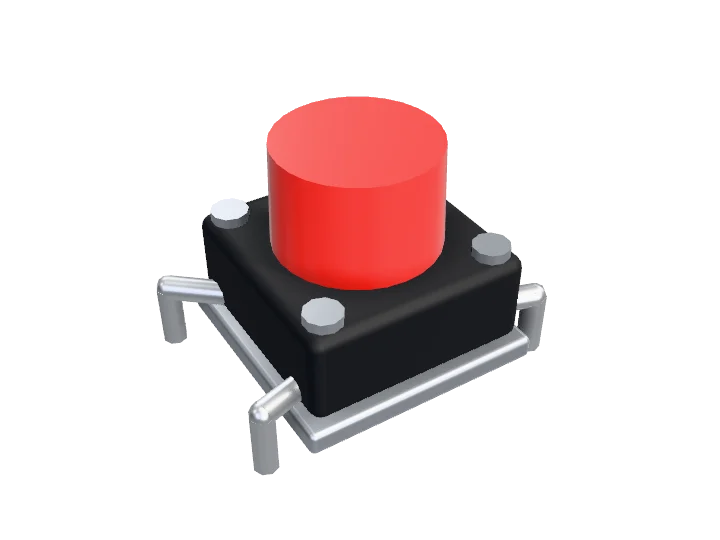 Small button6 mm tactile switch
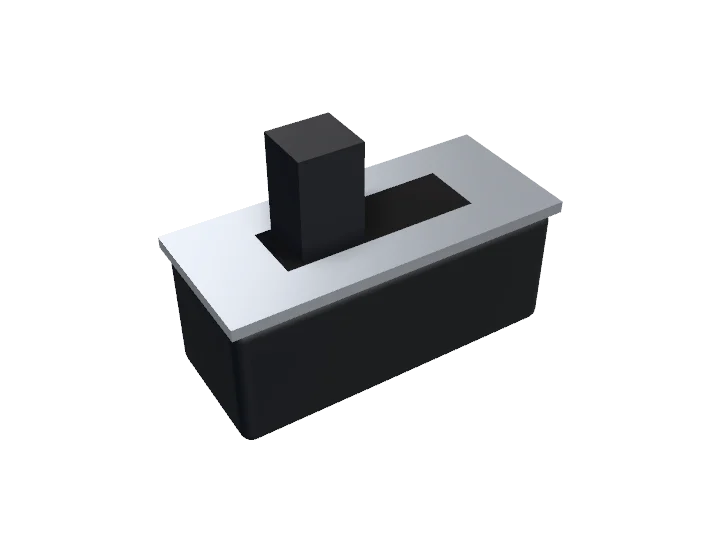 Slide switchJoins 2 to 1 or to 3
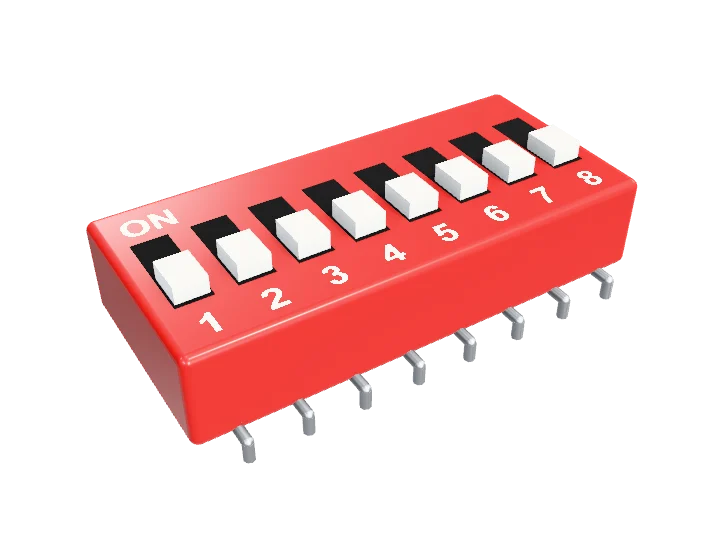 DIP switchEight switches in a row
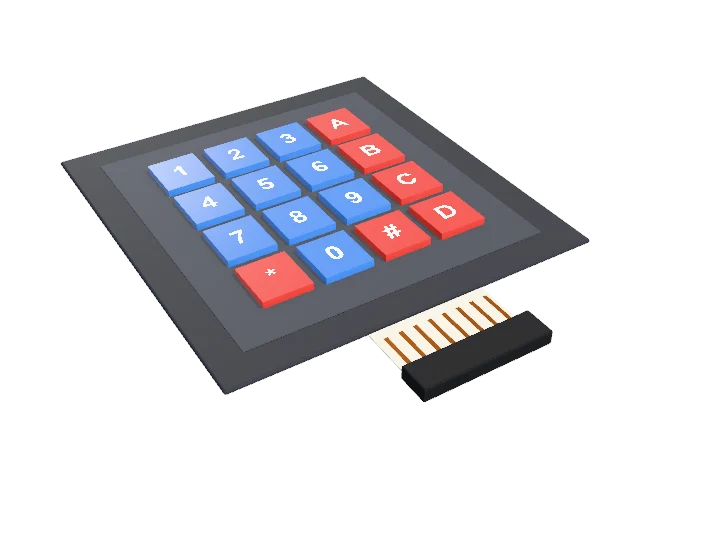 Keypad 4x4Rows and columns, for the Keypad library
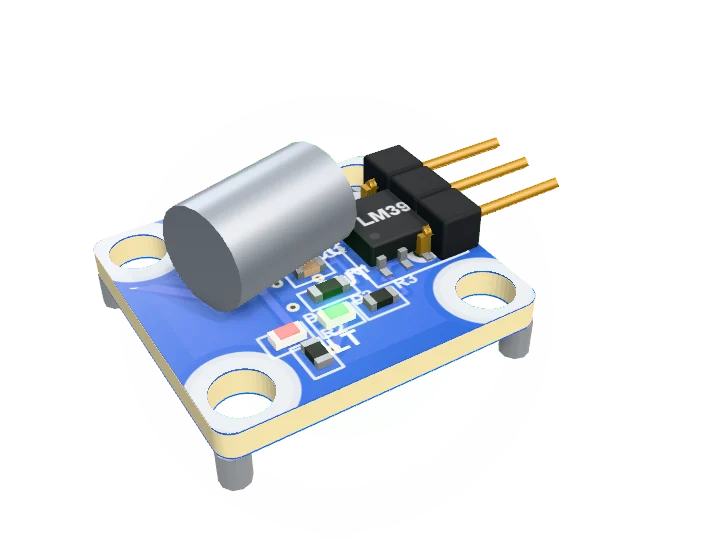 Tilt switchOUT goes HIGH when tilted
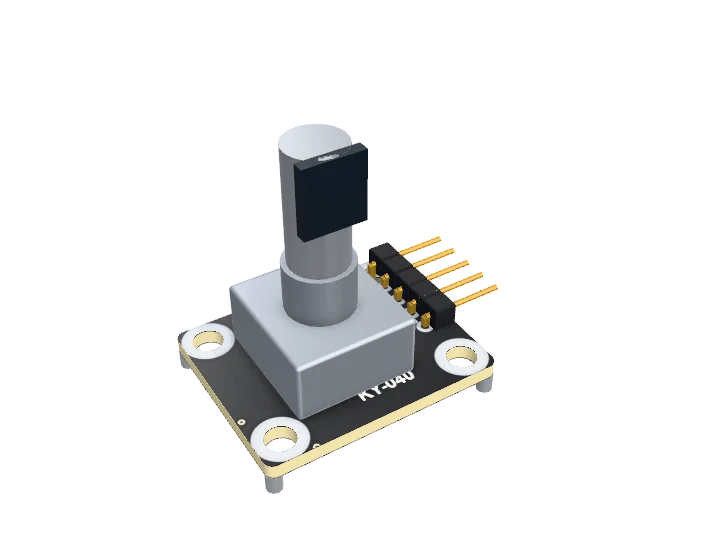 Rotary encoderKY-040: quadrature and a press
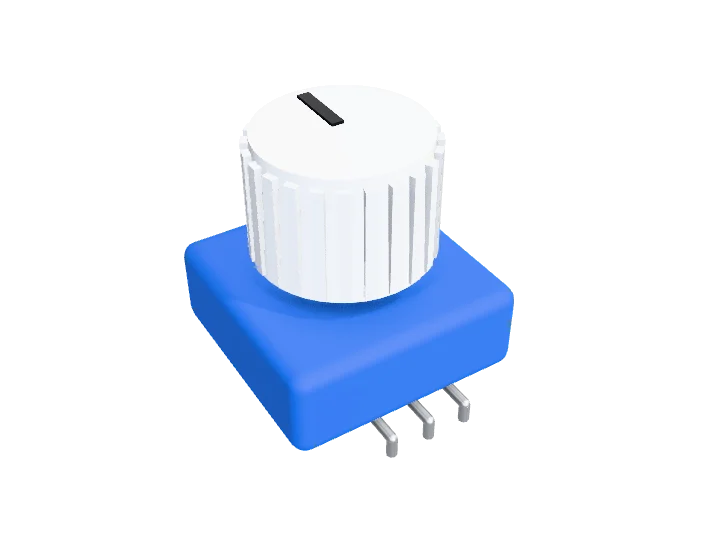 PotentiometerAn analog voltage for analogRead()
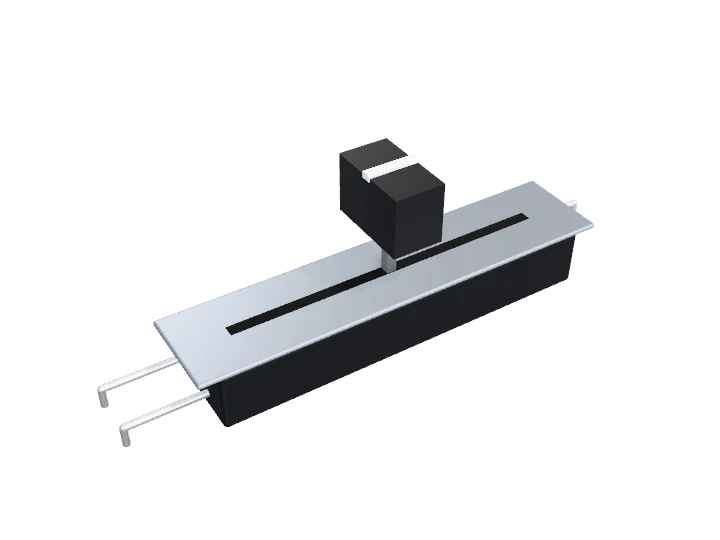 Slide potentiometerA fader for analogRead()