Web switch on a hotspot
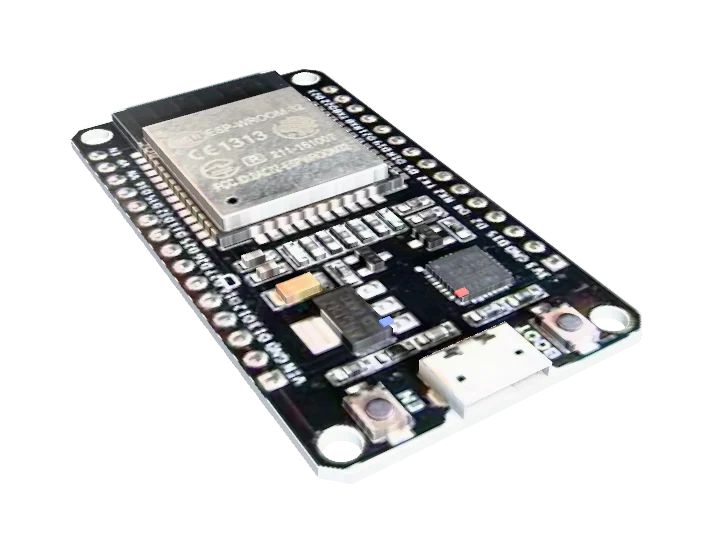
The ESP32 starts its own Wi-Fi (softAP) and serves a page with ON and OFF buttons for an LED. Join it from the phone.
The code
// The ESP32 starts its own Wi-Fi, "ESP32-Lab" (password labpass123), and serves a page
// at 192.168.4.1 with buttons for the LED on GPIO 2. Run it, open the phone at the
// bench's foot, join ESP32-Lab in Wi-Fi, then open 192.168.4.1 in its browser.
#include <WiFi.h>
#include <WebServer.h>

const int LED = 2;
WebServer server(80);
bool on = false;

String page() {
  String html = "<!doctype html><html><head><meta name=viewport content='width=device-width'>"
                "<style>body{font-family:sans-serif;text-align:center;padding:24px;background:#10151c;color:#eef}"
                "a{display:inline-block;margin:8px;padding:14px 28px;border-radius:10px;color:#fff;text-decoration:none}"
                ".on{background:#2e9e6a}.off{background:#c8372d}</style></head><body>";
  html += "<h2>ESP32 web switch</h2><p>The LED is <b>";
  html += on ? "ON" : "OFF";
  html += "</b></p><a class=on href='/on'>ON</a><a class=off href='/off'>OFF</a></body></html>";
  return html;
}

void setup() {
  Serial.begin(115200);
  pinMode(LED, OUTPUT);
  WiFi.softAP("ESP32-Lab", "labpass123");
  Serial.print("Hotspot up. Open http://");
  Serial.println(WiFi.softAPIP());
  server.on("/", []() { server.send(200, "text/html", page()); });
  server.on("/on", []() {
    on = true;
    digitalWrite(LED, HIGH);
    server.sendHeader("Location", "/");
    server.send(303);
  });
  server.on("/off", []() {
    on = false;
    digitalWrite(LED, LOW);
    server.sendHeader("Location", "/");
    server.send(303);
  });
  server.begin();
}

void loop() {
  server.handleClient();
  delay(2);
}
More like this
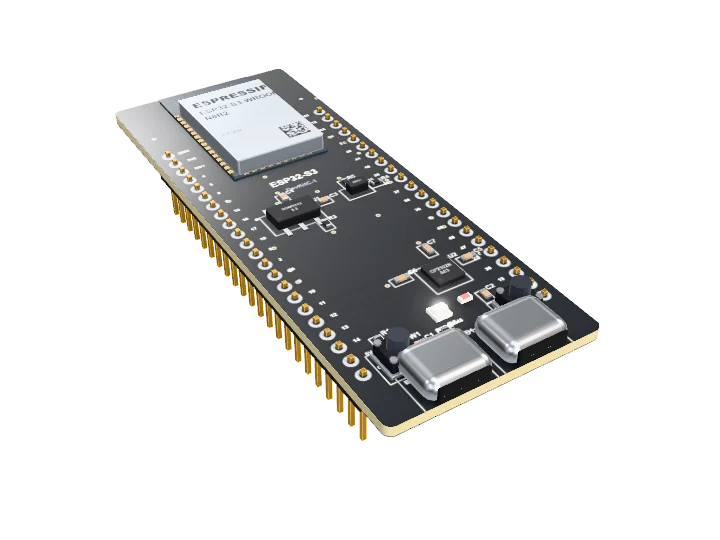
ESP32-S3: RGB LED
The S3 DevKitC-1’s own RGB LED (GPIO48) through the colours with rgbLedWrite().
ArduinoESP32-S3 DevKitC-1
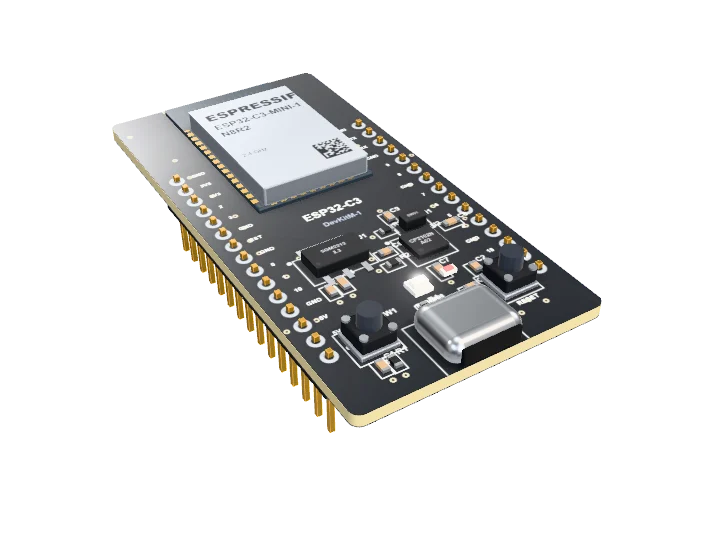
ESP32-C3: button and RGB LED
A button on GPIO 4 steps the C3 DevKitM-1’s RGB LED through colours.
ArduinoESP32-C3 DevKitM-1
ESP32: blink and fade
The blue LED on GPIO 2 blinks; an LED on GPIO 4 fades with LEDC PWM.
ArduinoESP32 DevKit V1