Bluetooth LED switch (ESP32)
Pair the phone with ESP32_LED (its Bluetooth app) and send 1 or 0: the LED follows and the board answers.
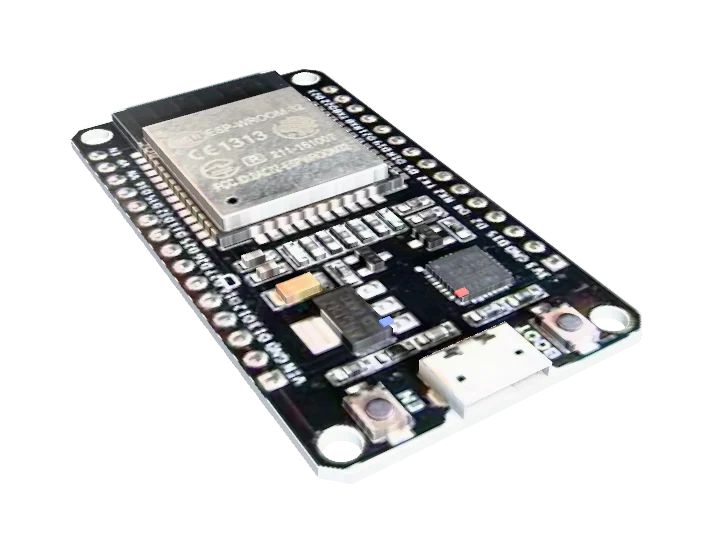
The code
// An LED switched from a phone over Bluetooth (Classic, serial). Open the phone at the
// bench's foot, its Bluetooth app, connect to ESP32_LED and send 1 or 0.
#include "BluetoothSerial.h"

BluetoothSerial SerialBT;
const int LED = 2;

void setup() {
  Serial.begin(115200);
  pinMode(LED, OUTPUT);
  SerialBT.begin("ESP32_LED");
  Serial.println("Bluetooth up: connect to ESP32_LED");
}

void loop() {
  if (SerialBT.available()) {
    char c = SerialBT.read();
    if (c == '1') {
      digitalWrite(LED, HIGH);
      SerialBT.println("LED on");
      Serial.println("The phone turned the LED on");
    } else if (c == '0') {
      digitalWrite(LED, LOW);
      SerialBT.println("LED off");
      Serial.println("The phone turned the LED off");
    }
  }
  delay(10);
}
More like this
Two ESP32s over ESP-NOW
ESP32 1 sends its button over ESP-NOW to every board (FF:FF:FF:FF:FF:FF); ESP32 2 lights its LED while it is held. Each board prints its own MAC: to send to one board, put its MAC in the sender (or set the receiver’s MAC in its settings).
ArduinoESP32 DevKit V1
Two ESP32s over Bluetooth LE
ESP32 1 is a BLE server with a knob, notified to whoever subscribes; ESP32 2 scans for its service, connects, subscribes, and dims its LED to the knob. The bench’s phone can connect to ESP32 1 too.
ArduinoESP32 DevKit V1
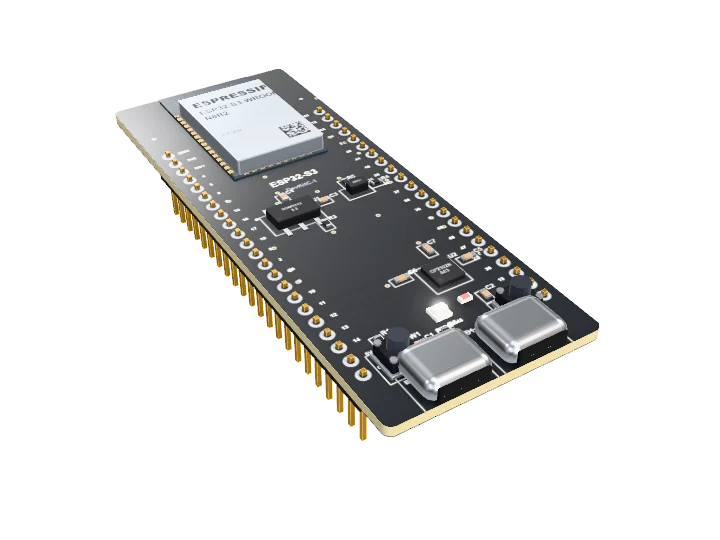
ESP32-S3: RGB LED
The S3 DevKitC-1’s own RGB LED (GPIO48) through the colours with rgbLedWrite().
ArduinoESP32-S3 DevKitC-1