BLE thermometer (ESP32)
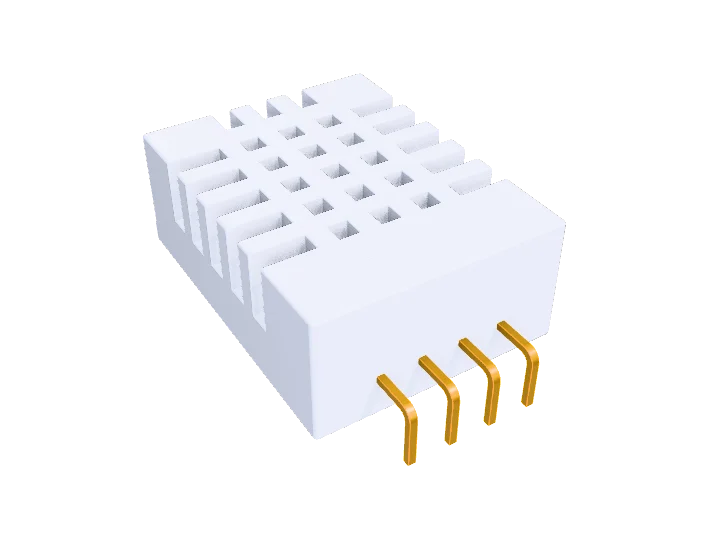
A BLE server: the DHT22’s temperature as a characteristic the phone reads and follows, and a second one it writes "on" or "off" to for the LED.
The code
// A Bluetooth LE thermometer: the DHT22's temperature in a characteristic the phone
// follows (it notifies every two seconds while connected), and a second one the phone
// writes "on" or "off" to for the LED. Phone: Bluetooth app, connect to "ESP32 Thermo".
#include <BLEDevice.h>
#include <BLEServer.h>
#include <BLE2902.h>
#include <DHT.h>

#define SERVICE_UUID "4fafc201-1fb5-459e-8fcc-c5c9c331914b"
#define TEMP_UUID    "beb5483e-36e1-4688-b7f5-ea07361b26a8"
#define LED_UUID     "e3223119-9445-4e96-a4a1-85358c4046a2"

DHT dht(4, DHT22);
BLEServer *server;
BLECharacteristic *temperature;
bool connected = false;

class Connection : public BLEServerCallbacks {
  void onConnect(BLEServer *s) { connected = true; Serial.println("Phone connected"); }
  void onDisconnect(BLEServer *s) {
    connected = false;
    Serial.println("Phone left: advertising again");
    BLEDevice::startAdvertising();
  }
};

class LedWrite : public BLECharacteristicCallbacks {
  void onWrite(BLECharacteristic *c) {
    String v = c->getValue();
    v.trim();
    digitalWrite(2, v == "on" ? HIGH : LOW);
    Serial.print("LED ");
    Serial.println(v);
  }
};

void setup() {
  Serial.begin(115200);
  pinMode(2, OUTPUT);
  dht.begin();
  BLEDevice::init("ESP32 Thermo");
  server = BLEDevice::createServer();
  server->setCallbacks(new Connection());
  BLEService *service = server->createService(SERVICE_UUID);
  temperature = service->createCharacteristic(TEMP_UUID, BLECharacteristic::PROPERTY_READ | BLECharacteristic::PROPERTY_NOTIFY);
  temperature->addDescriptor(new BLE2902());
  BLECharacteristic *led = service->createCharacteristic(LED_UUID, BLECharacteristic::PROPERTY_WRITE);
  led->setCallbacks(new LedWrite());
  service->start();
  BLEDevice::getAdvertising()->addServiceUUID(SERVICE_UUID);
  BLEDevice::startAdvertising();
  Serial.println("Advertising as ESP32 Thermo");
}

void loop() {
  float t = dht.readTemperature();
  if (!isnan(t)) {
    char text[16];
    snprintf(text, sizeof text, "%.1f C", t);
    temperature->setValue(text);
    if (connected) temperature->notify();
  }
  delay(2000);
}
More like this
Live in ARGYNIX Cloud
A DHT22 sends to your Connect dashboards; Connect switches the LED.
ArduinoArduino Uno
ESP32: weather to the cloud
Wi-Fi, a DHT22 and an I2C LCD; readings to ARGYNIX Cloud, its LED switched from Connect.
ArduinoESP32 DevKit V1
Weather station
A DHT22 read every 2 s, shown on an I2C LCD and the serial port.
ArduinoArduino Uno