Round LCD clock (Waveshare)
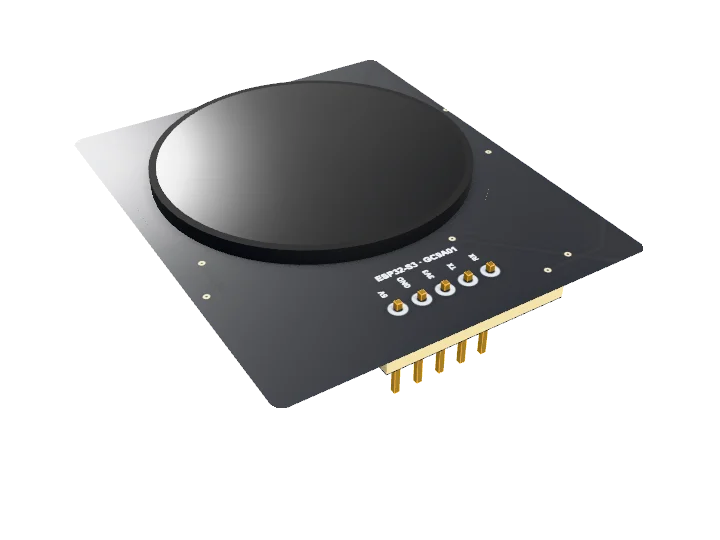
The Waveshare ESP32-S3 round LCD: a watch face with a sweeping second hand.
The code
// Waveshare's ESP32-S3 1.28-inch round LCD: a GC9A01 on the default SPI, its pins named by
// the board's Arduino variant (LCD_DC, LCD_RST, LCD_BACKLIGHT). A watch face from millis().
#include <SPI.h>
#include <Adafruit_GFX.h>
#include <Adafruit_GC9A01A.h>

Adafruit_GC9A01A tft(SS, LCD_DC, LCD_RST);
const int C = 120;
float last = -1;

void hand(float turn, int length, uint16_t colour) {
  float a = turn * TWO_PI - HALF_PI;
  tft.drawLine(C, C, C + cos(a) * length, C + sin(a) * length, colour);
}

void setup() {
  pinMode(LCD_BACKLIGHT, OUTPUT);
  digitalWrite(LCD_BACKLIGHT, HIGH);
  tft.begin();
  tft.fillScreen(GC9A01A_BLACK);
  tft.drawCircle(C, C, 118, GC9A01A_DARKGREY);
  for (int i = 0; i < 12; i++) {
    float a = i * TWO_PI / 12;
    tft.fillCircle(C + cos(a) * 104, C + sin(a) * 104, i % 3 ? 2 : 4, GC9A01A_WHITE);
  }
}

void loop() {
  float s = (millis() % 60000) / 60000.0;
  if (last >= 0) hand(last, 90, GC9A01A_BLACK);
  hand(s, 90, GC9A01A_RED);
  tft.fillCircle(C, C, 5, GC9A01A_WHITE);
  last = s;
  delay(100);
}
More like this
Cheap Yellow Display dashboard
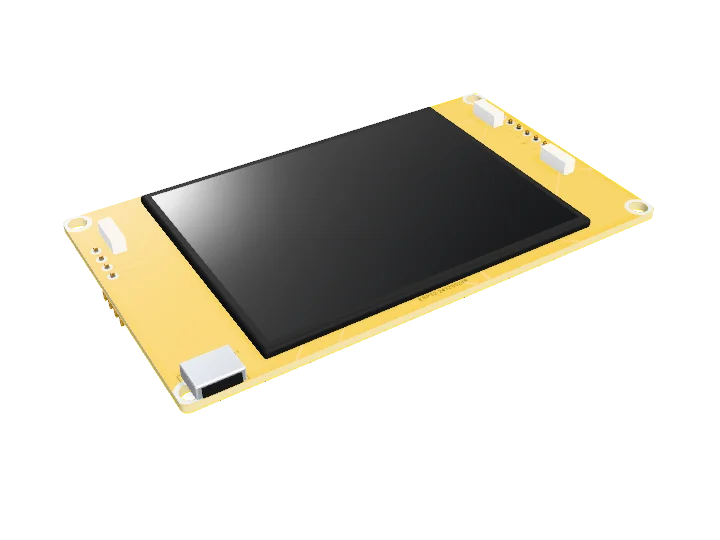
The CYD’s own 2.8" screen on HSPI: a title bar, the uptime and a moving wave.
ArduinoCheap Yellow Display (ESP32-2432S028R)
T-Display hello
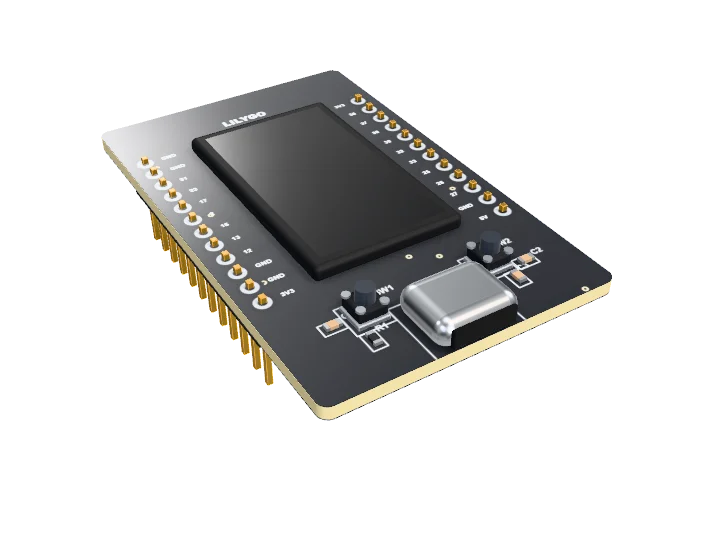
LilyGo’s T-Display with Adafruit_ST7789: its 135x240 screen, a counter and colours.
ArduinoLilyGo T-Display
Two ESP32s over ESP-NOW
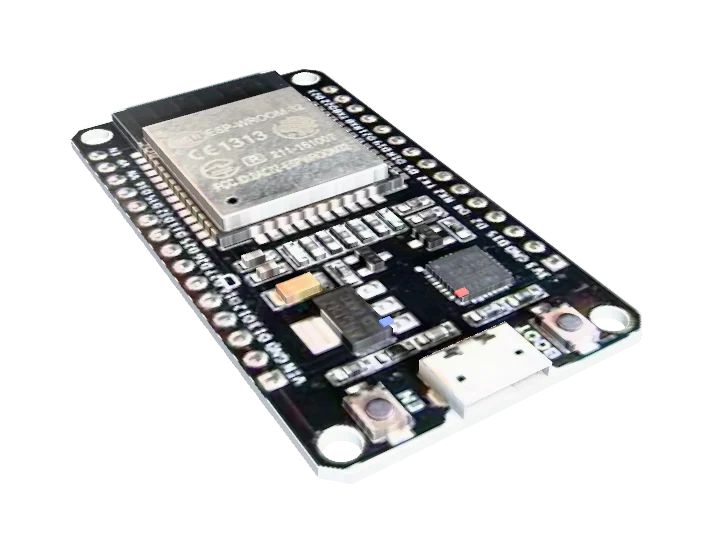
ESP32 1 sends its button over ESP-NOW to every board (FF:FF:FF:FF:FF:FF); ESP32 2 lights its LED while it is held. Each board prints its own MAC: to send to one board, put its MAC in the sender (or set the receiver’s MAC in its settings).
ArduinoESP32 DevKit V1